Quick marketplace uploads
Meet plain-background guidelines when you only have a kitchen table photo.
Prompt for white, gray, or brand color behind the subject—no cutout download mode.

Before
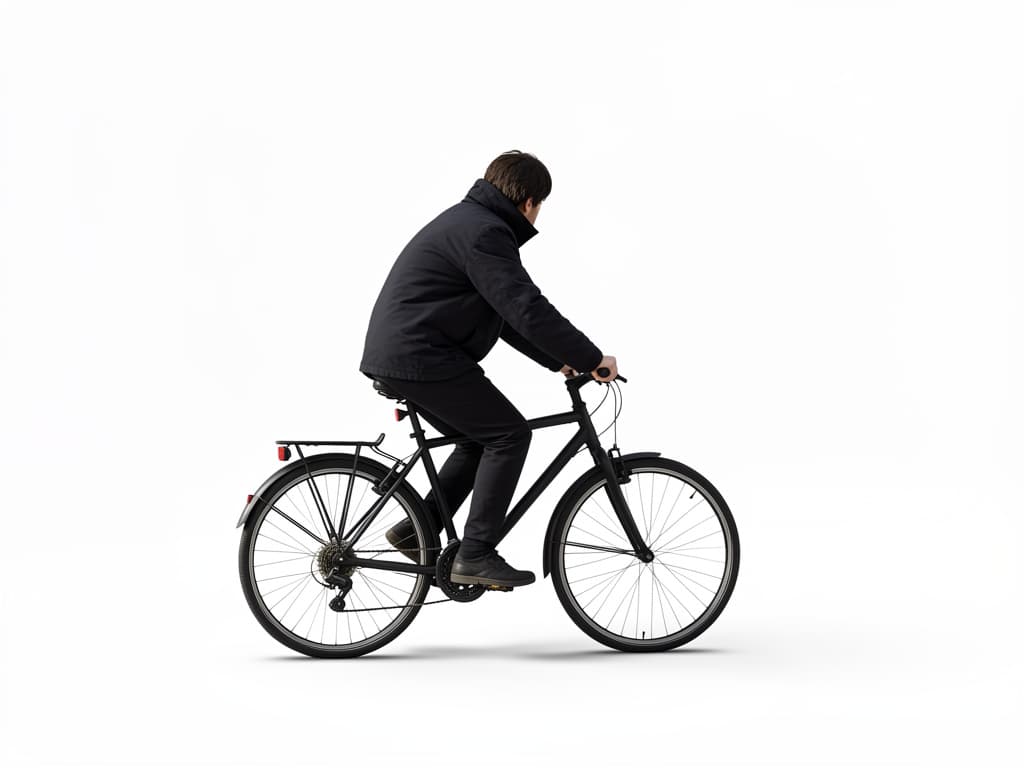
After
1
Products and people both work. State which object must stay untouched.
2
Request white, light gray, or a single brand color. Remorphy returns a finished JPEG-style image, not a transparency layer.
3
Place the image on your site or deck. Paid plans get priority queue access during peak hours.
Pure white
Solid white background, soft ground shadow, subject unchanged.
Light gray
Even light gray backdrop, no texture, catalog style.
Brand blue
Flat #1e3a8a backdrop, subtle vignette, product centered.
Remove furniture
Remove couch and plants behind the person, replace with neutral gray.
Marketplace ready
Clean white ecommerce background, sharpen product label slightly.
Meet plain-background guidelines when you only have a kitchen table photo.
Drop speakers or products onto slides without manual erasing.
Simplify busy vlog frames so text overlays stay readable.
Each variant may need its own run. Remorphy pricing monthly tiers keep bulk listing work affordable versus one-off tools.
When inventory lands Friday night, subscribers enter the priority queue ahead of free-tier traffic.
You get a flat photo with a clean backdrop baked in—there is no transparent PNG export or vector path.
No. The model paints a new solid or simple backdrop into the image file. Use it when a flat photo is enough.
Background Changer swaps in elaborate scenes. This page focuses on plain, distraction-free backdrops.
Wispy hair can leave halos. Retry with softer light wording or upload higher resolution.
Yes—one Klein-model generation after a human check. Further removals spend account credits.