Travel photos without travel
Place the same subject in a landmark setting for a poster comp.
Keep the subject; describe the new place or studio backdrop.

Before

After
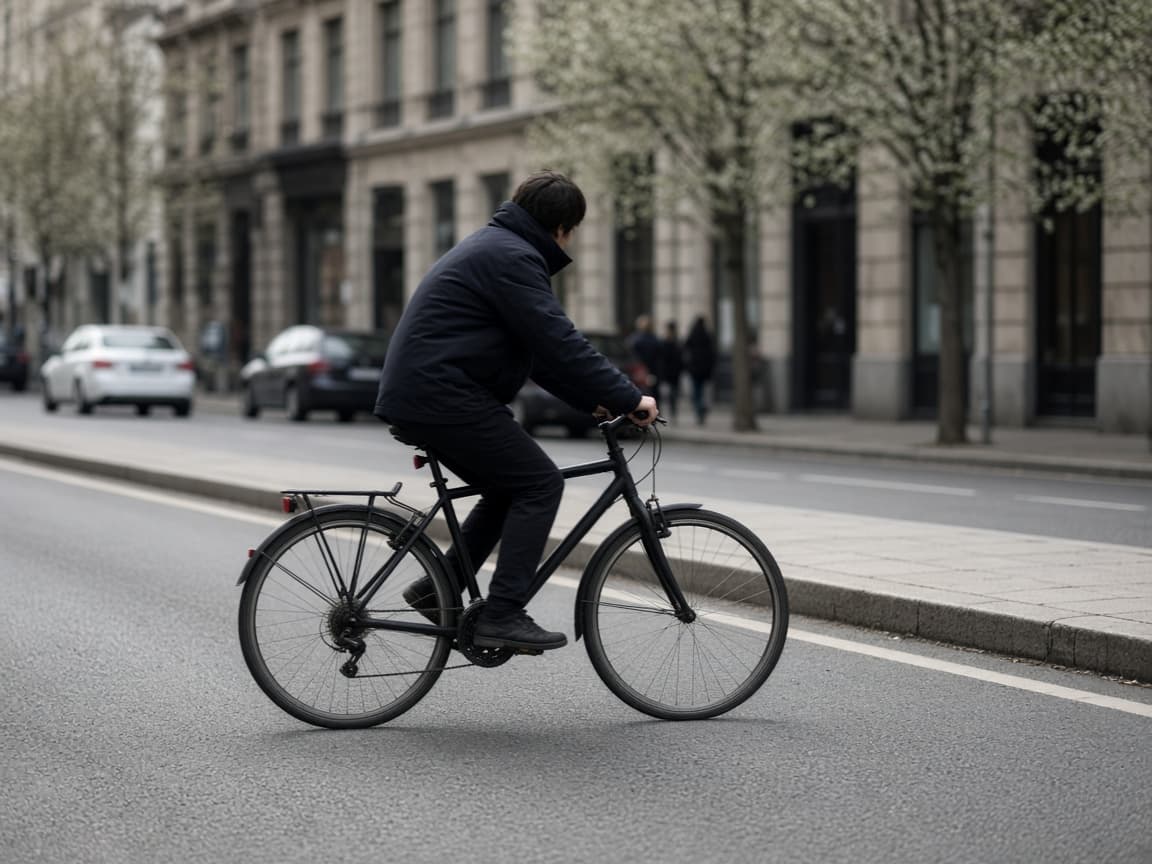
Before
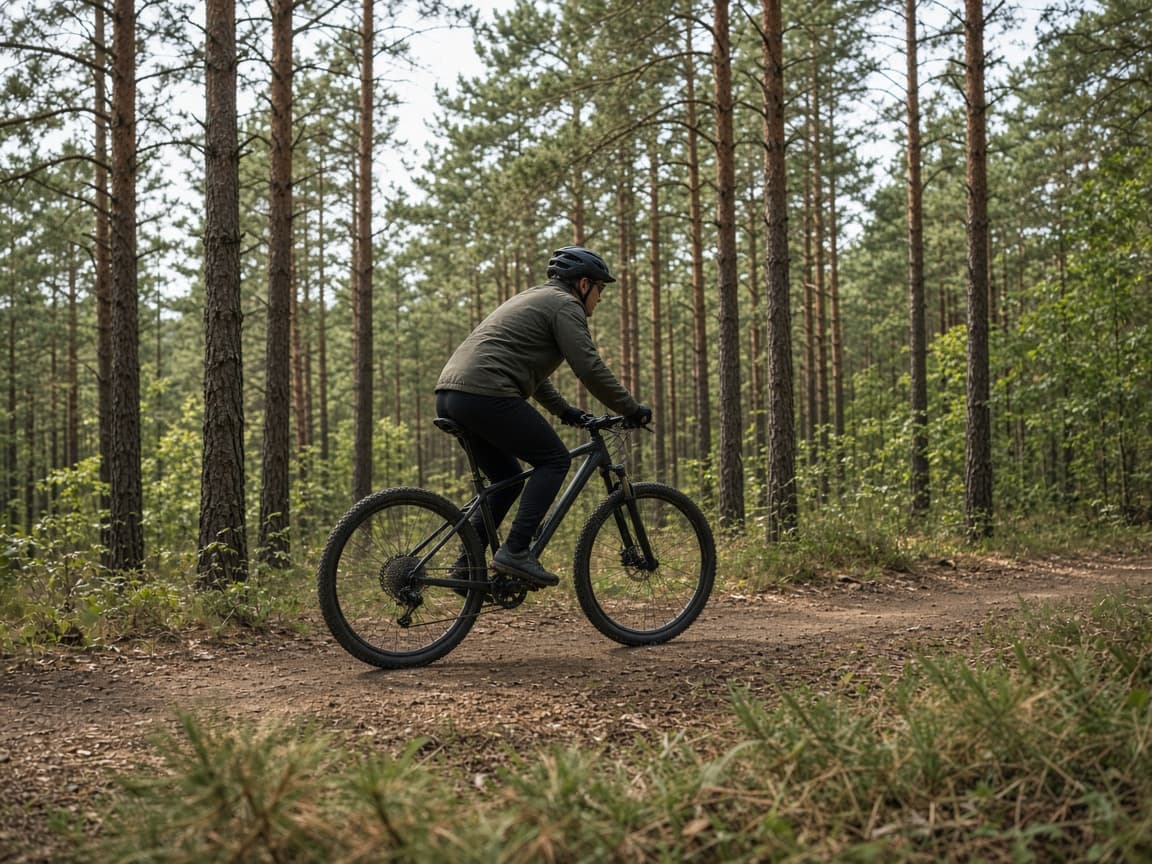
After
1
Hair edges and glass are easier when the subject contrasts with the original background.
2
Name location, time of day, and blur level. Say explicitly that the person or product must stay the same.
3
If fringes appear, shorten the prompt or ask for softer transition lighting, then run again.
White studio
Plain white studio backdrop, soft shadow under shoes, subject unchanged.
Mountain vista
Snowy mountains at sunset behind the subject, natural edge lighting.
Office blur
Modern office interior heavily blurred, subject sharp, daylight color.
Neon alley
Rain-slick neon alley at night, cinematic contrast, keep outfit colors.
Beach morning
Calm ocean and pale sand, morning haze, subject lit to match.
Place the same subject in a landmark setting for a poster comp.
Give every team member the same colored backdrop in post.
Drop a portrait onto a local skyline for a newsletter hero.
Swapping backgrounds across a lookbook consumes credits. Monthly Remorphy pricing plans cover hundreds of standard edits.
Paid users enter the priority queue when a seasonal campaign hits the server at once.
You steer with language. Fine hair may need two attempts—this is image-to-image, not a dedicated matting API.
Remove Background AI targets a plain clean backdrop. This page is for replacing scenery with a new location or set.
Thin details are hard. Regenerate with softer light requests or upload a higher-contrast original.
You can ask, but combined edits drift more often. Separate passes usually look cleaner.
One signed-out Klein generation after a human check, then sign-in for 15 credits. Heavy commercial use needs a paid balance.