Make Background White
Upload a photo taken anywhere. Remorphy cuts the product out and places it on a pure white 2000 × 2000 square with a soft shadow, ready for Amazon, Etsy or Shopify.
A cluttered counter to pure white
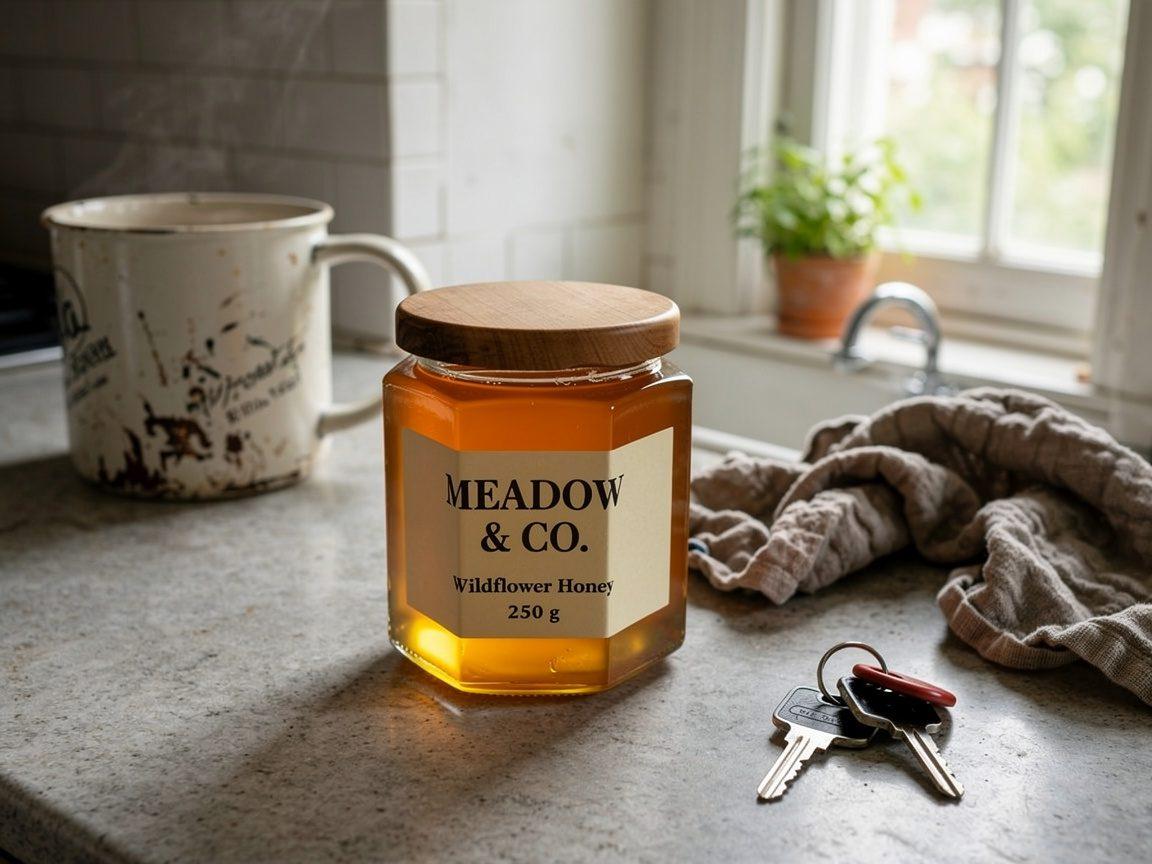
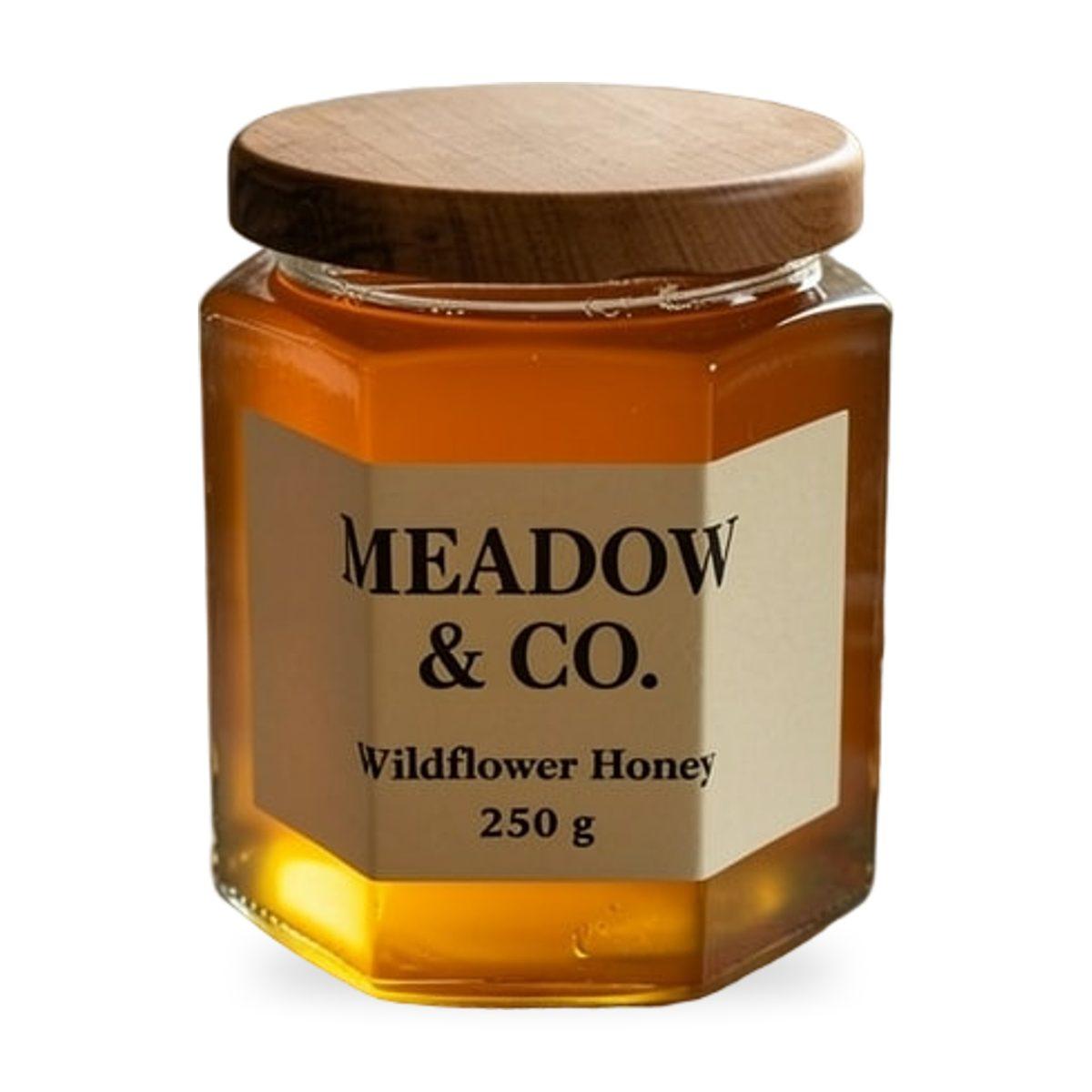
How to make a background white
- 01
Upload one photo
A phone photo on a kitchen counter or desk is fine. Keep the whole product in frame with a little space around it.
- 02
Generate
White main image is already selected. No prompt needed: the background turns pure white and the product is centered at about 85% of the frame.
- 03
Download or export
Download the JPEG, or export it at Amazon, Etsy or Shopify size. Need a transparent PNG instead? Switch the output before generating.
Why this white works for listings
Truly white, not off-white
The background is measured RGB 255, 255, 255, the white Amazon asks for on main images. A prompt-based edit usually lands on light gray or cream.
Your product is not redrawn
The product pixels come from your photo and are only resized. Labels, small text, logos and shape stay exactly as photographed.
Sized for listings
2000 × 2000 with the product filling about 85% of the frame, large enough for marketplace zoom.
Size rules by marketplace: Etsy Listing Photo Size · Shopify Product Image Size · Amazon Product Image Requirements. Want a scene instead of white? Try the AI Background Changer.
Questions about white backgrounds
How do I make a photo background white?
Upload the photo above and press Generate with White main image selected. Remorphy removes the background, places the product on pure white and adds a soft contact shadow.
Is the background pure white (RGB 255)?
Yes. The white main image uses exactly RGB 255, 255, 255, which is what Amazon requires for main product images.
Will it change my product?
No. The product is cut out of your photo and resized; it is not regenerated by an image model, so labels and text stay readable and correct.
Can I get a transparent background instead of white?
Yes. Switch the output to Transparent PNG before generating to download the cutout with no background.
What photos work best?
One product, fully in frame, in focus and reasonably lit. Glass, fur and very thin parts can leave a faint edge, so zoom in before publishing.
Is it free?
Your first try is free without an account, and new accounts get one full listing set free. Your first 2 images download without a watermark; later free downloads carry a small one.