No usage limits
Every plan opens the same styles, models, and aspect ratios. Credits only decide how many images you can make. They do not switch features off.
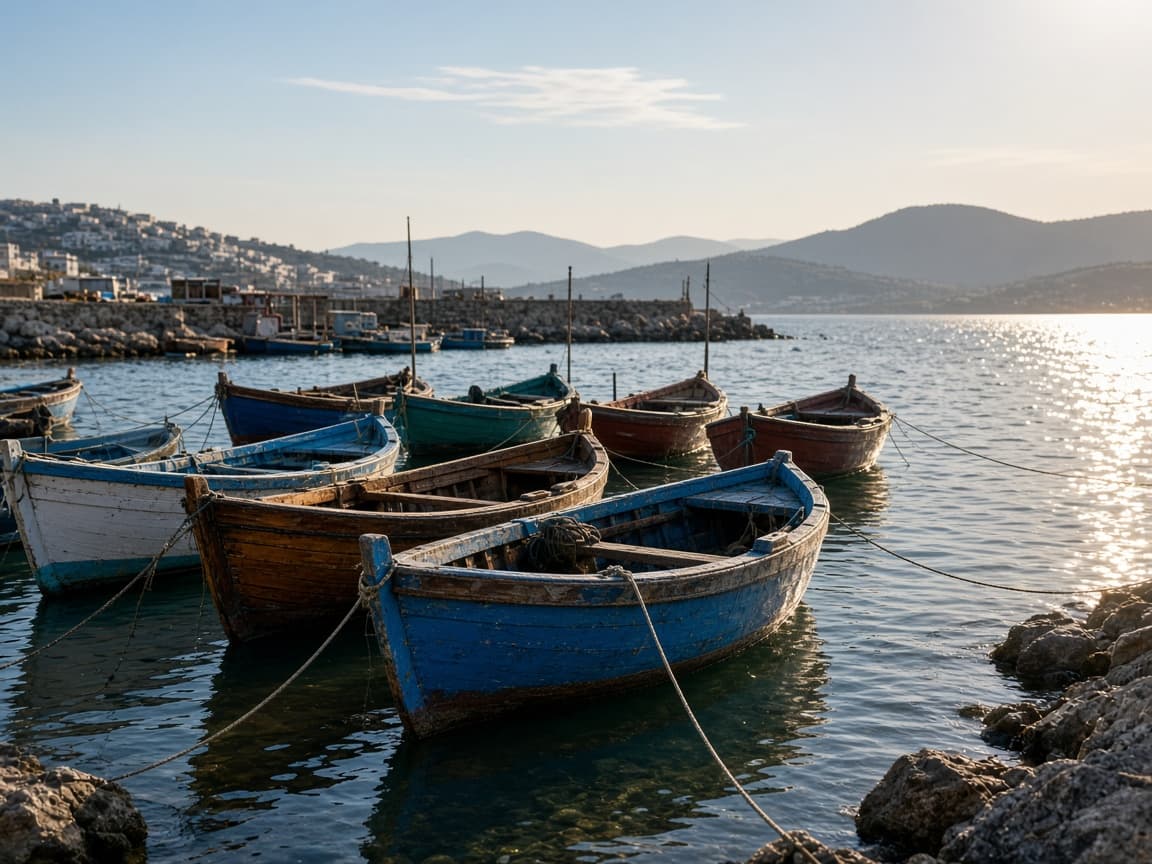
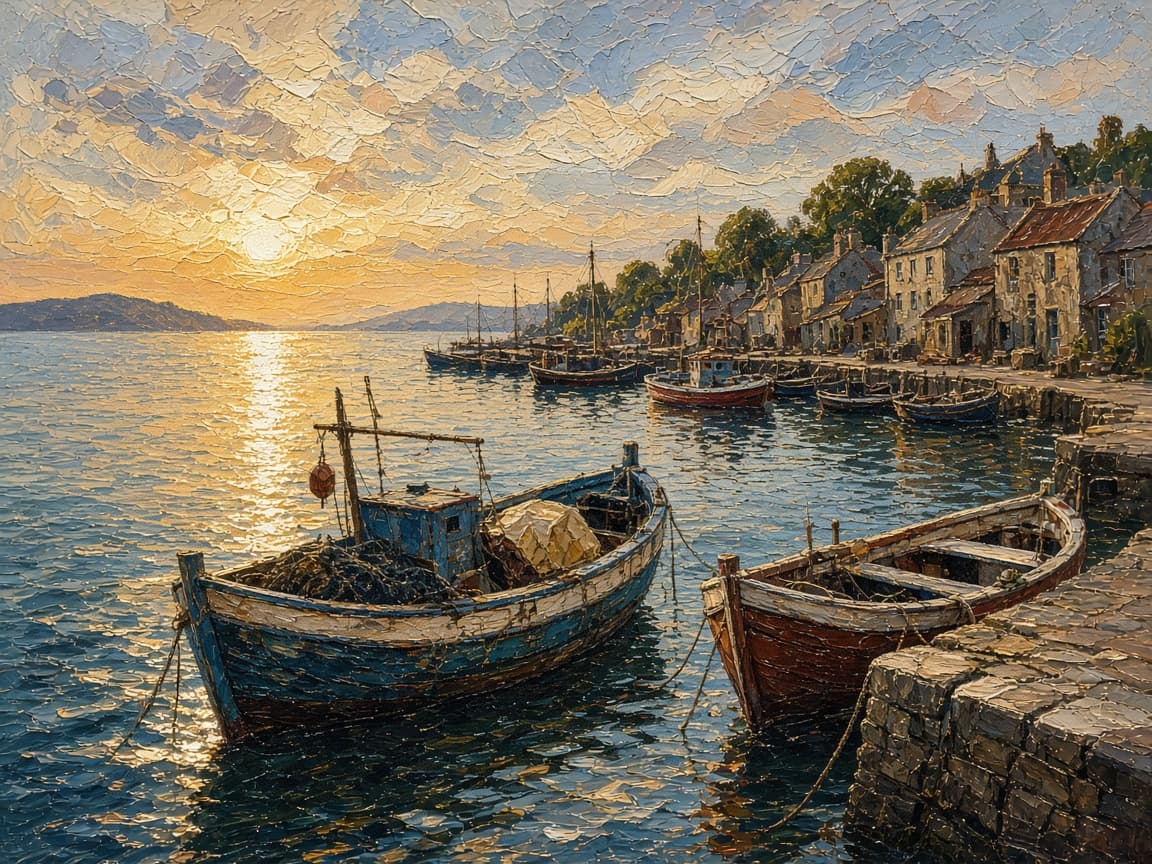
Restyle a photo, swap an object, or repair it by typing what should change.
Your images will appear here.
Remorphy edits a photo you already have. You bring the picture, and a text prompt decides what changes.
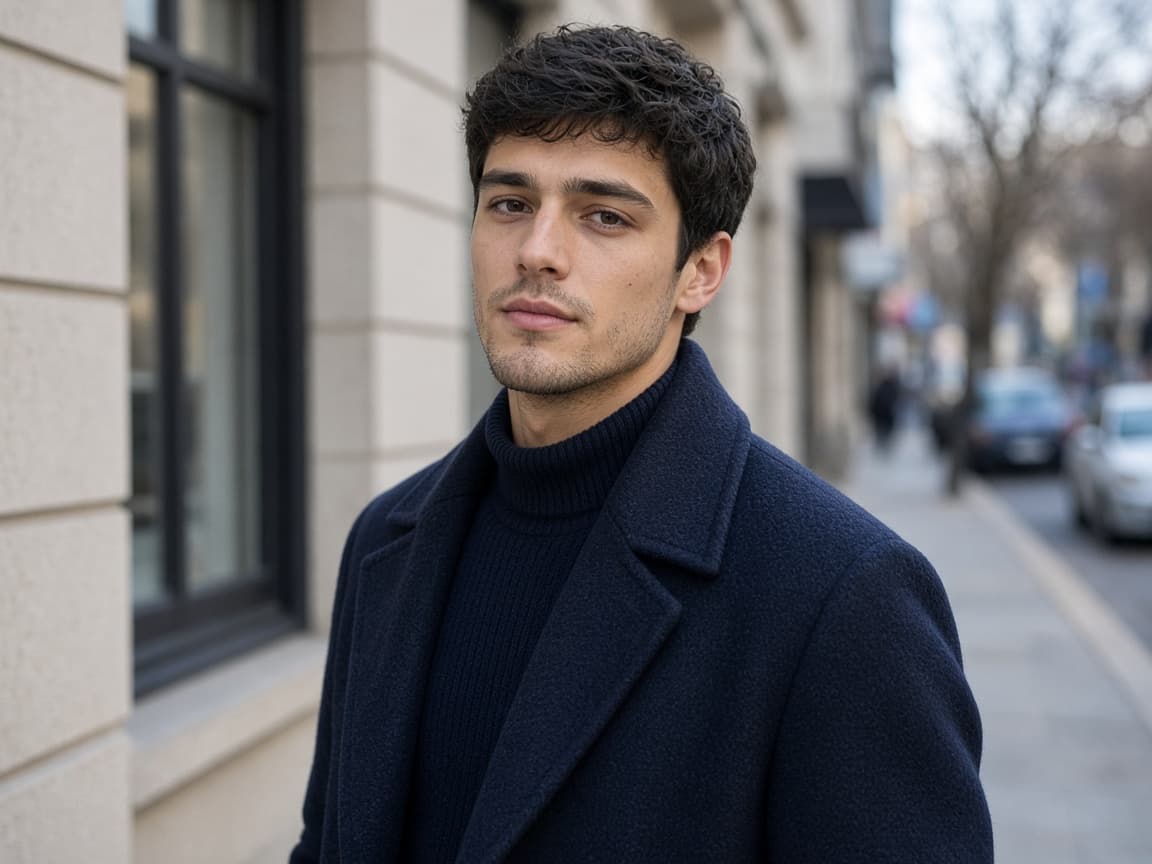
Before
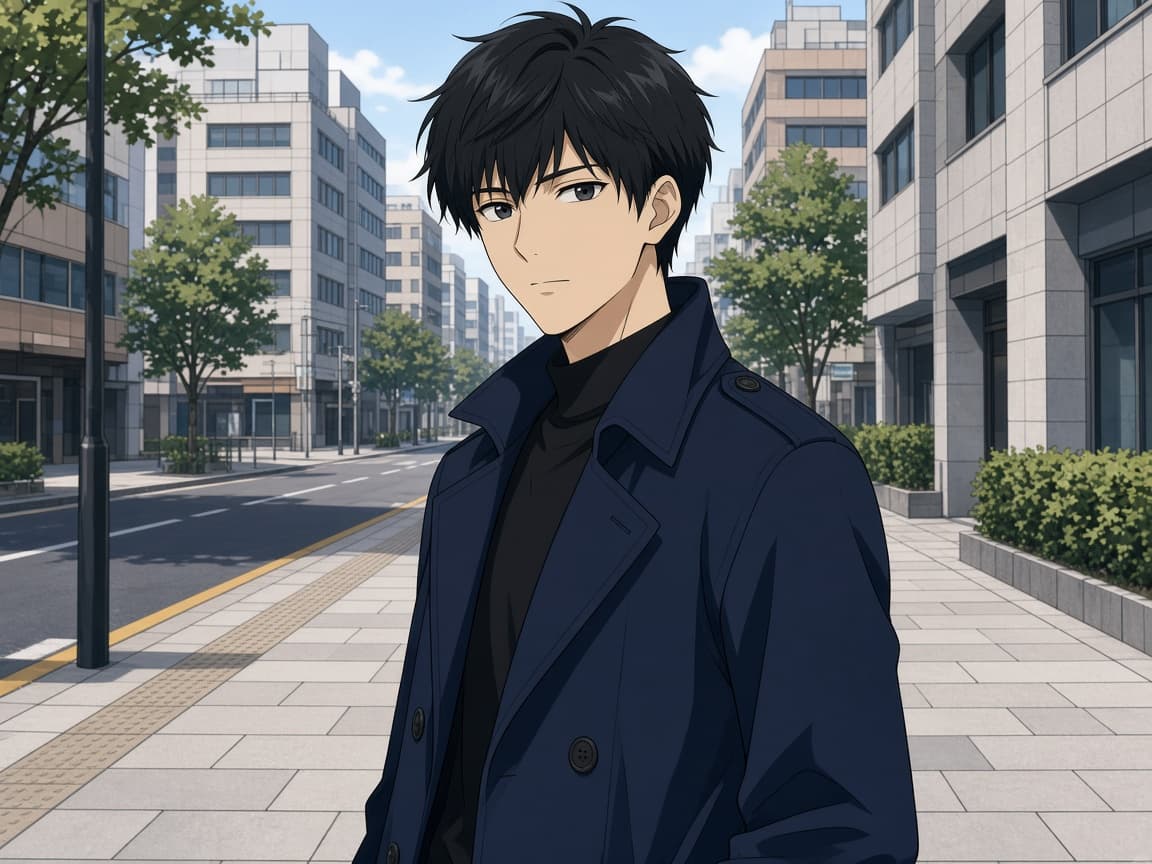
After
Every plan opens the same styles, models, and aspect ratios. Credits only decide how many images you can make. They do not switch features off.
The menu lists Flux and Nano Banana. Flux is selected by default. You can switch to Nano Banana before you generate, and that choice is kept with the image.
Free and paid downloads are saved without a Remorphy watermark.
The first generation does not ask you to sign up. The second one opens the sign-in dialog. A new account then starts with 15 standard images, granted once.
Set the look to None, Photorealistic, Anime, Oil Painting, Illustration, or 3D Render. The style you pick is kept with that image in your history.
A paid plan joins the priority queue and can run two images at the same time. A free plan runs one image at a time.
No sign up, No watermark, Ready in 15 seconds
1
Add a photo from your camera roll. Image to image starts from that picture, so the result keeps the pose and the subject you already have.
2
Write what should change. Then pick Nano Banana or Flux, a style, and an aspect ratio.
3
Save the result. History keeps the file for 7 days on the free plan and 30 days on a paid plan. After the file is removed, the row stays and is marked Expired.
The pairs below are img to img examples: the left image is the upload, and the right image is the download.
Before
After
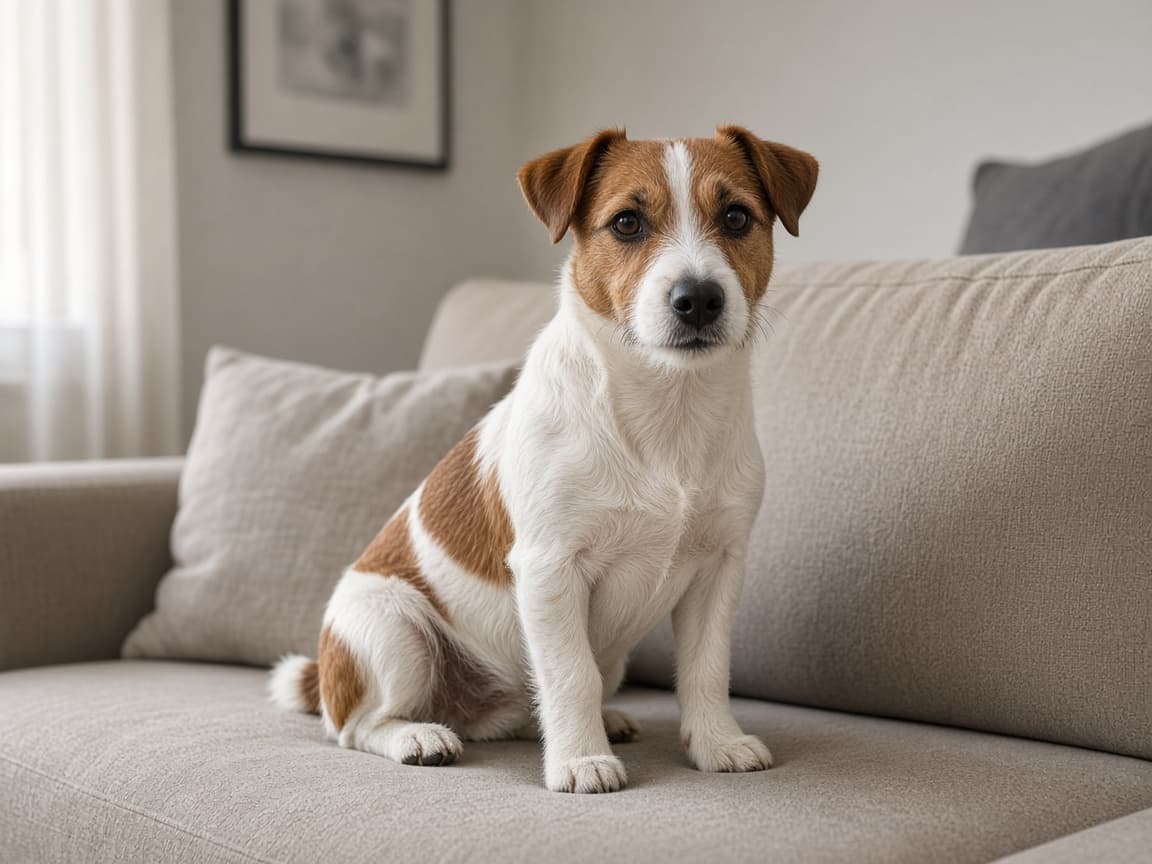
Before
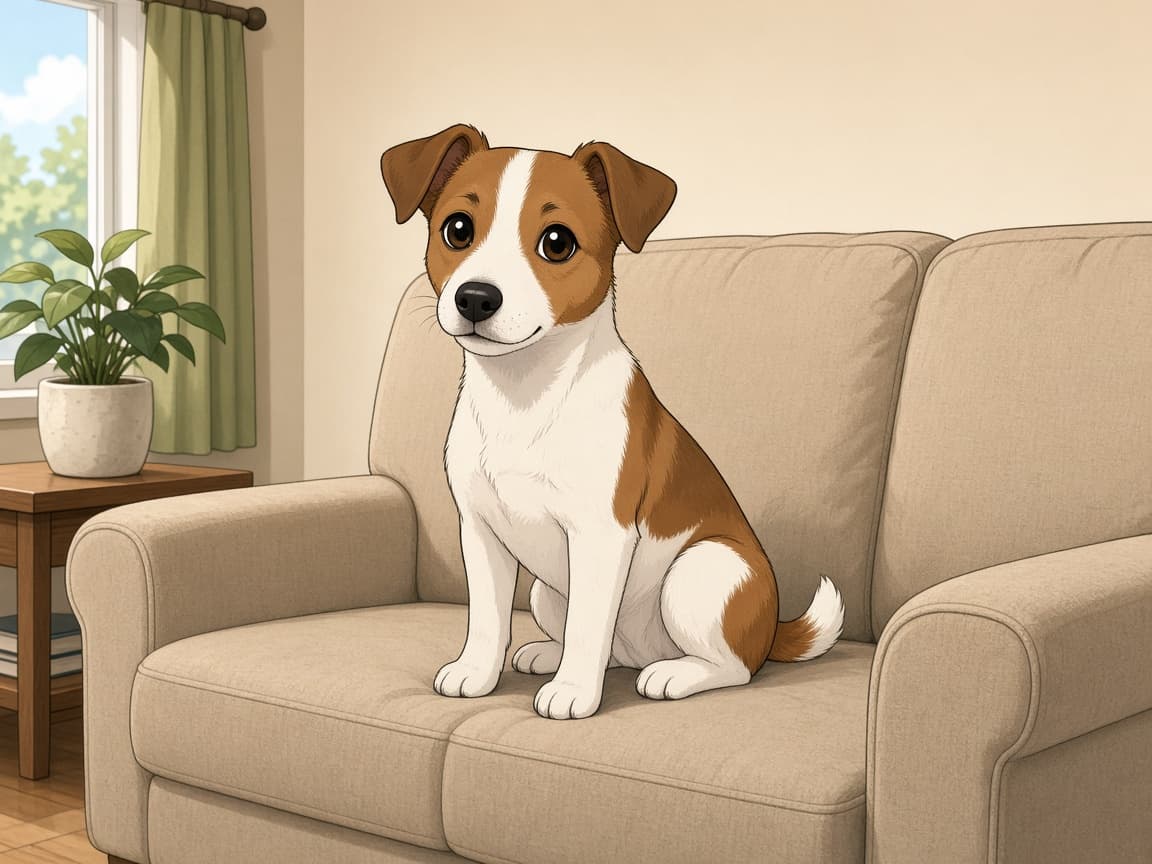
After
Before
After
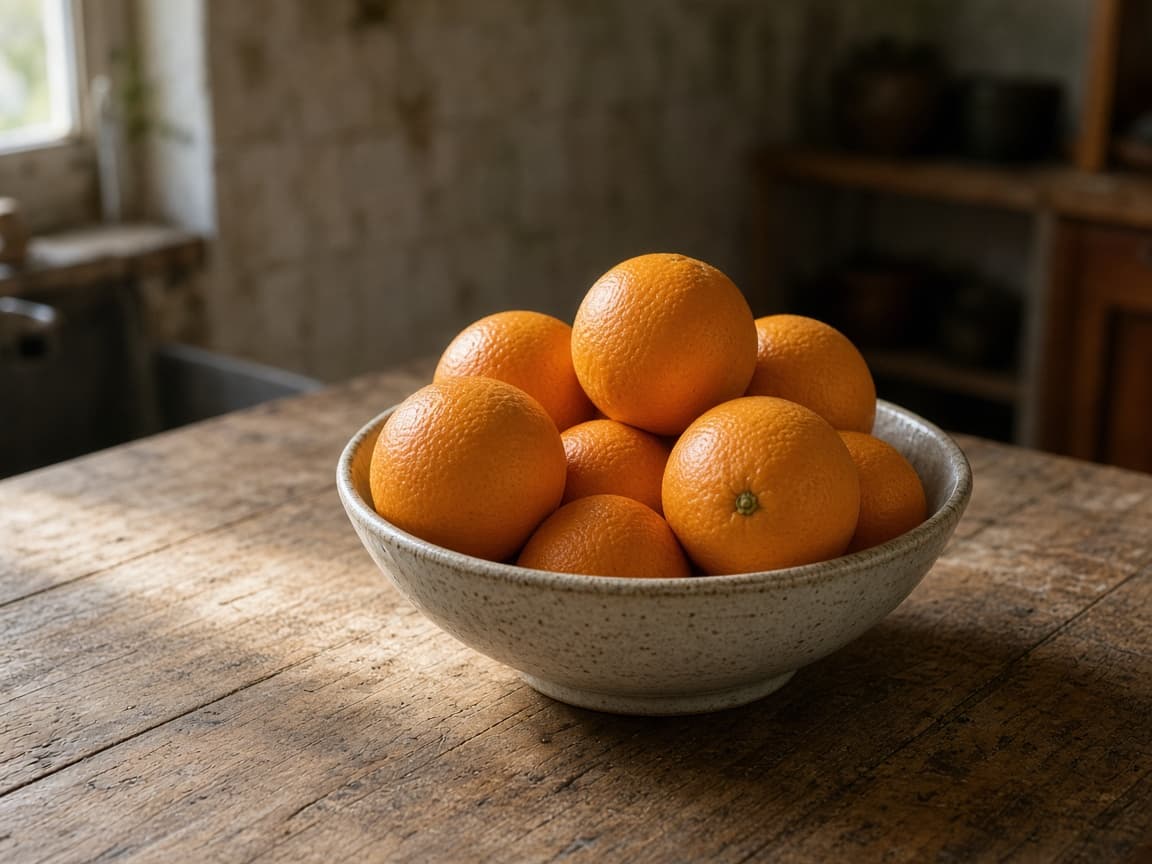
Before
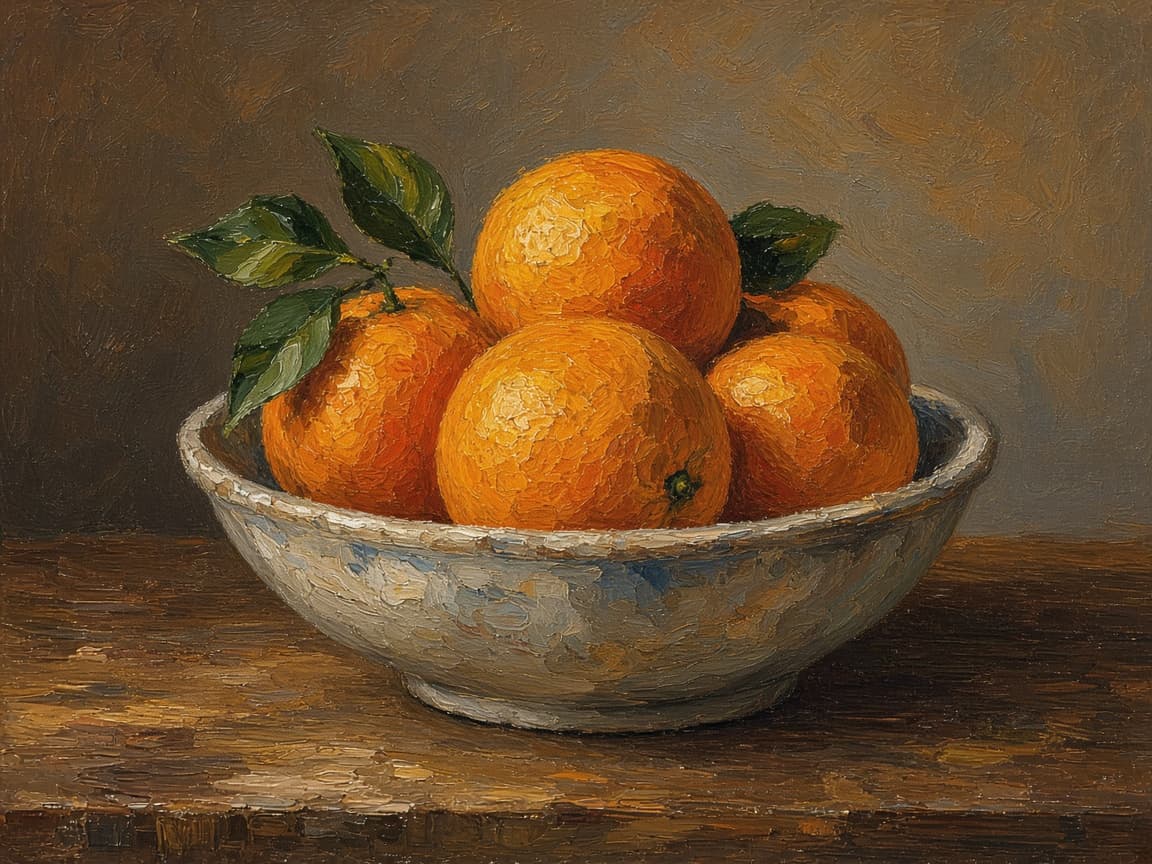
After

Before
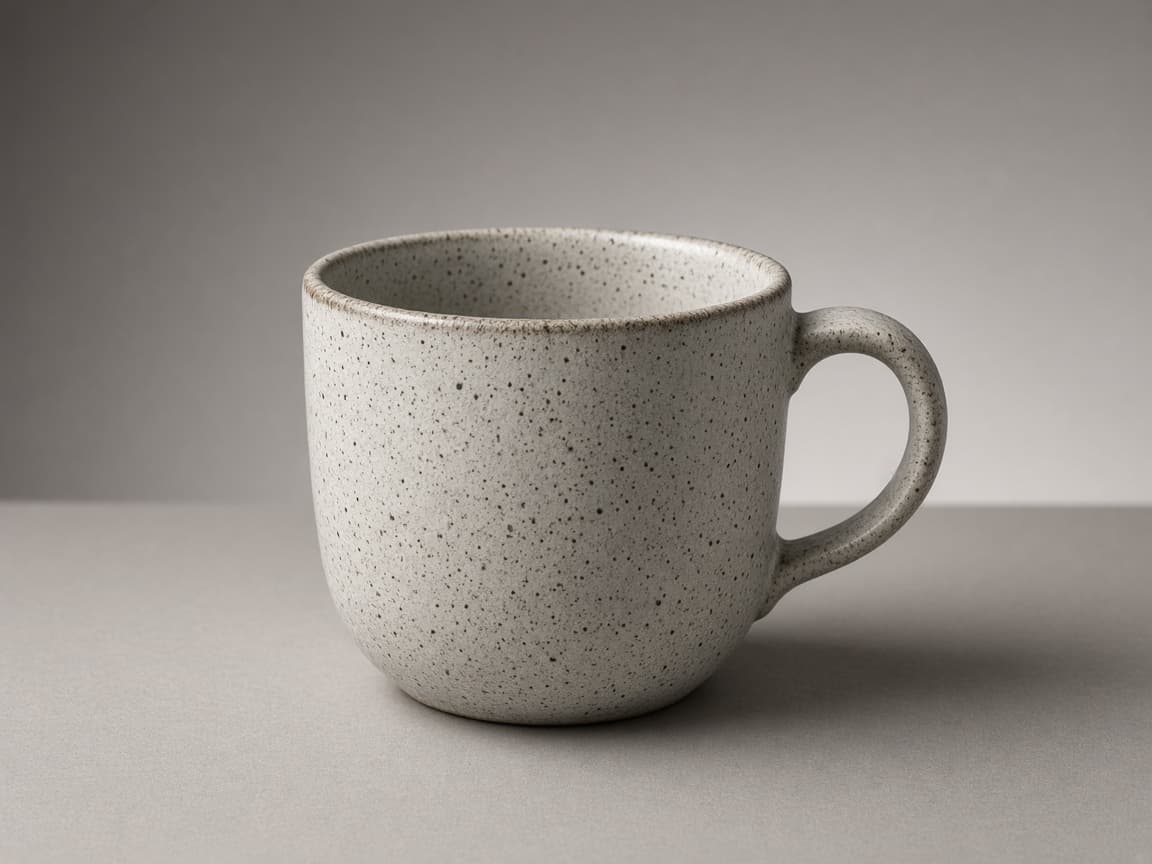
After
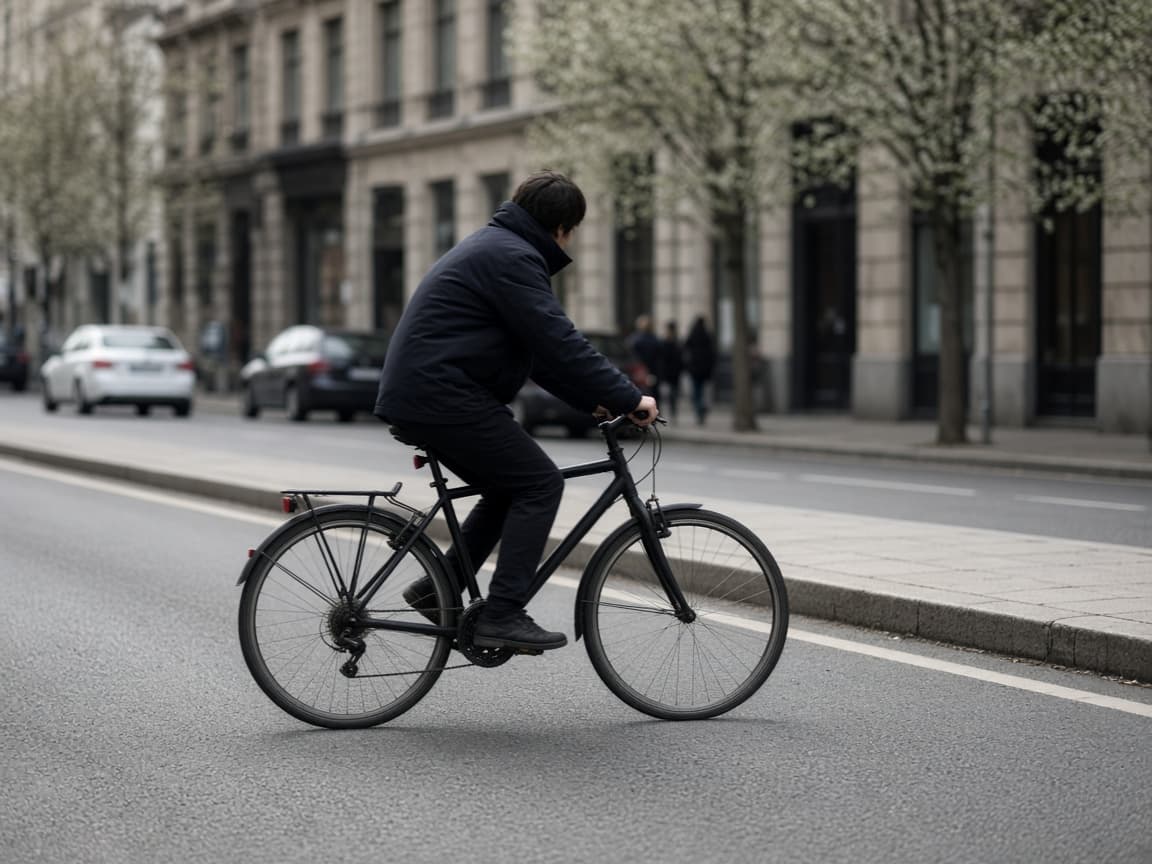
Before

After
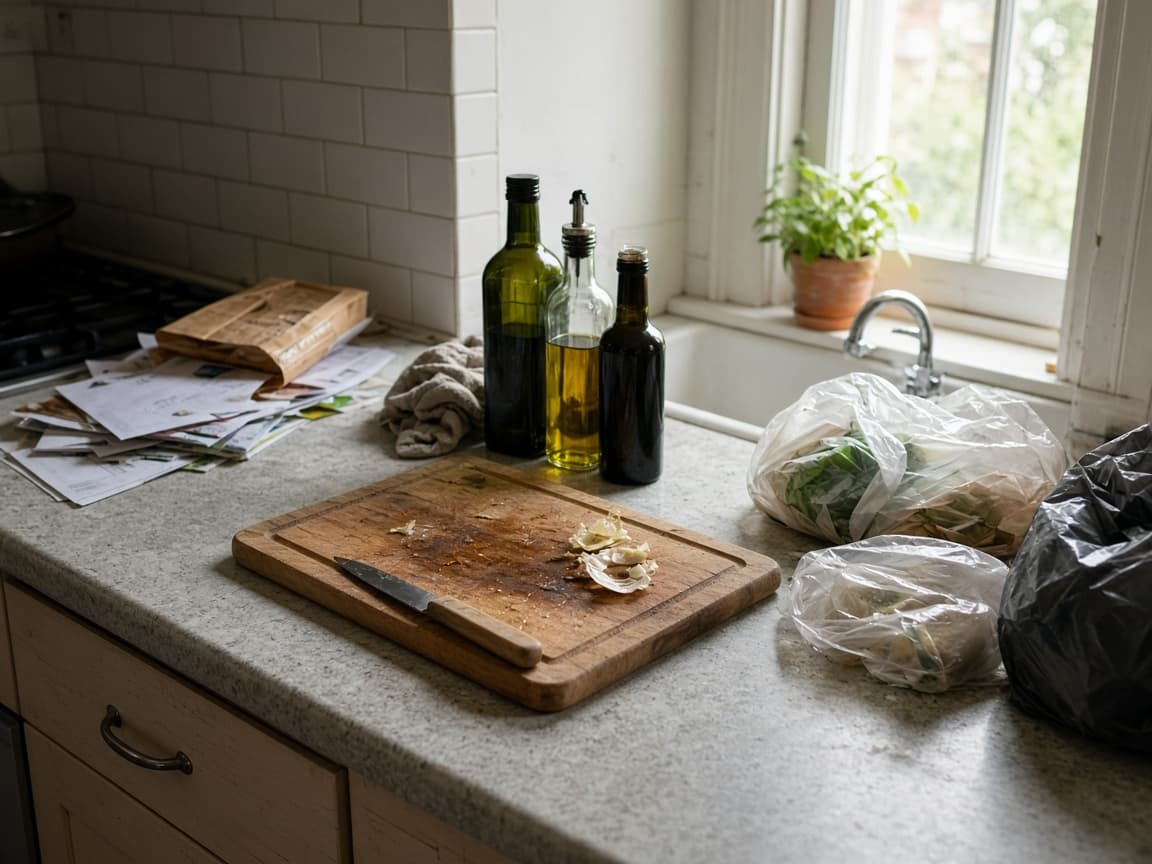
Before
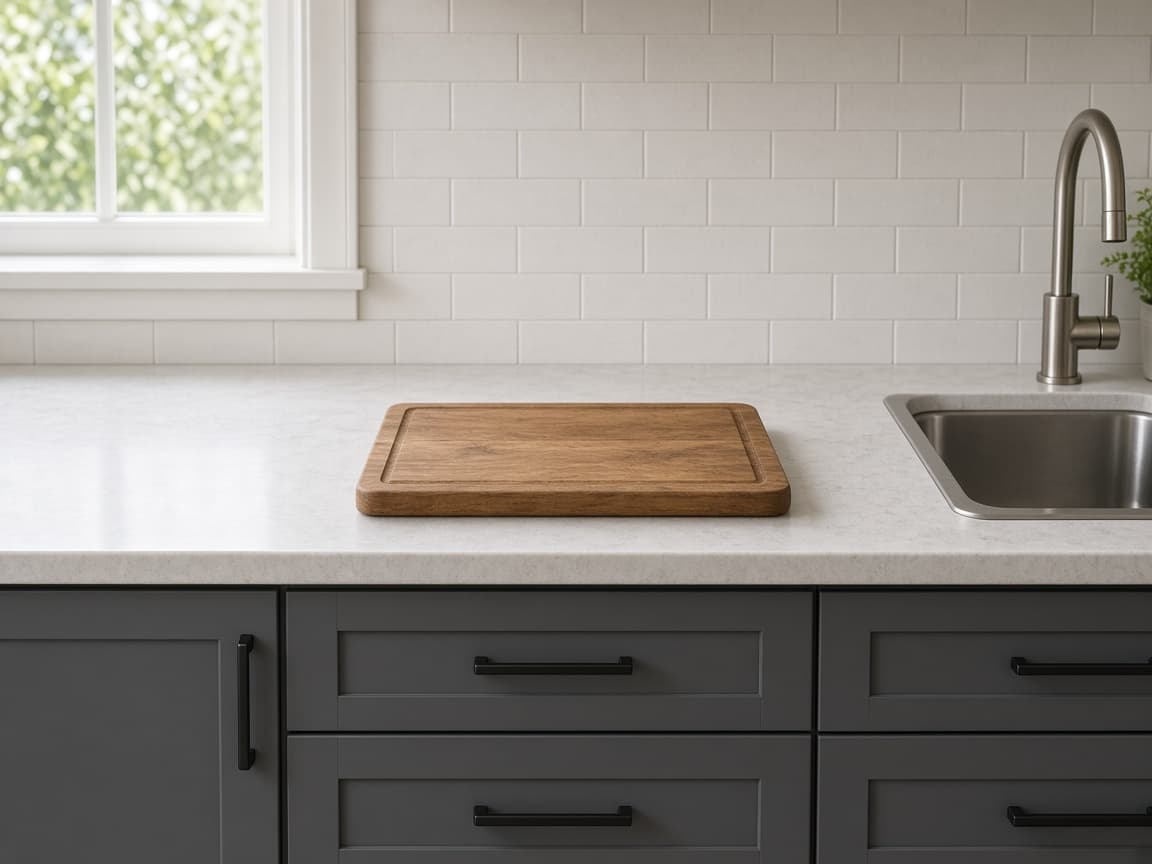
After
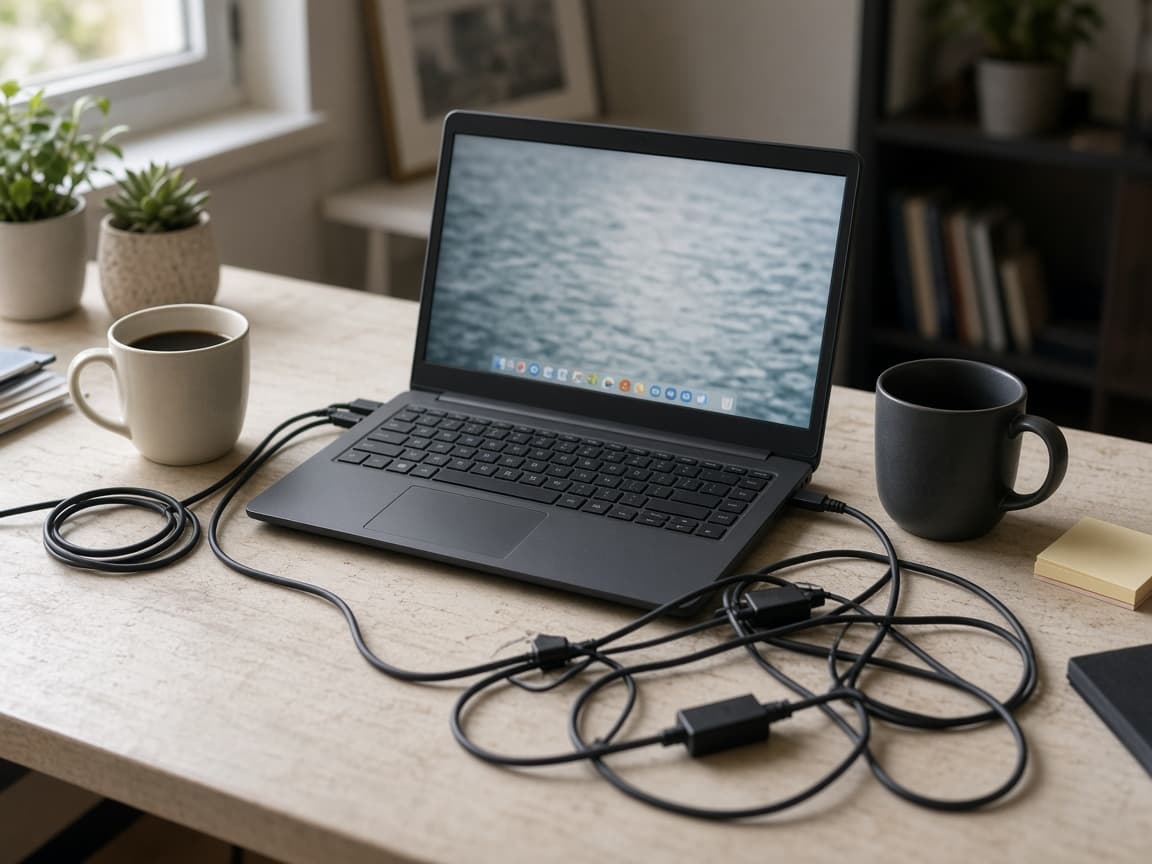
Before
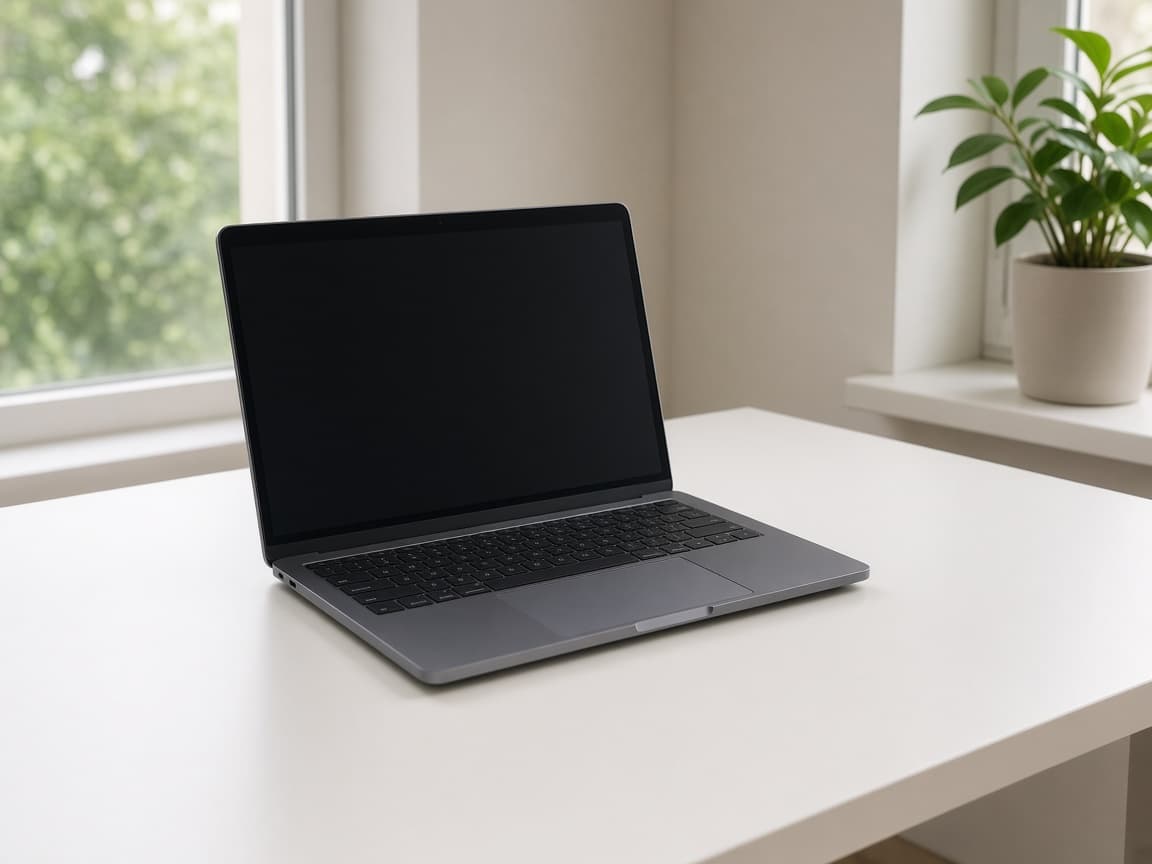
After
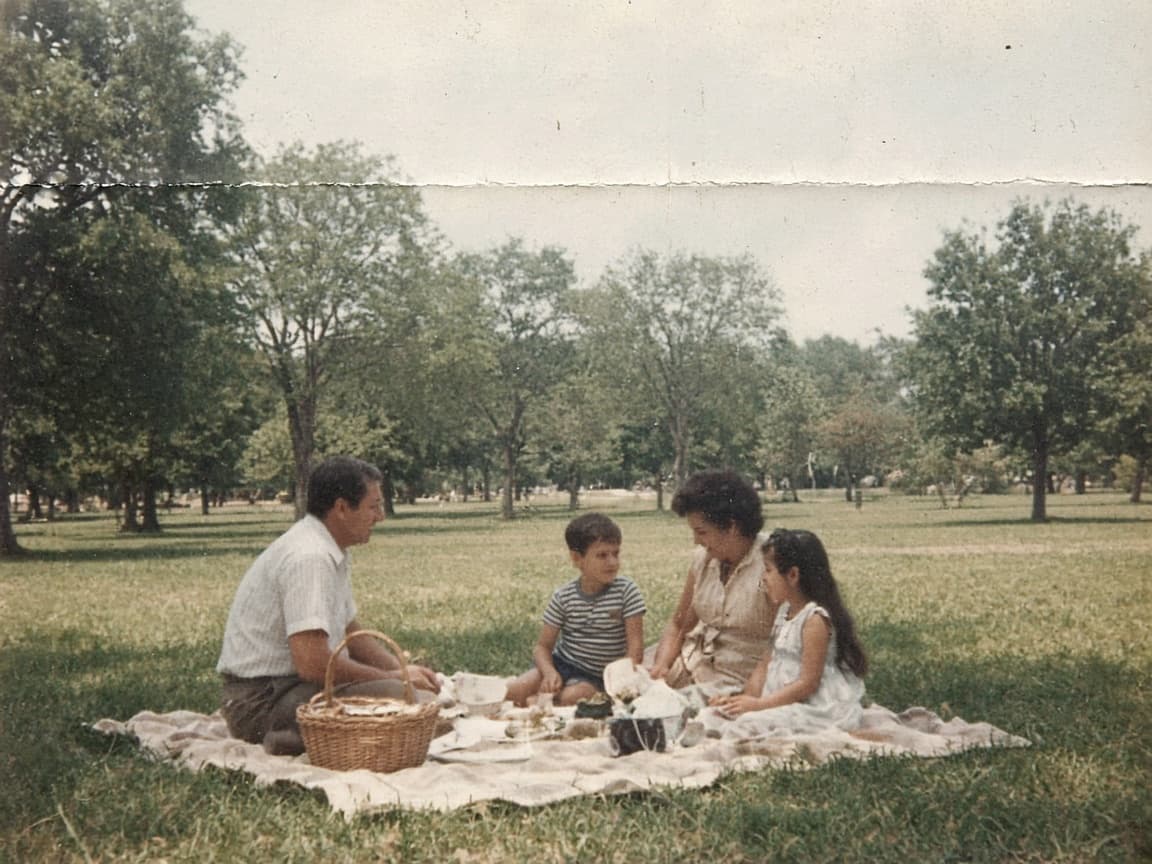
Before

After
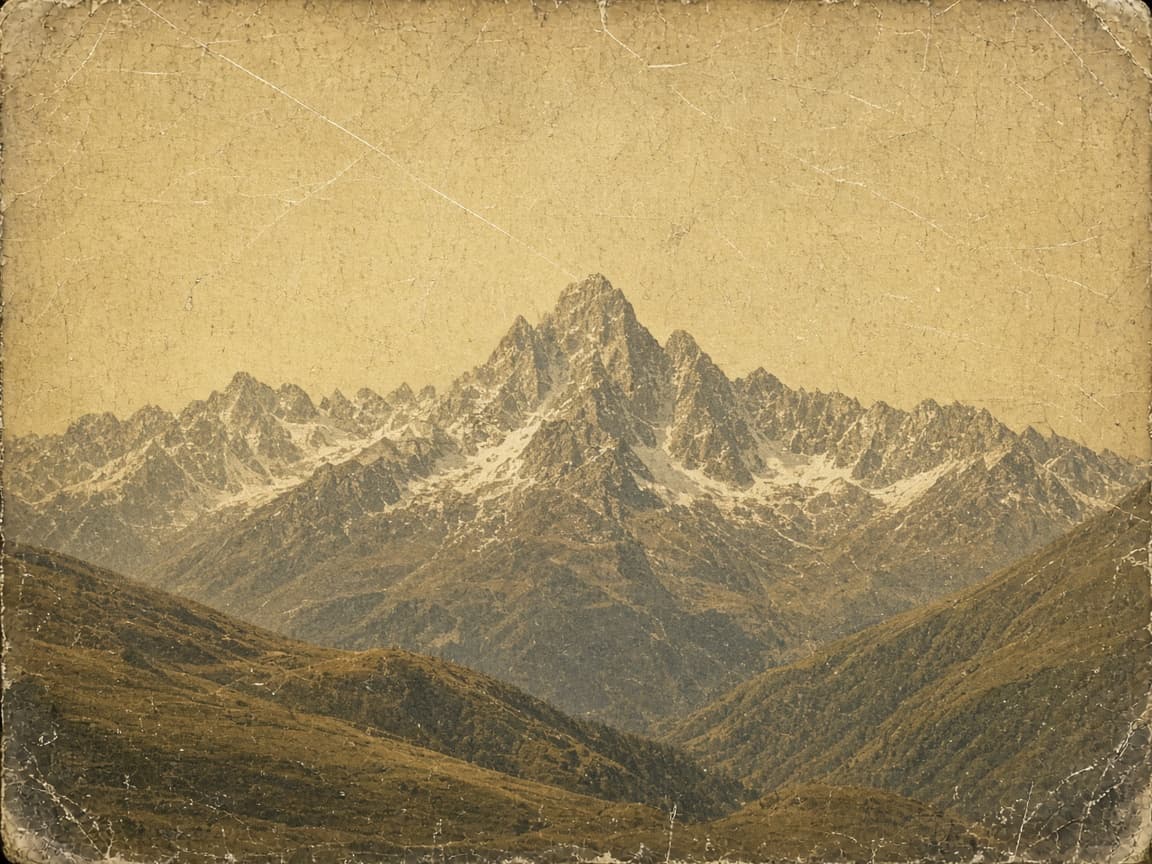
Before
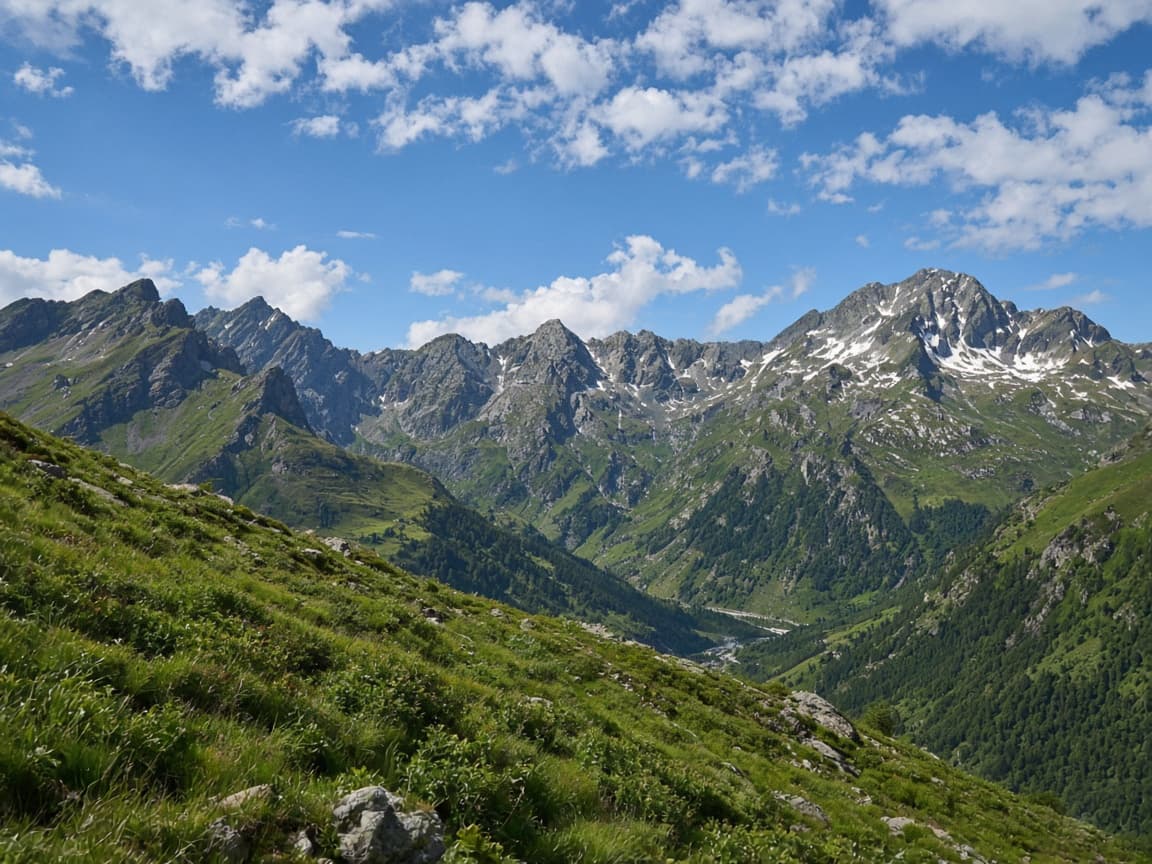
After

Before

After

Before
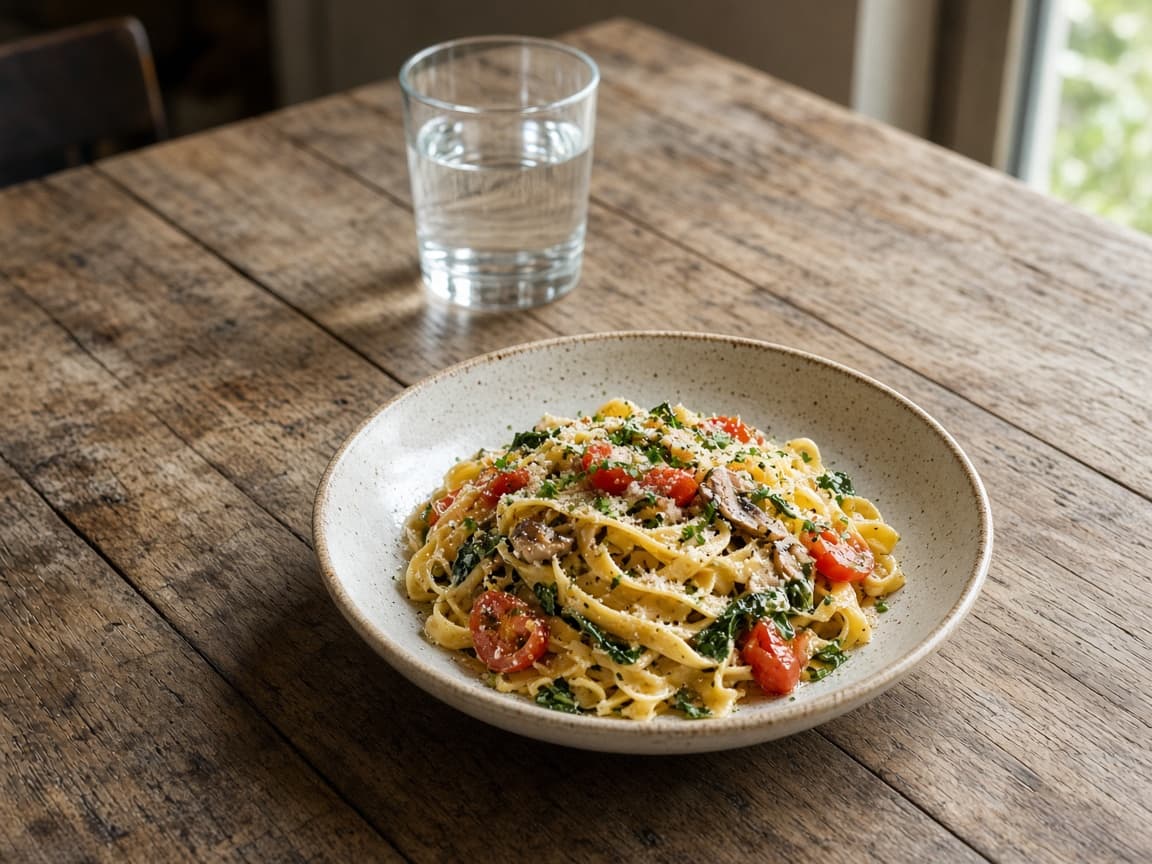
After
An ai image to image edit is for a picture you already took. Use it to restyle the whole frame, replace an object, clear clutter, repair fading, or extend the edges.
Flux is the default for everyday photo edits. Nano Banana stays in the same menu when you want another model on the same upload and prompt. If a model costs more than one credit, that cost is shown before you press Generate.
Choose 1:1, 16:9, 9:16, 4:3, or 3:4, then apply one of the six styles. Free files stay for 7 days, and paid files stay for 30 days. When a file is deleted, the history row remains and is marked Expired.
Yes. The first generation does not need an account. It does ask for a quick human check. A second generation opens the sign-in dialog. A new account starts with 15 standard images, granted once.
The first image is free without an account. After you sign up, you get 15 standard generations one time. They do not refill each month, and unused ones do not roll over. Paid plans are in USD: Basic is $12 a month for 300 images, Pro is $29 a month for 750, and Ultra is $59 a month for 5,000.
No. Free and paid downloads are delivered without a watermark.
Yes. You can use images you generate here in commercial work when the source photo and the prompt follow the content rules. Remorphy refuses nudity, anything involving minors, and face swaps of real celebrities.
The editor is open on every plan: same models, same styles, same aspect ratios. Credits limit how many images you can make. Free accounts receive 15 standard images once. Paid credits last for the billing period, and unused credits do not roll over. A free account runs one generation at a time. A paid plan joins the priority queue and runs two.
Start with Flux. It is the default. Choose Nano Banana in the same menu if you want a second model for that photo. Some models spend more than one credit, and the cost is shown before you generate.
Originals and results stay 7 days on the free plan and 30 days on a paid plan. The files are then deleted. The history entry stays and is marked Expired. The credit record and the generation record are kept.
It refuses nudity, anything involving minors, and face swaps of real celebrities. The check runs on the upload and again on the finished image. If the job times out, the model returns an error, or no image comes back, the credit is refunded and the history row is marked failed. If you cancel after the model has accepted the job, the credit is not returned.
Each page below uses this editor and explains one limit: a free photo, signing in, which controls stay open, a prompt-based edit, or a photoreal result.
Upload a picture, leave Flux selected or switch to Nano Banana, and download the result. The first image needs no account, and no watermark is added.