Family archives
Share reunions with cousins using cleaned scans of grandparents' wedding photos.
Scan the print, then prompt for cleaner tones and repaired tears.
Work on scratches, fading and color casts while checking faces against the original. Choose restyling instead when you want a new artistic look.
Change a photo into an illustrated, painted or other visual style. Restoration is the better starting point for damage repair.
Ask for additional surroundings beyond a tight composition. Newly added areas are inferred, not recovered original detail.
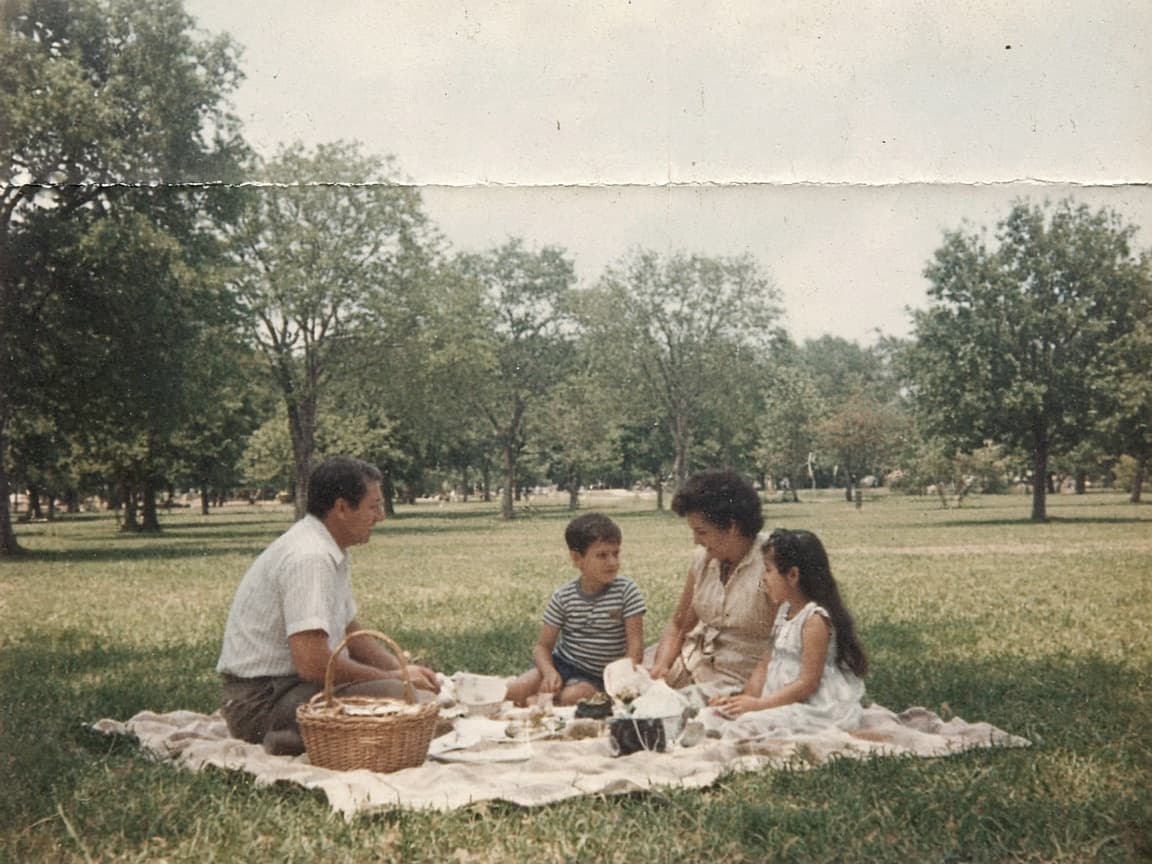
Before

After
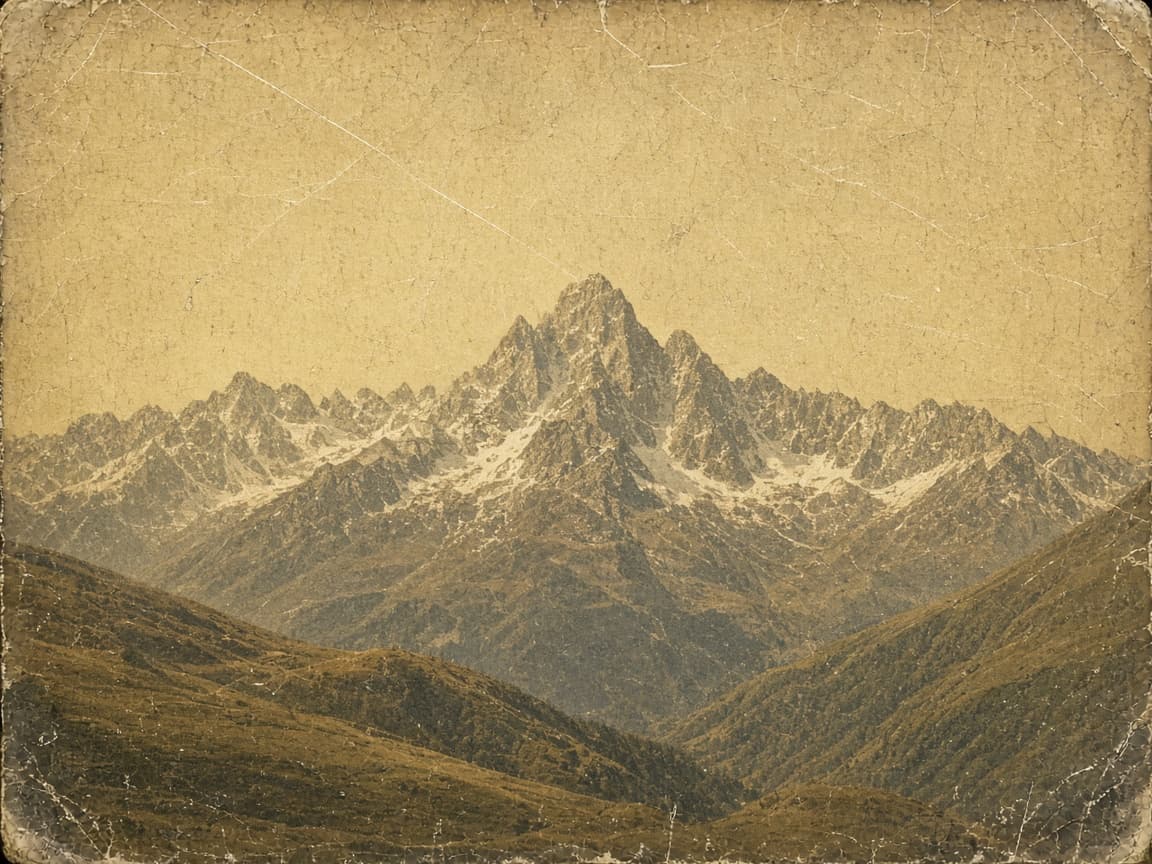
Before
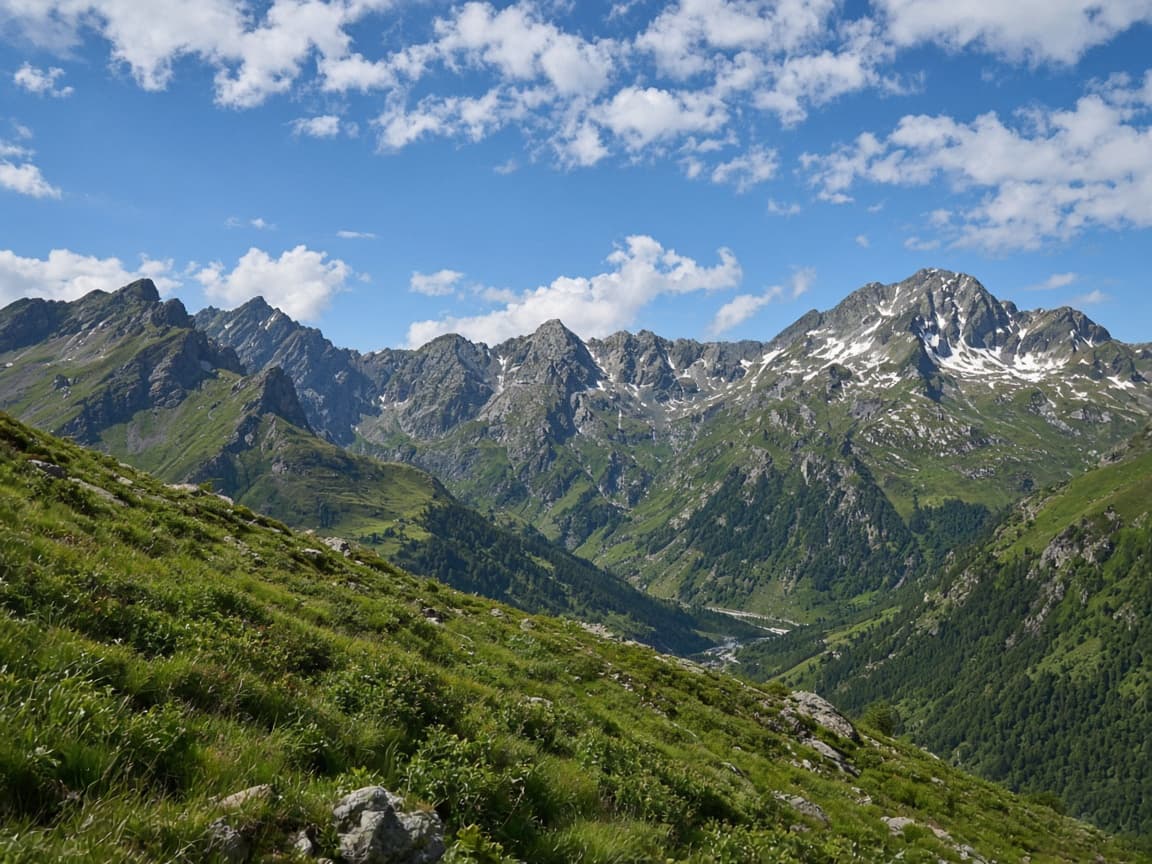
After
AI photo restoration tries to calm damage on a print you already have: yellow fade, small creases, dust, and mild stains. Faces should stay recognizable. It is for family archives and scanned snapshots, not for inventing a person who was never in the frame.
Upload a scan or a clear photo of the print. Describe the damage to reduce and the warmth to keep. A completely missing face cannot be restored from nothing; the model would be guessing.
1
Include the whole print with borders so the model sees damage patterns.
2
Ask to reduce scratches, fix tears, and balance faded color. Avoid requesting a different person.
3
Keep the original safe. Download the digital version for sharing; files expire after 7 days on free plans.
Share reunions with cousins using cleaned scans of grandparents' wedding photos.
Prepare exhibit prints from fragile originals without aggressive physical retouching.
Clarify faces on passport-sized portraits for online trees.
Crop most of the table out. Dust on the glass becomes extra damage the model may treat as part of the picture.
The edit does not replace your file. Save the original scan beside the result.
Say that faces stay recognizable and that you want the stain or crease reduced, not a new portrait.
Large missing areas, torn-away heads, and heavy focus blur are reconstruction, not repair. Colorizing a black-and-white print is a separate request and can invent colors that were never recorded.
Fine handwriting in the border can warp. If the inscription matters, restore the picture and leave the writing out of the prompt.
One print can be one signed-out Fast edit after a human check. An account adds 5 credits once you create an account. Free downloads are watermarked and Fast only.
A box of scans needs a larger pool. Paid plans start at $19 a month for 20 products (100 credits), download without the watermark, unlock Balanced and High Quality, and join the priority queue. A run that fails or returns no image refunds its credit.
Scanner dust-removal is mechanical. A prompt can address fade and creases in the same pass. A human restorer is still the choice when the print is historically important.
| Path | Good for | Not for |
|---|---|---|
| This page | Fade, small creases, dust on a scan | A face that is missing |
| Scanner cleanup | Dust the scanner already knows | Restaging the scene |
| A conservation lab | Irreplaceable prints | A quick family copy |
Remove yellow cast, recover skin tones, keep grain subtle.
Reconstruct missing corner using surrounding wallpaper pattern.
Reduce vertical scratch lines across the face, keep eyes sharp.
Lighten brown water stain on bottom edge, preserve photo border.
Keep sepia mood but add contrast so faces read clearly.
You do not need Photoshop skills—describe the damage you see.
Restoration prompts focus on damage reduction, not replacing someone's face.
If the job errors or times out, credits return automatically.
Severe loss is unreliable. The model works best on fading, color cast, and moderate tears.
You can ask for subtle color, but specify natural skin tones to avoid cartoon color.
Often no—borders help the model see damage. Crop after you like the repair.
Free accounts keep images 7 days; paid plans keep them 30 days. History rows remain with an Expired label.
Yes, if the border is wide. Otherwise the model spends the edit on the black edge instead of the print.
You can ask. Repair first if the damage is the real problem. Color is a guess on a black-and-white source.
Yes. A restored print on the free path includes the watermark. Paid plans save that repair without it.