Ad banners from square posts
Turn an Instagram square into a wide web hero without cropping the subject.
Ask what should continue beyond the current border—no manual canvas resize.
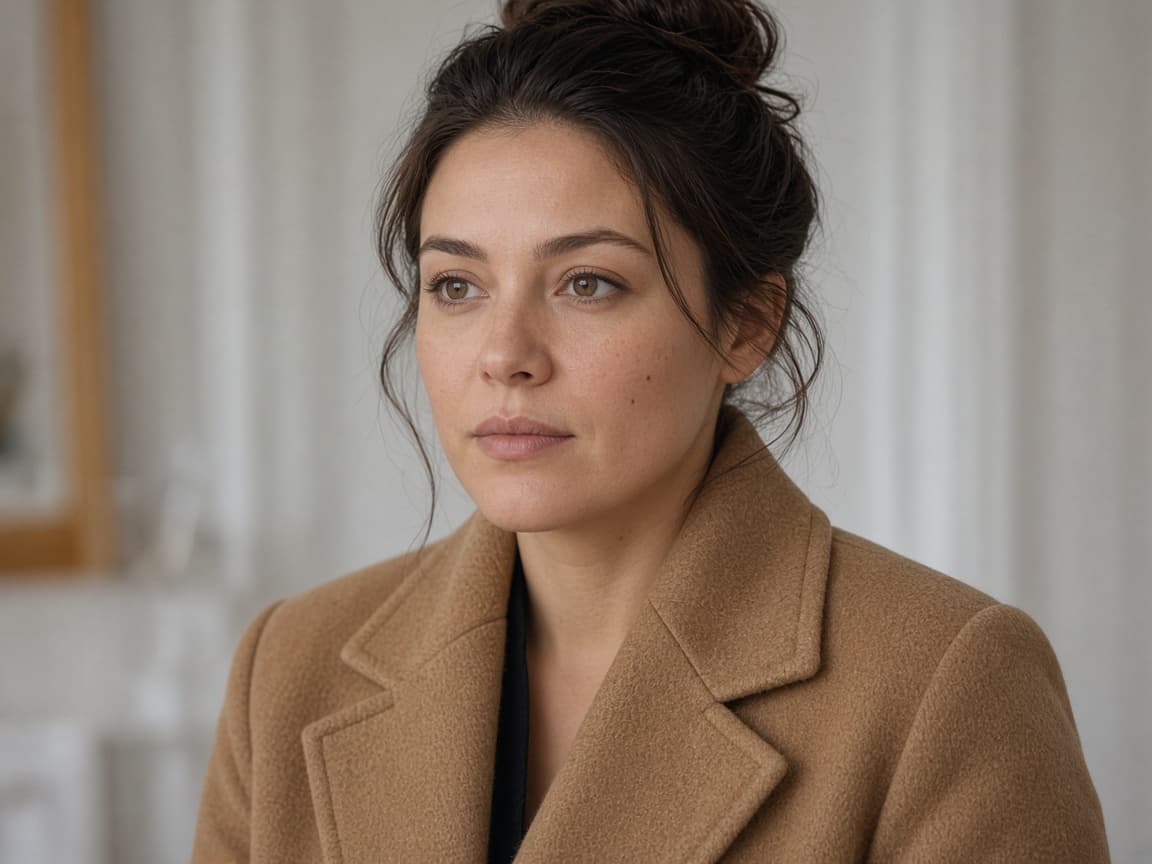
Before
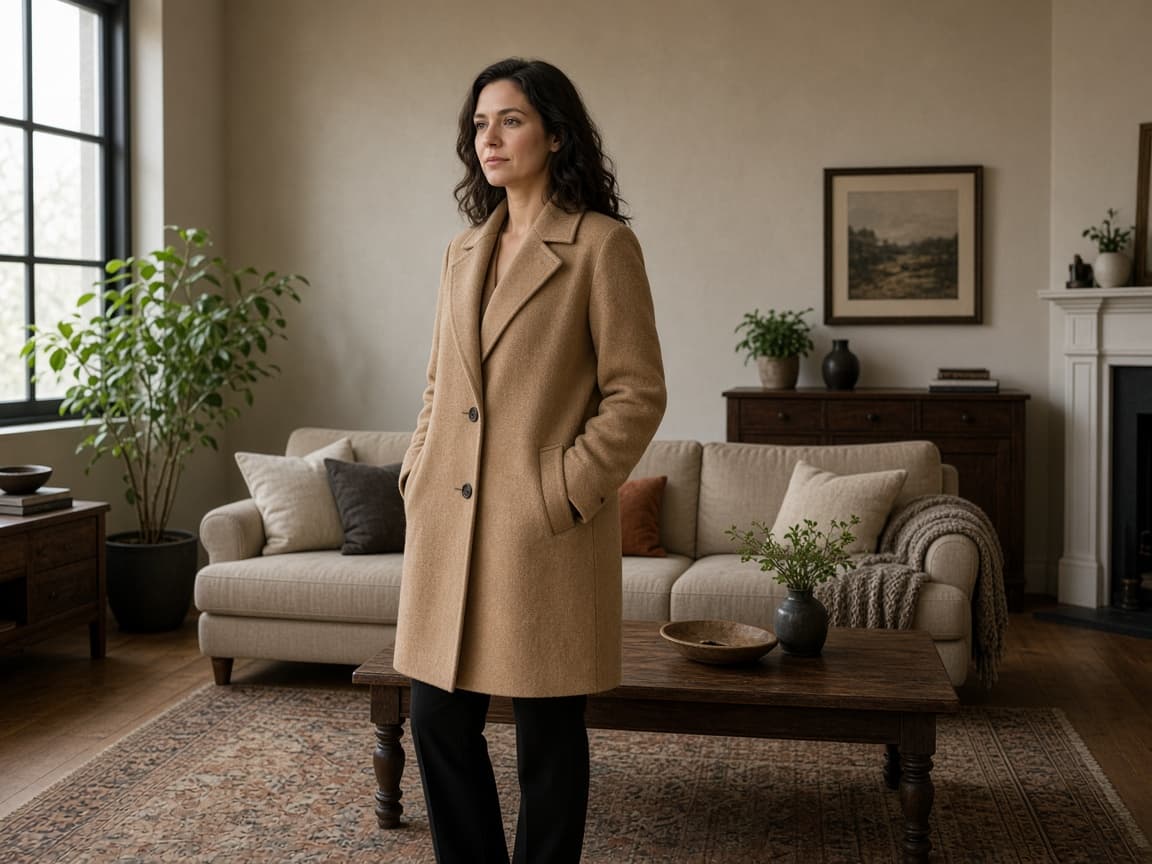
After
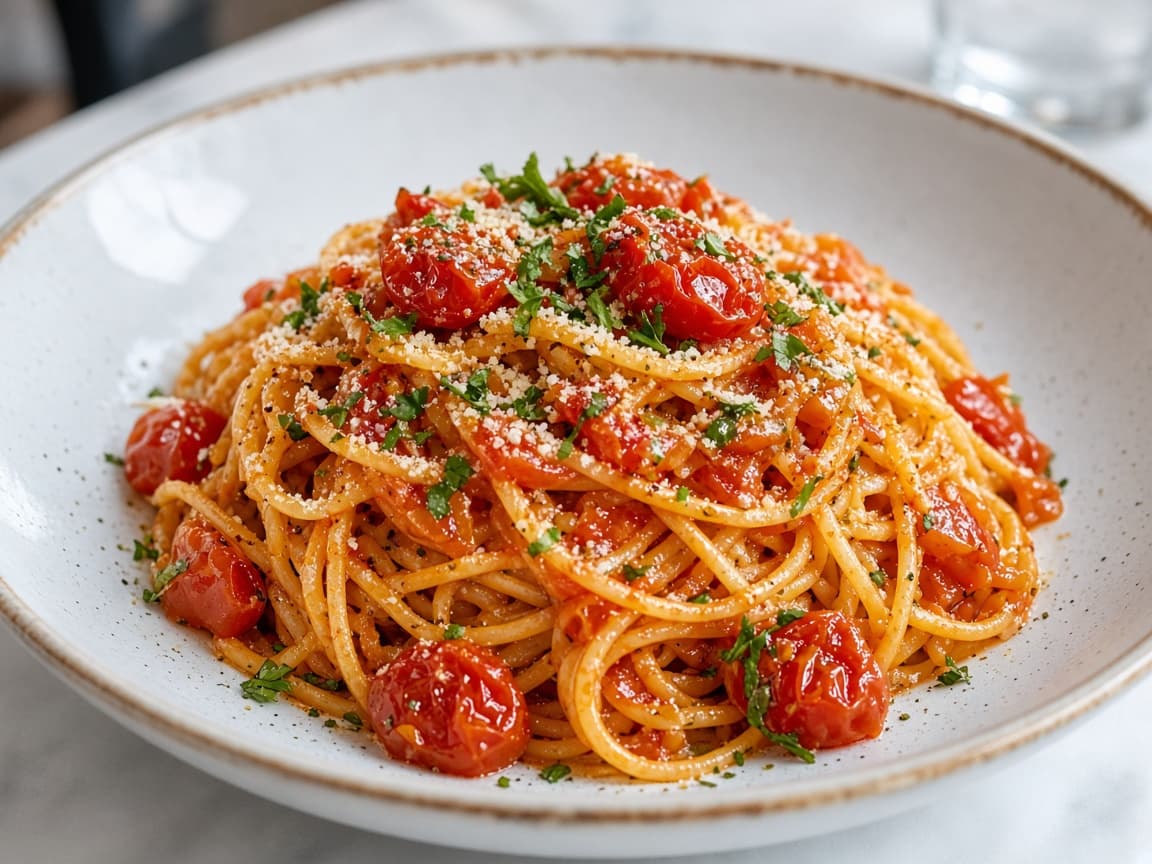
Before
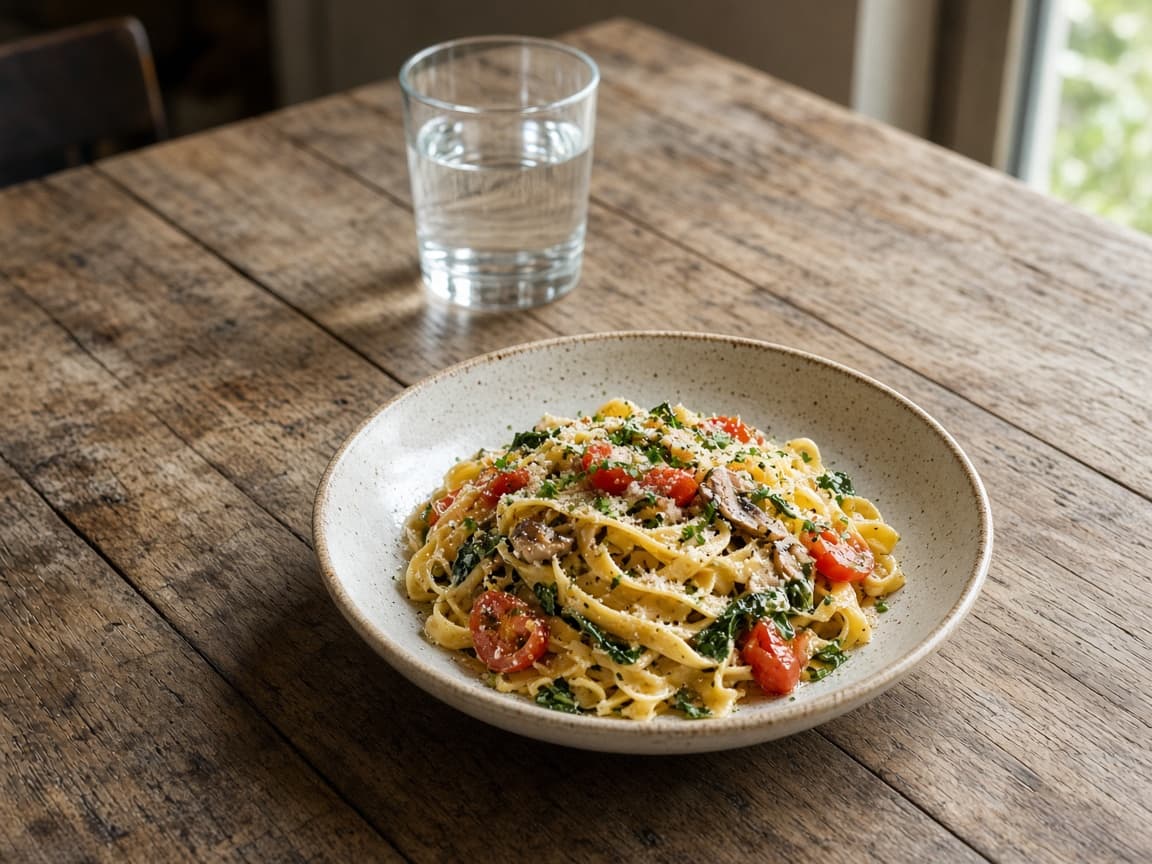
After
1
Choose 16:9 or 9:16 in the editor so the model knows which sides need new content.
2
Tell the model what belongs beyond the frame—more sky, forest, or studio floor.
3
Look for color jumps at the old border. Regenerate with 'seamless continuation' if needed.
More sky
Extend upward with soft clouds matching the existing sunset colors.
Wider stage
Continue the concert stage left and right, keep singer centered.
Vertical story
Extend floor and ceiling for 9:16, keep subject mid-frame.
Forest path
Continue the forest path outward, same mist and pine trunks.
Studio floor
Extend gray seamless floor, keep shadow under product.
Turn an Instagram square into a wide web hero without cropping the subject.
Add breathing room for title text on the sides.
Gain margin for bleed when the original crop was too tight.
The model generates new pixels instead of squashing your subject.
Name what must stay fixed while edges grow.
Optional Anime or Illustration expansion for stylized campaigns.
It should keep the center intact. If drift happens, shorten the prompt to edge extension only.
Match your destination platform before generating to avoid a second credit spend.
It may try if you ask for crowds. Specify empty continuation for clean backgrounds.
One free Klein generation after a human check, then account credits for more expansions.