Marketing teams without a retoucher
Refresh campaign assets by describing the change instead of reopening Photoshop for every variant.
One editor for every edit: upload, prompt, pick a style, and download.
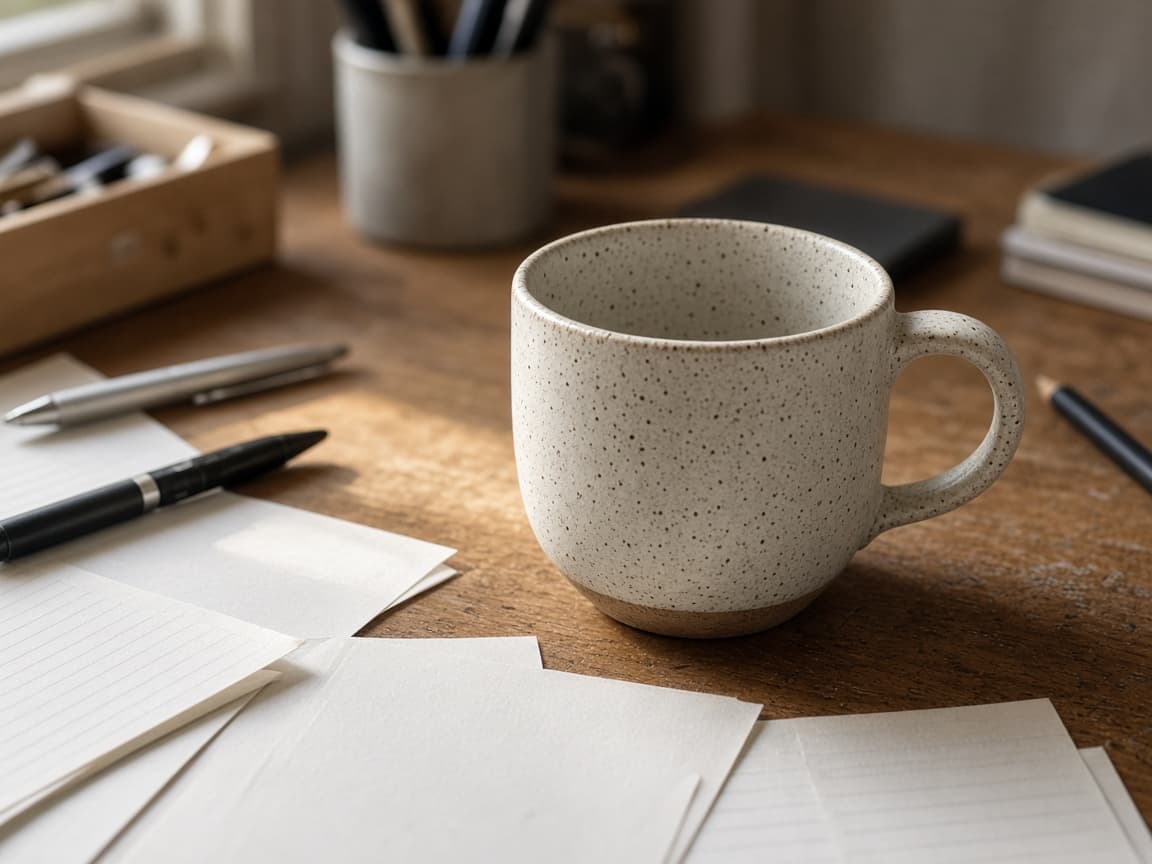
Before
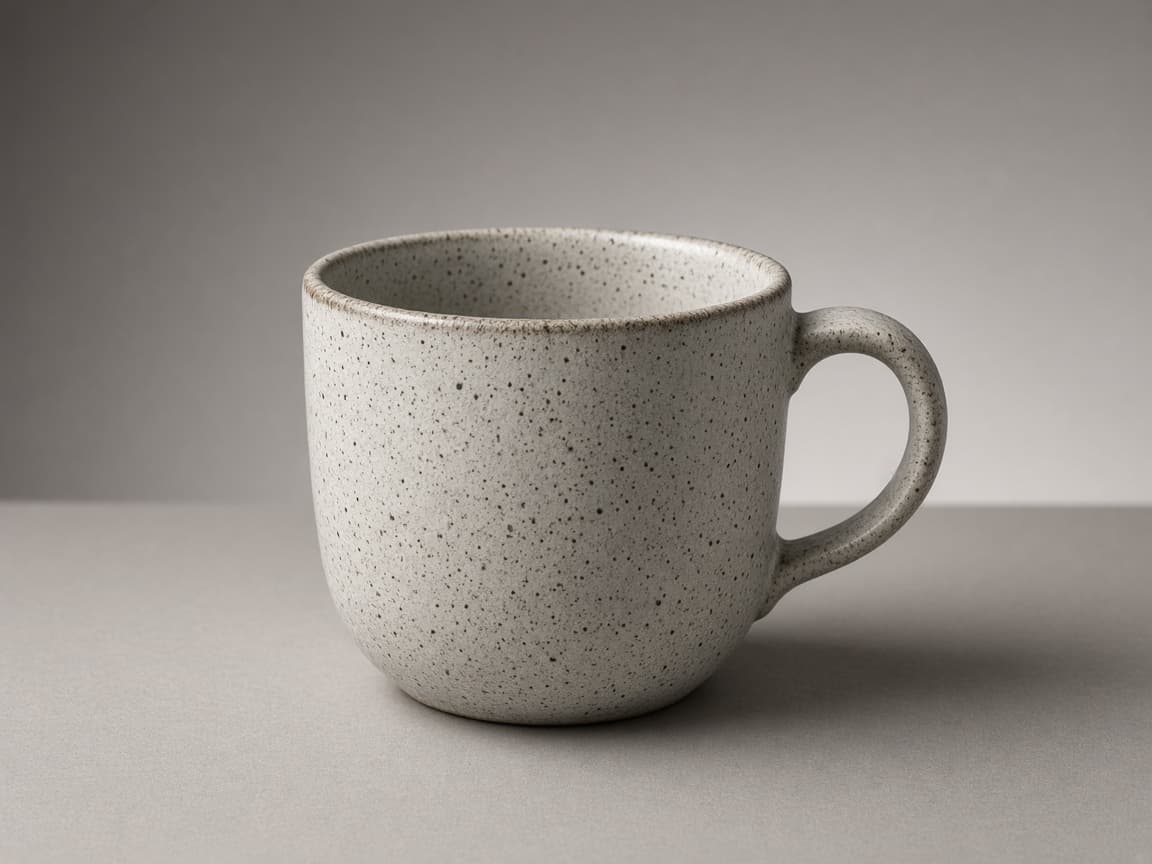
After
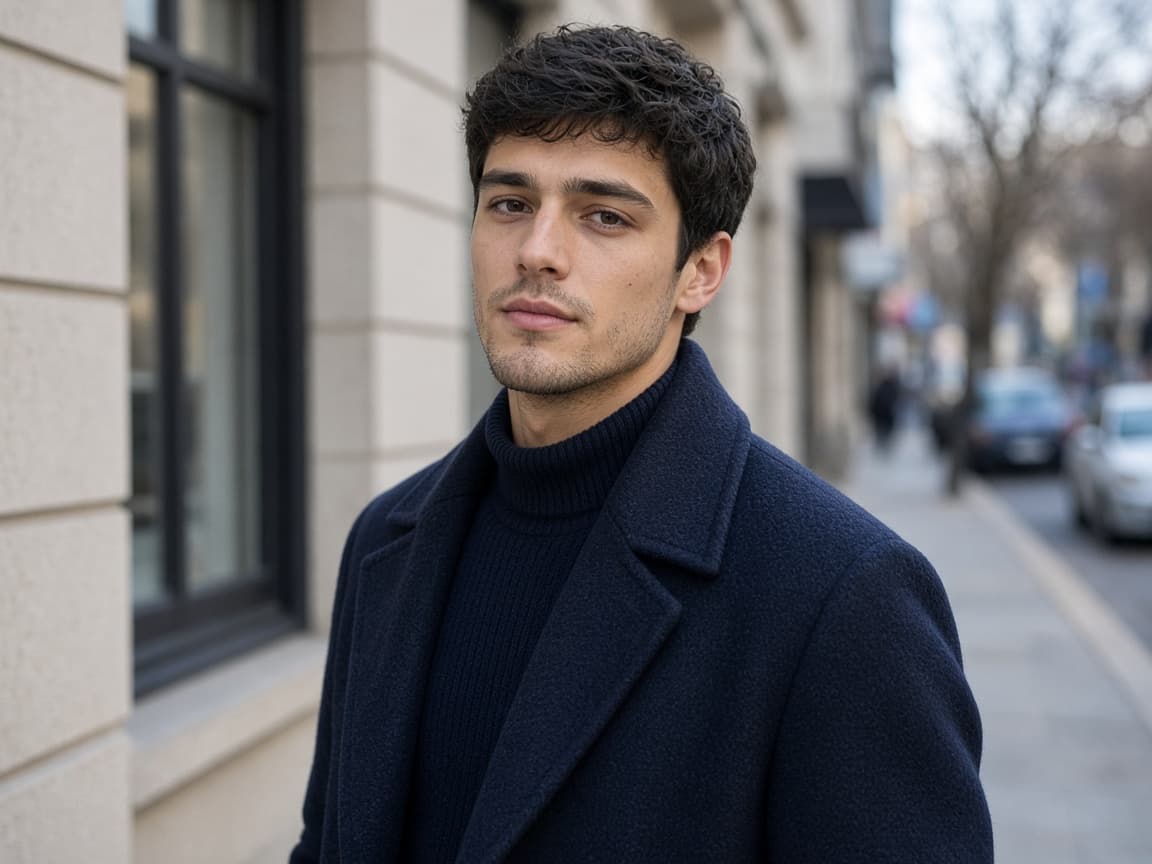
Before
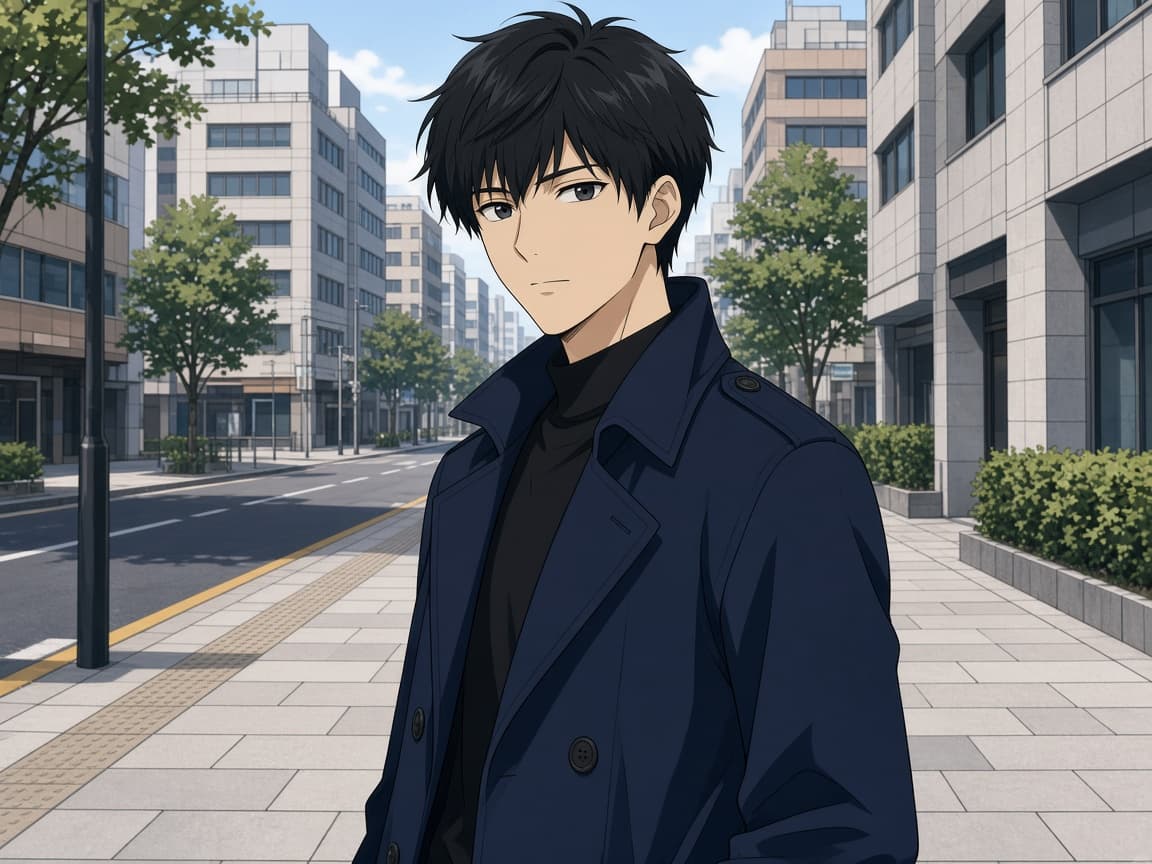
After
1
Start with the picture you already have. The model edits that file—it does not invent a new scene from scratch.
2
Say what should look different: background, lighting, an object to remove, or a new art style. Pick a Flux model, one of six styles, and an aspect ratio.
3
Run the edit and save the result. Your first image on a Klein model can run without an account after a human check; later runs use your credit balance.
Soft studio light
Keep the person identical. Add soft studio lighting and a neutral gray backdrop.
Remove passerby
Remove the person walking in the background. Fill the sidewalk naturally.
Golden hour
Shift to warm golden-hour sunlight with long shadows, same composition.
Minimal product feel
Make the background plain white and sharpen product edges slightly.
Illustrated poster
Turn this into a bold illustration with flat colors, keep the subject recognizable.
Refresh campaign assets by describing the change instead of reopening Photoshop for every variant.
Fix a product shot or lifestyle photo the same day the listing goes live.
Try anime, oil painting, or 3D render looks on photos you already posted.
Reduce clutter, brighten faces, or repair faded prints with plain-language prompts.
This hub opens the Remorphy editor you already know—no separate app or export step.
Open a dedicated tool page when you want placeholder text and examples tuned to that job.
Edits are prompt-driven image-to-image, not magic layers or automatic cutout APIs. Complex masks may need a few tries.
No separate product. This page explains the full editor; the homepage focuses on the core image to image ai entry. Controls and models are the same.
The first generation on FLUX.2 Klein 9B or Klein 4B can run signed out after a human check. The next generation asks you to sign in; new accounts receive 15 credits once.
You can ask for several edits, but clearer single-purpose prompts usually match the photo better. Run again if you need another pass.
None, Photorealistic, Anime, Oil Painting, Illustration, and 3D Render. Credits limit how many images you make, not which styles you can pick.