Wall art previews
Show clients how a family photo might look as a canvas print.
Describe an oil painting, illustration, or 3D render finish in the prompt.
Change a photo into an illustrated, painted or other visual style. Restoration is the better starting point for damage repair.
Work on scratches, fading and color casts while checking faces against the original. Choose restyling instead when you want a new artistic look.
Create a Halloween sheet-ghost portrait from a photo of people. For apparel without a person, use Ghost Mannequin instead.
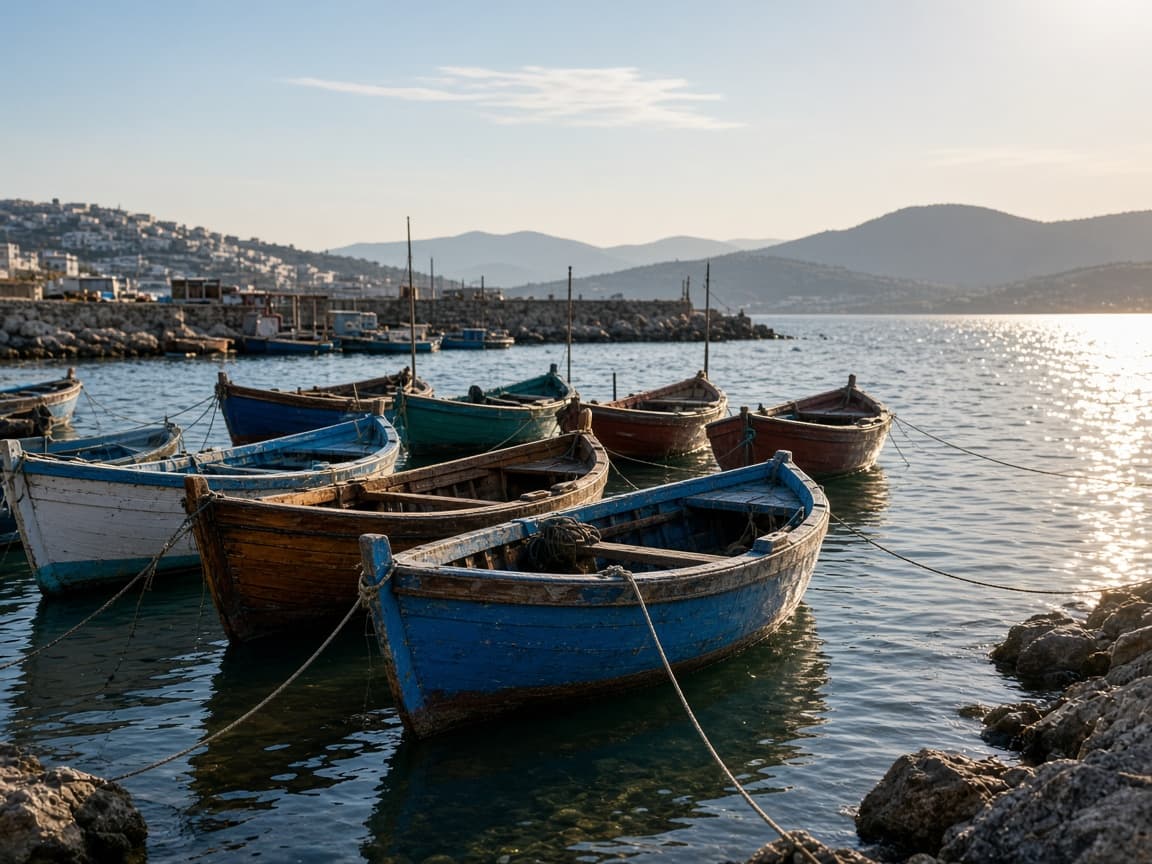
Before
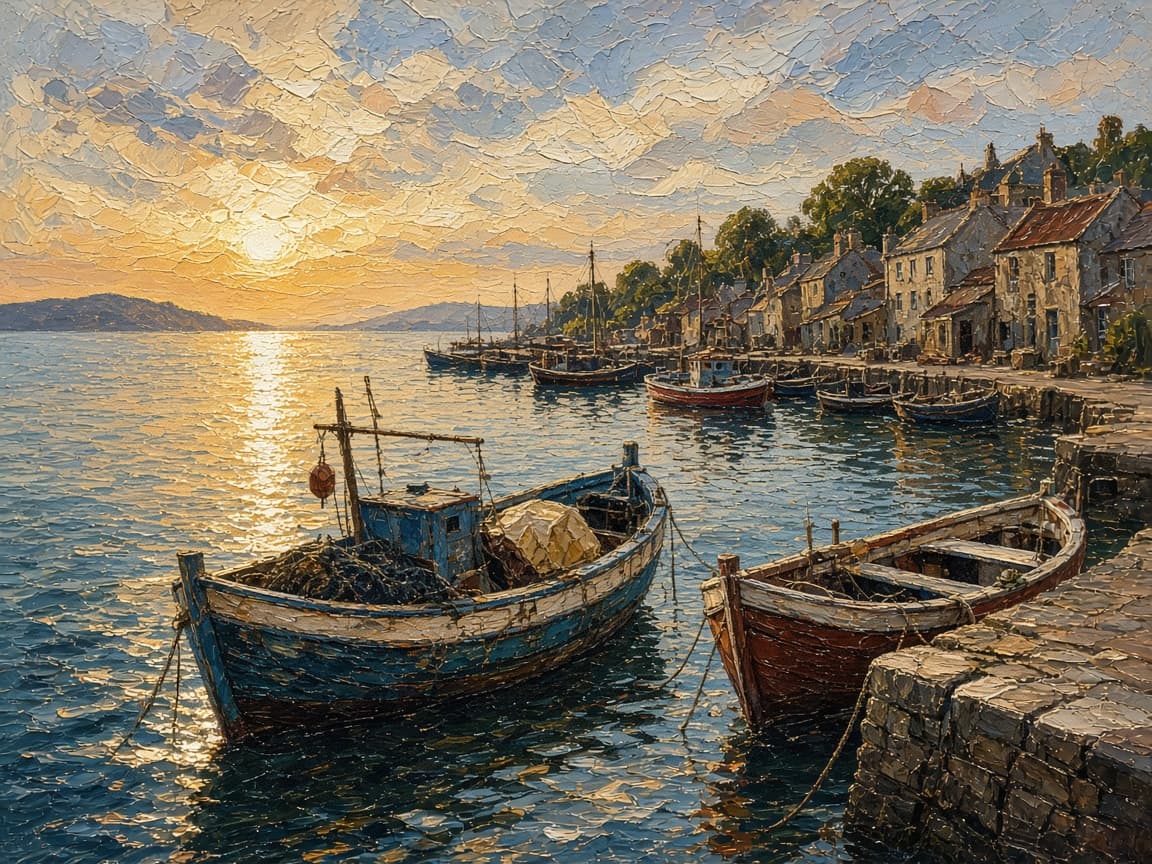
After
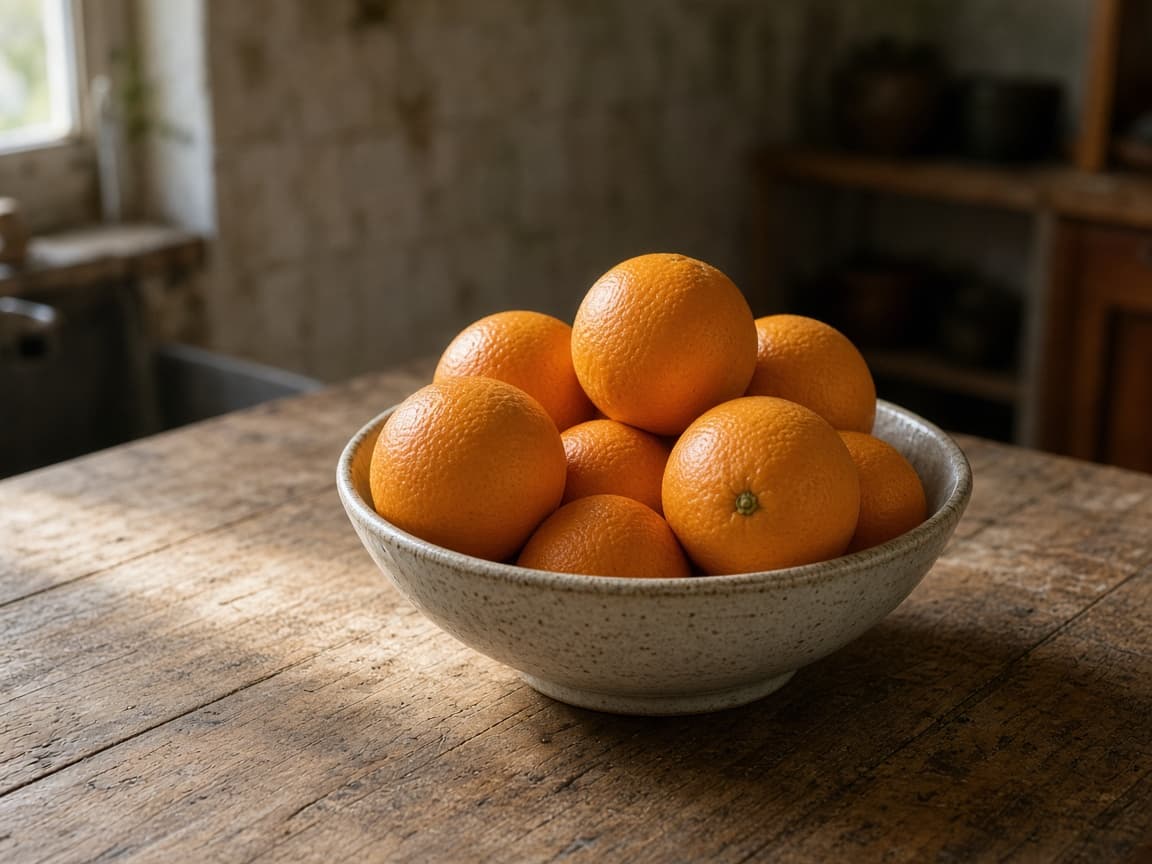
Before
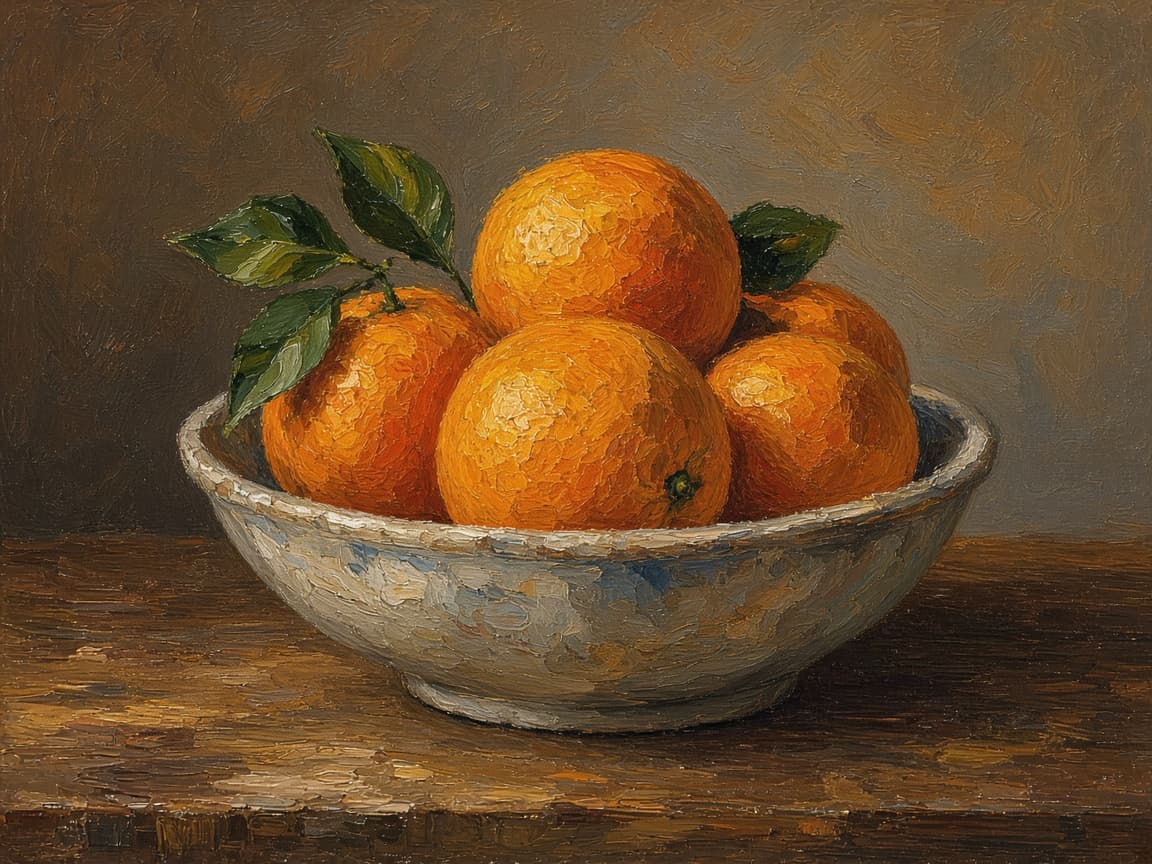
After
An AI image restyler applies a finish you can describe — oil paint, illustration, or a 3D render — to a photo you upload. Composition should stay. It is for campaign looks and studies, not for invisible cleanup.
Anime has its own page. A photoreal catalog background belongs on the product editor. There is no style menu on the screen; the finish is the prompt. The default on this page is an oil-paint instruction you can replace.
1
Ask for oil painting, illustration, or 3D render texture. Naming the medium and the brush or line feel gives a more consistent finish.
2
Mention palette, brush size, or render lighting. Keep the subject description minimal if you want layout unchanged.
3
Pick aspect ratio to match poster or feed before spending credits on another crop.
Show clients how a family photo might look as a canvas print.
Restyle stock photography into illustrated genres.
Push reference photos toward 3D Render looks for pitch decks.
“Oil on canvas, visible strokes, same composition” is easier to judge than “make it artistic.”
Asking to paint only the background often paints the subject too. Plan on a full-frame finish.
Letters warp. If a poster must stay readable, restyle a version without the type.
There is no brush and no layer stack. You cannot paint one corner by hand. Stroke direction is the model’s, not a stylus.
Identity and small objects drift more as the finish gets heavier. Copyrighted characters and sexual content are refused.
One finish can be one signed-out Fast edit after a human check. An account adds 5 credits once you create an account. Free downloads are watermarked after your first 2 images.
Comparing oil, illustration, and 3D is three runs. Paid plans start at $19 a month for 20 products (100 credits), download without the watermark, unlock Balanced and High Quality, and join the priority queue. A run that fails or returns no image refunds its credit.
Pick the page by the finish. Desktop illustration software is the right tool when you need vectors or layers afterward.
| Path | Finish | File |
|---|---|---|
| This restyler | Oil, illustration, or 3D from a photo | One flattened image |
| AI Anime Converter | Cel-shaded anime | One flattened image |
| Illustration software | Vectors and layers you draw | An editable file |
Heavy oil impasto strokes, warm palette, canvas texture visible.
Bold flat illustration, limited palette, poster shapes.
3D Render style, soft clay material, studio three-point light.
Illustration style with watercolor bleed edges, paper grain.
High-contrast illustration, ink outlines, dramatic shadows.
Describe oil painting, illustration, or 3D render in the prompt without leaving Remorphy.
Image-to-image keeps framing so restyles fit existing layouts.
Stroke appearance comes from the model, not manual painting tools.
Anime Converter targets anime aesthetics. Restyler covers oil, illustration, and 3D looks described in the prompt.
Ask in the prompt, but subject-only or background-only splits may need two runs.
Stylization often warps letters. Plan to replace text in design software afterward.
Same as any standard generation for the Flux model you select.
You can ask. Expect the subject to pick up some of the same finish. A second, narrower prompt is the fallback.
Not the first ones. Your first 2 restyles download without a watermark, signed in or not. After that, free downloads carry a small Remorphy watermark; a paid plan or the one-time pack removes it.
Back to AI Product Photos — Turn One Photo Into a Full Listing Set