Family archives
Share reunions with cousins using cleaned scans of grandparents' wedding photos.
Scan the print, then prompt for cleaner tones and repaired tears.
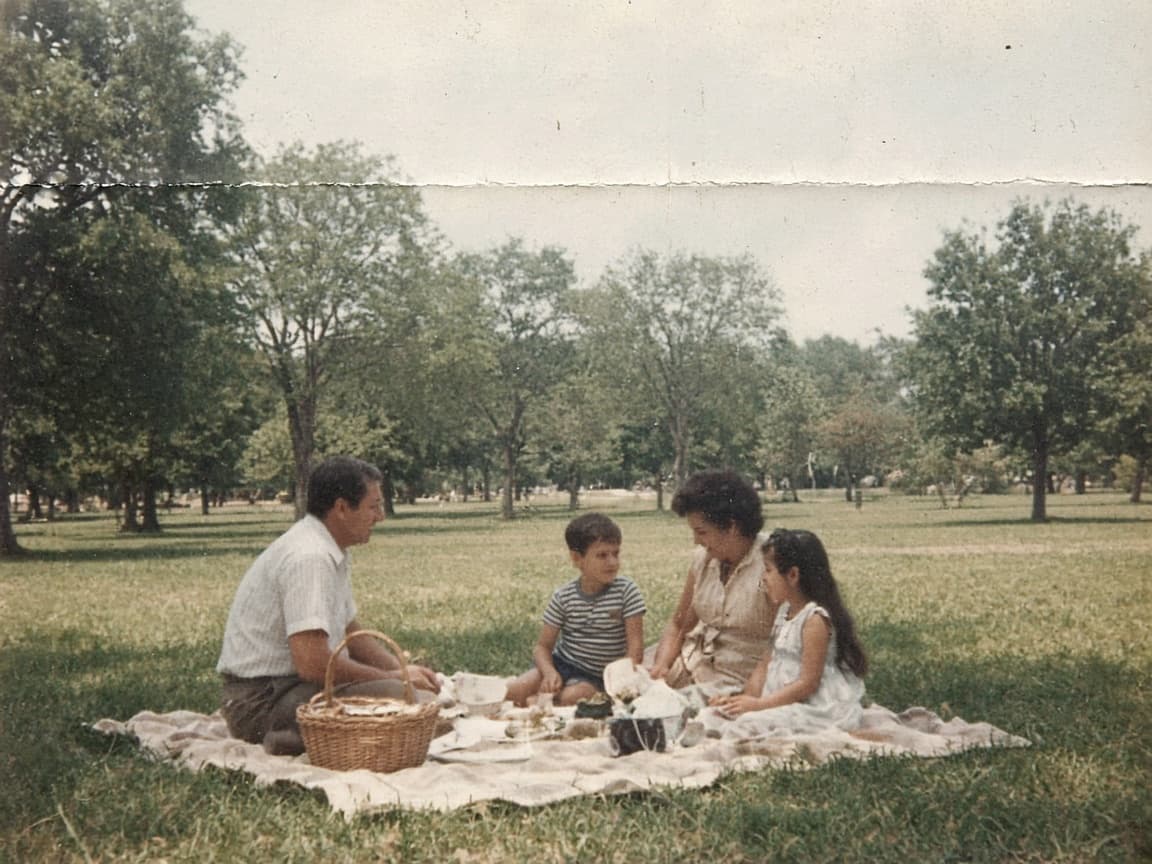
Before

After
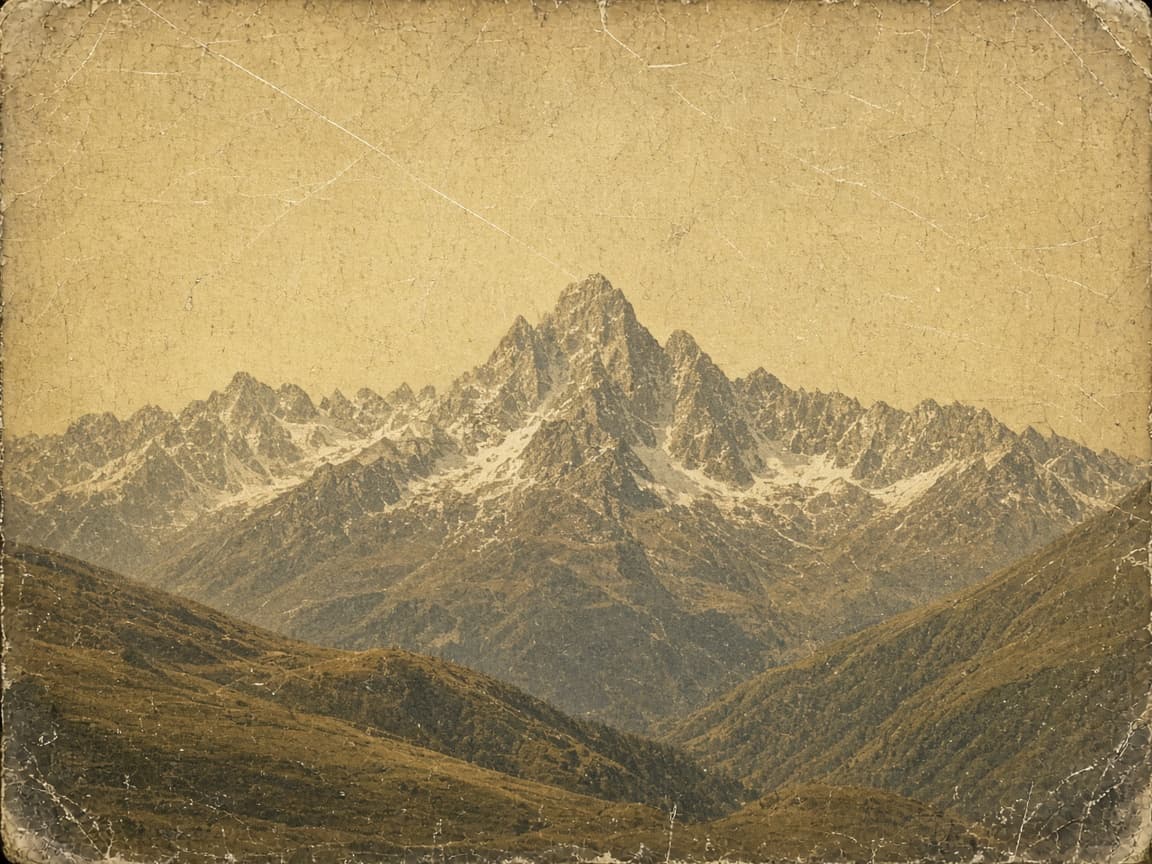
Before

After
1
Include the whole print with borders so the model sees damage patterns.
2
Ask to reduce scratches, fix tears, and balance faded color. Avoid requesting a different person.
3
Keep the original safe. Download the digital version for sharing; files expire after 7 days on free plans.
Yellow fade
Remove yellow cast, recover skin tones, keep grain subtle.
Corner tear
Reconstruct missing corner using surrounding wallpaper pattern.
Scratch lines
Reduce vertical scratch lines across the face, keep eyes sharp.
Water stain
Lighten brown water stain on bottom edge, preserve photo border.
Sepia gentle
Keep sepia mood but add contrast so faces read clearly.
Share reunions with cousins using cleaned scans of grandparents' wedding photos.
Prepare exhibit prints from fragile originals without aggressive physical retouching.
Clarify faces on passport-sized portraits for online trees.
You do not need Photoshop skills—describe the damage you see.
Restoration prompts focus on damage reduction, not replacing someone's face.
If the job errors or times out, credits return automatically.
Severe loss is unreliable. The model works best on fading, color cast, and moderate tears.
You can ask for subtle color, but specify natural skin tones to avoid cartoon color.
Often no—borders help the model see damage. Crop after you like the repair.
Free accounts keep images 7 days; paid plans keep them 30 days. History rows remain with an Expired label.