Quick marketplace uploads
Meet plain-background guidelines when you only have a kitchen table photo.
Download a transparent PNG, a pure white 2000 × 2000 main image, or a plain backdrop you describe.
Download the subject as a transparent PNG cutout, or replace a distracting background with a plain white or brand-color field.
Start from one hanger or flat-lay garment photo to suggest an invisible-body catalog shape. Inspect the cut and print after editing.
Describe a specific change to your photo when a preset task does not fit.
Start with a clear original, make a plain-background main image, then prepare a lifestyle or promotional version. Compare shape, color, labels and seams with the source before using any output in a listing.
Lighting, hanger and flat-lay guidance, with illustrated setup diagrams.
Existing Remorphy results and suggested instructions; original generation settings are unavailable.
Choose an instruction and check the details that matter for your product.
Prepare a white-background main image · Prepare a lifestyle scene · Continue your product project
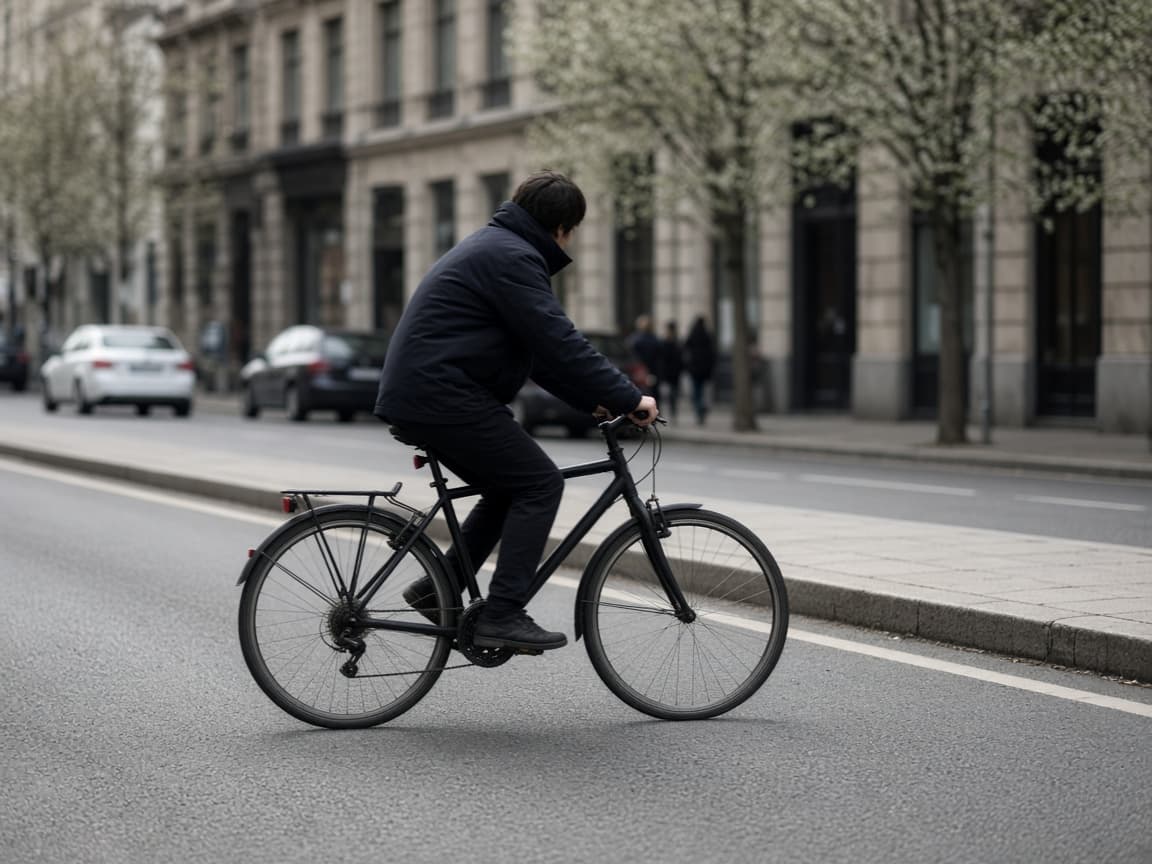
Before
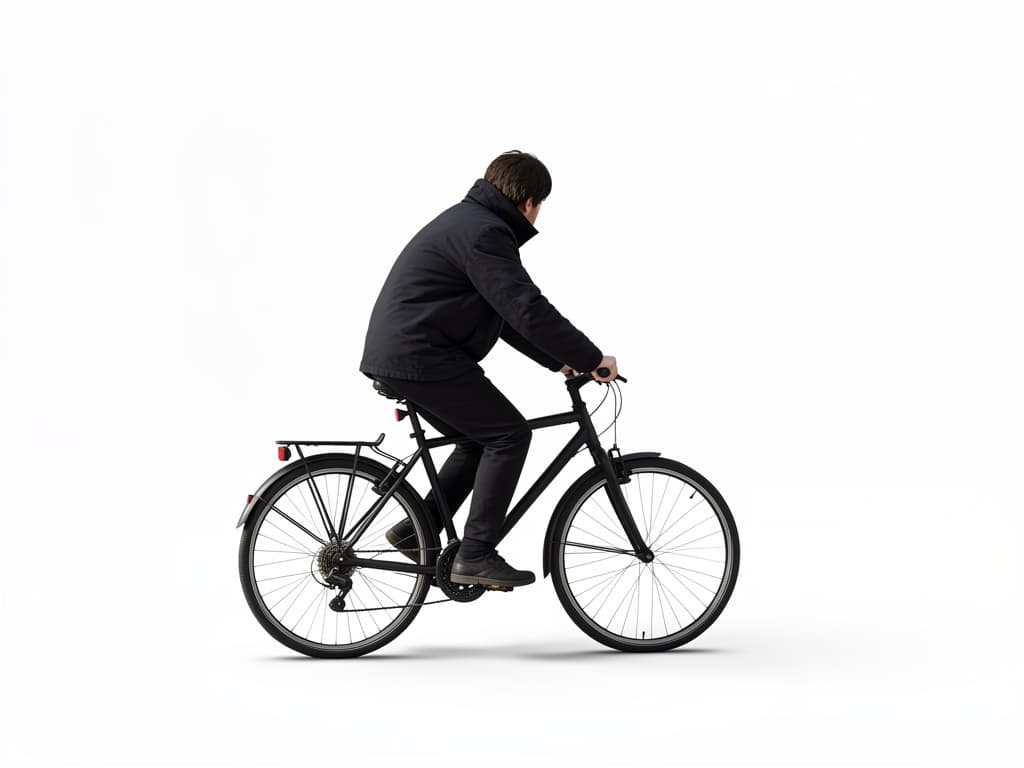
After
Remove Background AI gives you three outputs. Transparent PNG, the default, cuts the subject out and leaves the background empty, with an alpha channel you can drop into a listing template or design file. White main image places the same cutout on a pure white 2000 × 2000 square, product centered at 85% of the frame with a soft shadow. Plain backdrop replaces the area behind the subject with a field you describe.
In both cutout outputs the product pixels come from your photo and are only resized, so labels, text, and shape are not regenerated. Sellers use the white main image for a marketplace hero shot, the transparent cutout when a template adds its own background, and the plain backdrop for a brand color. For a new lifestyle scene, use AI Background Changer. For a garment that needs invisible-body volume, use Ghost Mannequin.
1
Products and people both work. State which object must stay untouched.
2
Transparent PNG for a cutout with no background, White main image for a marketplace-ready white square, or Plain backdrop to name light gray or a brand color.
3
Place the image on your site or deck. Paid plans get priority queue access during peak hours.
Meet plain-background guidelines when you only have a kitchen table photo.
Drop speakers or products onto slides without manual erasing.
Simplify busy vlog frames so text overlays stay readable.
“Plain off-white” and “pure white” are different. Name the one your listing needs, plus a soft ground shadow if you want one.
Clipped shoulders and cropped product edges get invented borders. Leave a margin.
A forest plus a white field in the same prompt confuses the edit. One field, then stop.
The cutout is automatic, with no hand-drawn mask. Fine hair, fur, mesh, and glass can keep a faint fringe or lose a few strands, so zoom in on the edges before you publish.
The white main image uses a measured RGB 255 background, but each marketplace sets its own rules for shadows, fill, and props, so check the current guidelines for your channel. A prompted plain backdrop is not a measured white. Shadows are not added to a transparent cutout.
One plain-field test is one signed-out Fast edit after a human check. An account adds 5 credits once you create an account. Free exports include a watermark and stay on Fast.
A catalog of plain-field SKUs belongs on a monthly pool. Paid plans start at $19 a month for 20 products (100 credits), download without the watermark, unlock Balanced and High Quality, and join the priority queue. A run that fails or returns no image refunds its credit.
Both outputs start from the same upload. Pick the file type you actually need to deliver.
| Output | You receive | You do not receive |
|---|---|---|
| Transparent PNG (default) | The subject on an empty, transparent background | A shadow or a new backdrop |
| White main image | A 2000 × 2000 JPEG, RGB 255 white, product at 85% with a soft shadow | Transparency or a colored field |
| Plain backdrop | A finished photo with a described plain field | Transparency or a measured white |
| AI Background Changer | A new place behind the subject | A guaranteed flat white |
Solid white background, soft ground shadow, subject unchanged.
Even light gray backdrop, no texture, catalog style.
Flat #1e3a8a backdrop, subtle vignette, product centered.
Remove couch and plants behind the person, replace with neutral gray.
Clean white ecommerce background, sharpen product label slightly.
Each variant may need its own run. Remorphy pricing monthly tiers keep bulk listing work affordable versus one-off tools.
When inventory lands Friday night, subscribers enter the priority queue ahead of free-tier traffic.
A transparent PNG at your photo’s size, a 2000 × 2000 pure white main image with the product untouched, or a finished photo with a backdrop you describe. There is no vector path export.
Yes. Transparent PNG is the default output: the subject is cut out and the background is left empty. Choose White main image for a pure white JPEG, or Plain backdrop to describe another color.
Background Changer swaps in elaborate scenes. This page focuses on plain, distraction-free backdrops.
Wispy hair can leave halos. Retry with softer light wording or upload higher resolution.
Yes—one free run after a human check, with any of the three outputs. Further removals spend account credits.
The cutout keeps the size of the photo you uploaded, up to the editor’s upload limit. Free exports after your first 2 edits carry a small watermark; paid plans and credit packs download clean.
Yes. Name the gray in the prompt. The preset on this page starts from an off-white field and you can replace that sentence.
Yes. Paid plans download the field without the Remorphy mark.