Plain-background catalog stills
Prompt for a pure white or light-gray field, keep the SKU centered, and export a clean packshot for listings you upload yourself—without a new studio day.
Start from your real SKU photo and describe the studio look you want.
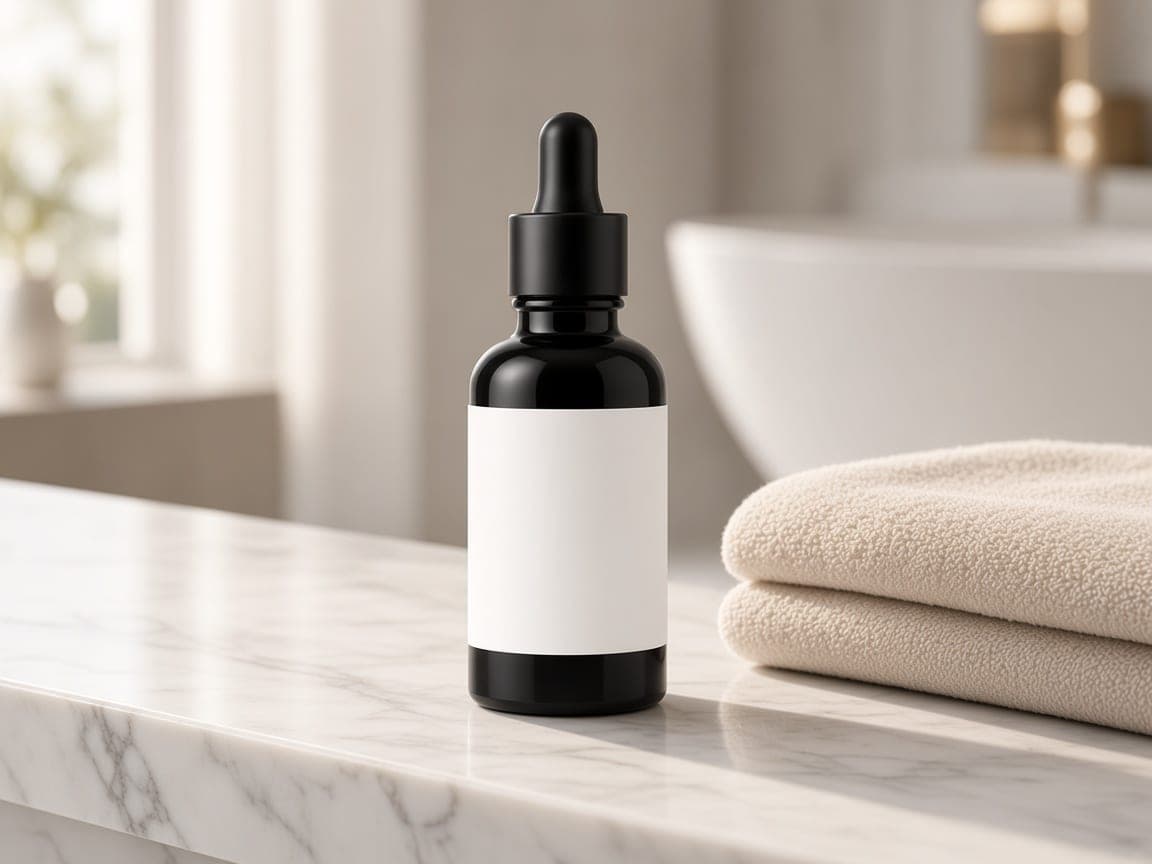
Before
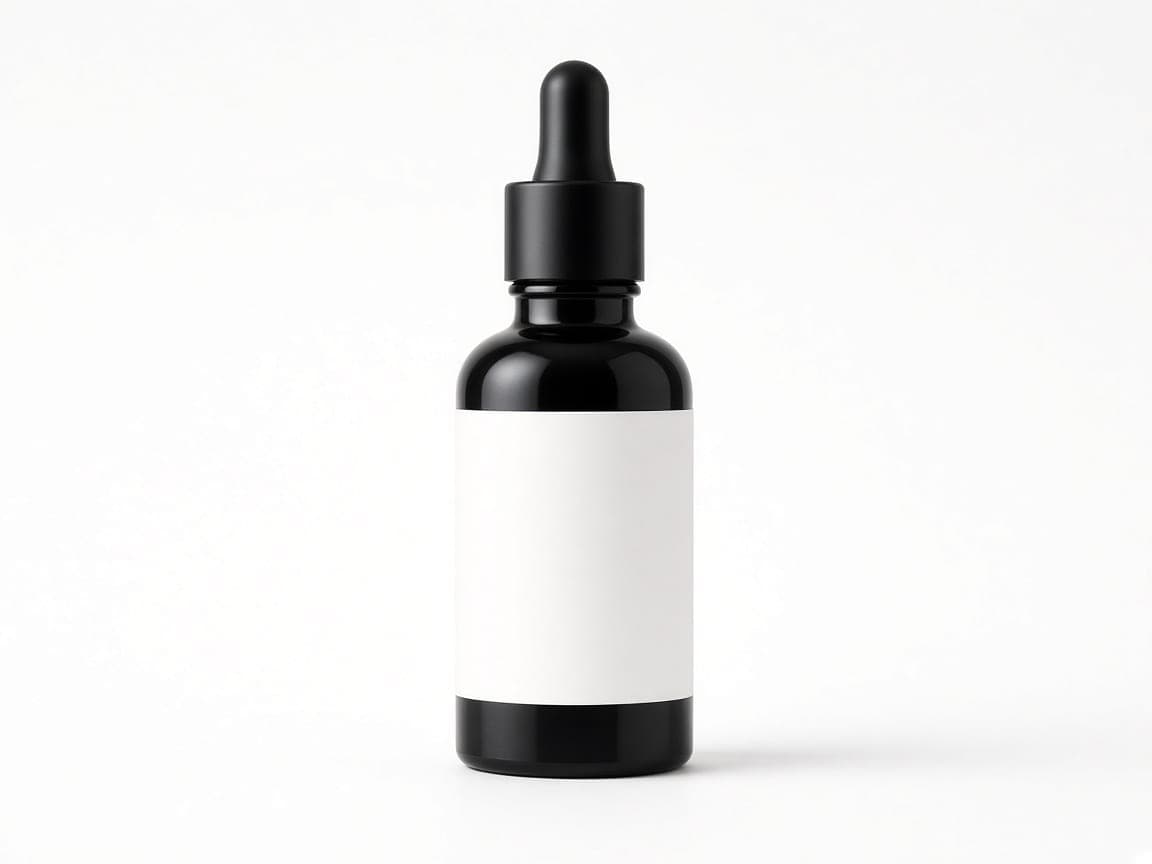
After
Edit instruction: “Keep the same matte black serum bottle identical in shape, label, and proportions. Place it on a seamless pure white studio backdrop with a soft contact shadow. Remove the marble ledge and towel. Soft even catalog light.”
Changed: Marble ledge and towel replaced with a plain white studio field.
Kept: Bottle shape, matte black finish, dropper cap, and blank white label area.
Limits: Fine print on real labels can soften. Check edges on glossy glass and regenerate if needed.
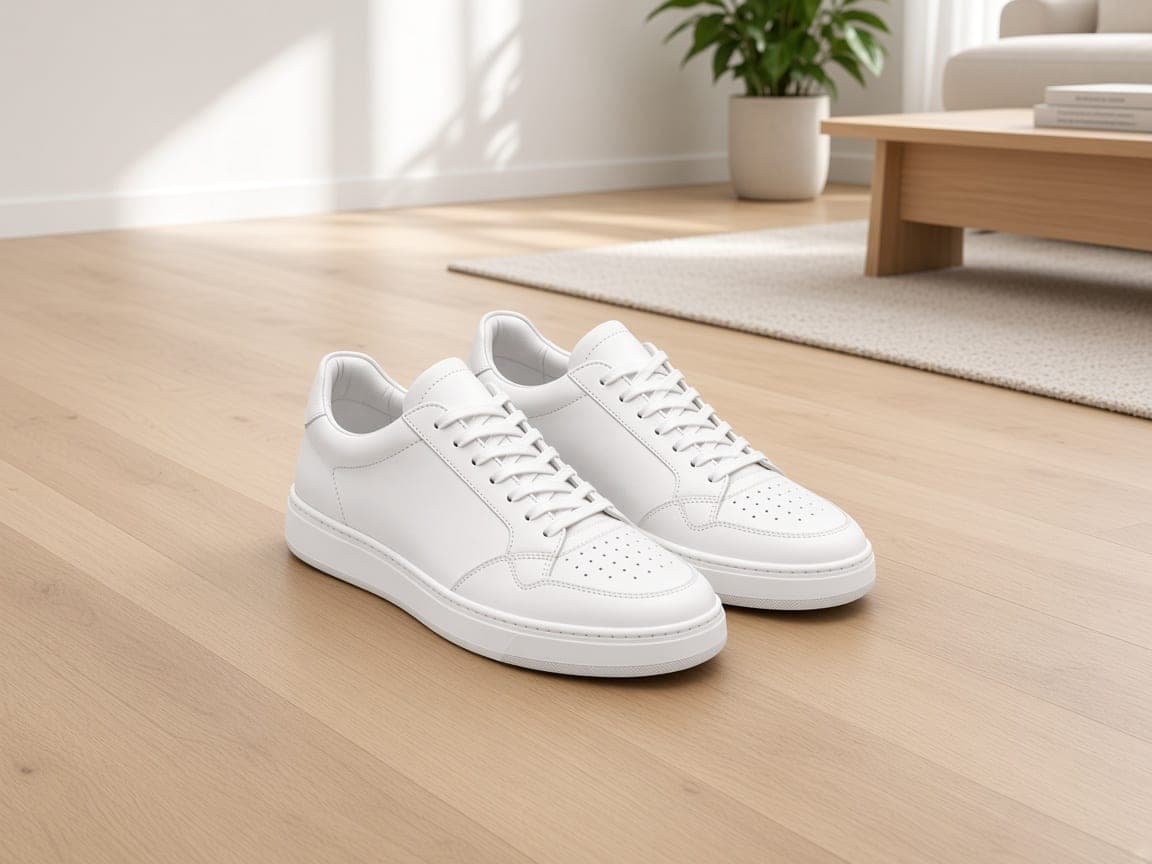
Before
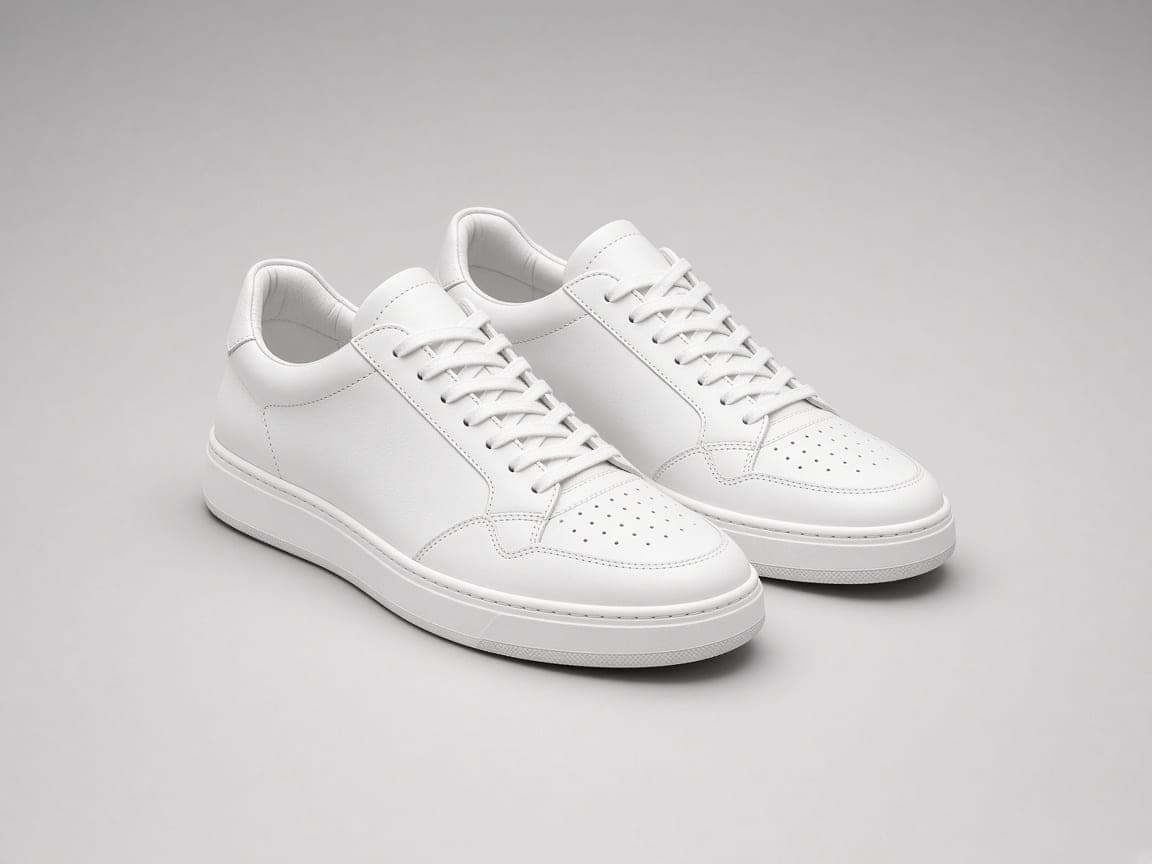
After
Edit instruction: “Keep the same white sneakers identical. Place them on a clean light-gray seamless studio floor with soft even light and a subtle shadow. Remove the oak floor and room.”
Changed: Apartment oak floor replaced with a light-gray seamless studio.
Kept: Sneaker shape, laces, and tongue accent colors from the upload.
Limits: Paired shoes can drift apart slightly. If the pair mismatch, shorten the prompt to background only.
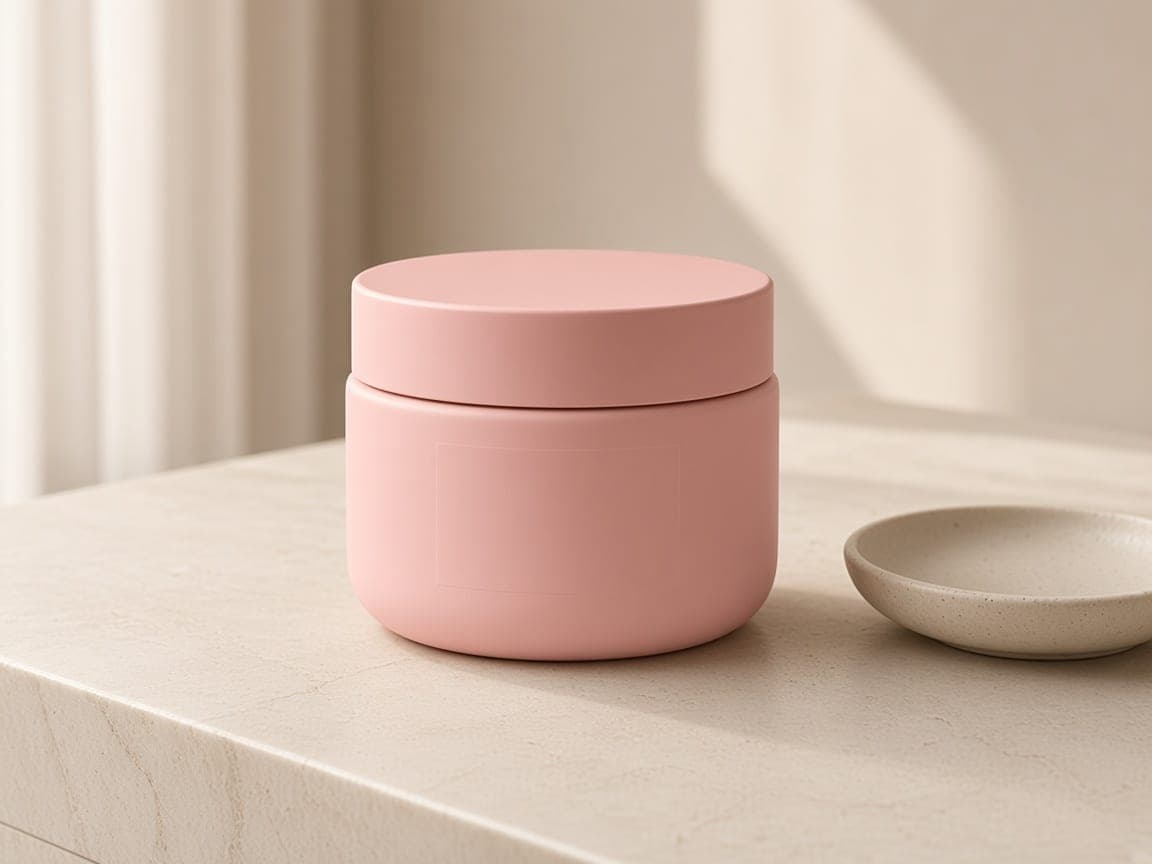
Before
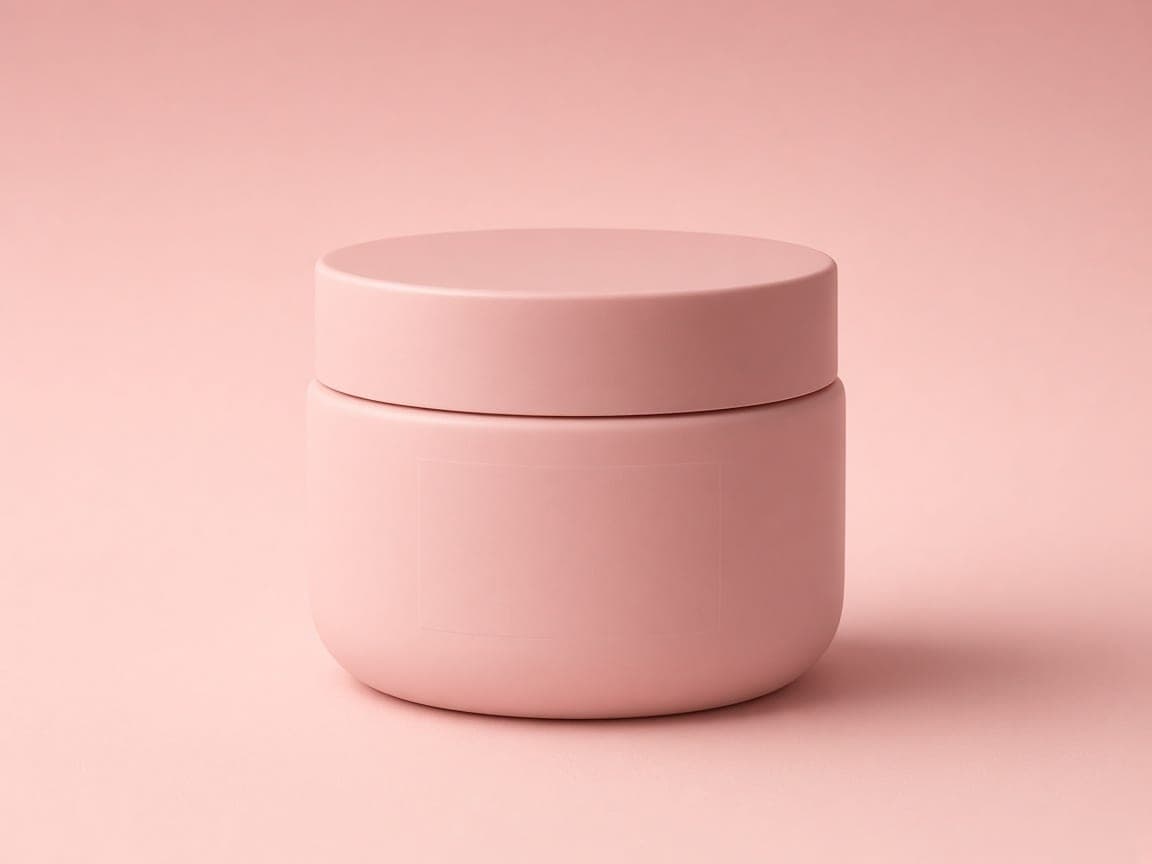
After
Edit instruction: “Keep the same blush cream jar identical. Place it on a soft blush-pink seamless studio backdrop with gentle beauty lighting and a soft shadow. Remove the stone vanity.”
Changed: Stone vanity replaced with a seamless blush studio field.
Kept: Jar shape, lid, and matte pink finish from the original photo.
Limits: Blank packaging stays blank—Remorphy does not invent brand logos. Add labels in your design tool if needed.

Before

After
Edit instruction: “Keep the same ceramic table lamp identical. Place it on a warm oak surface against a soft neutral wall with soft daylight and a natural shadow. Remove the book and bowl.”
Changed: Book and bowl cleared; the lamp sits on a quieter oak catalog set.
Kept: Lamp body, shade shape, and overall proportions from the upload.
Limits: Fabric shades and thin lamp hardware may need a second pass for crisp edges.
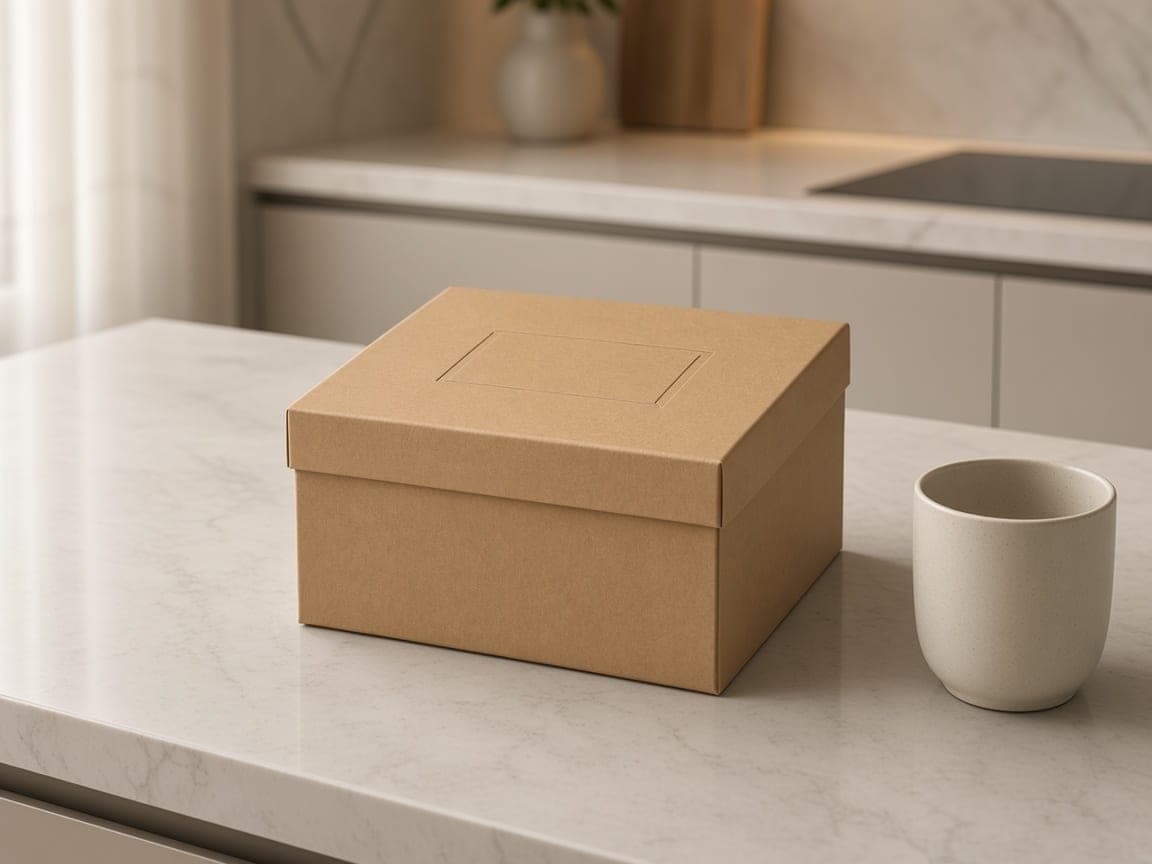
Before
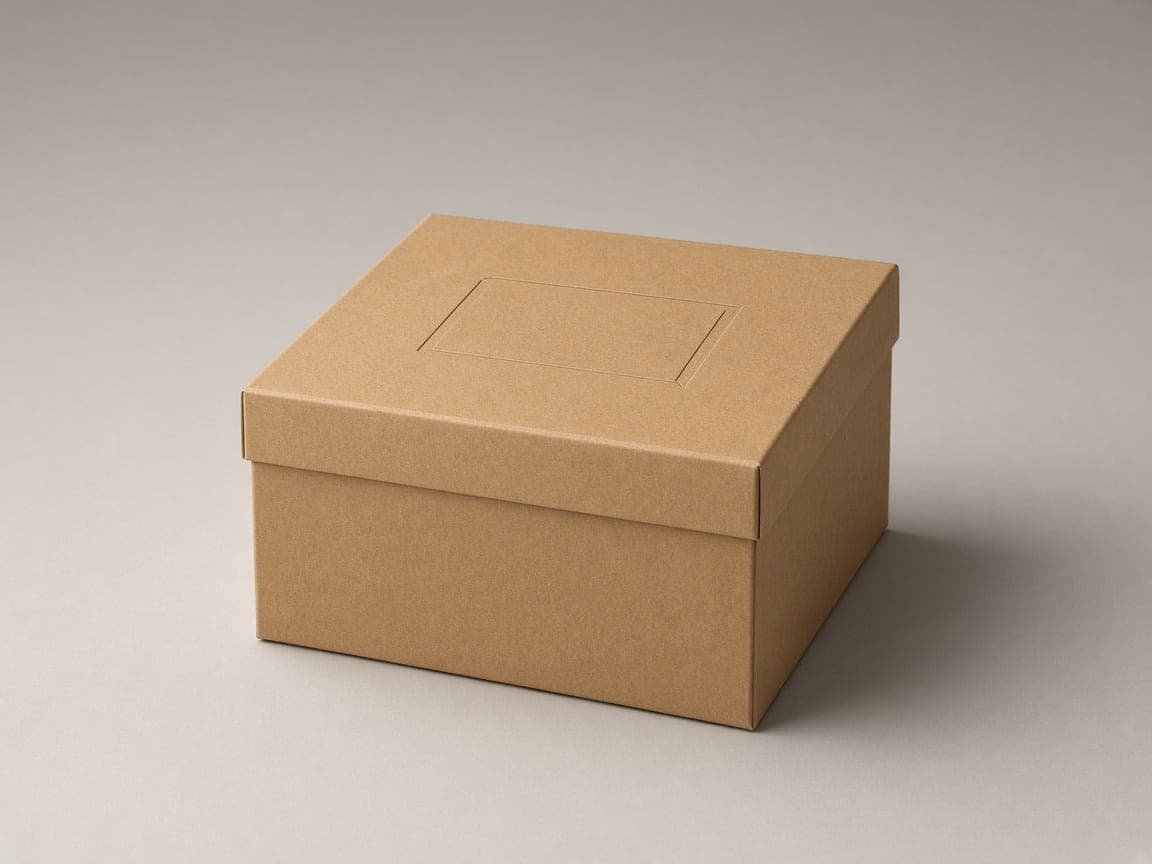
After
Edit instruction: “Keep the same kraft gift box identical. Place it centered on a seamless warm-gray studio backdrop with soft even light and a soft ground shadow. Remove the stone counter and cup.”
Changed: Stone counter and cup replaced with a warm-gray studio field.
Kept: Box proportions, kraft texture, and label panel placement.
Limits: Printed shipping labels can warp. Prefer a clear source photo when type must stay readable.
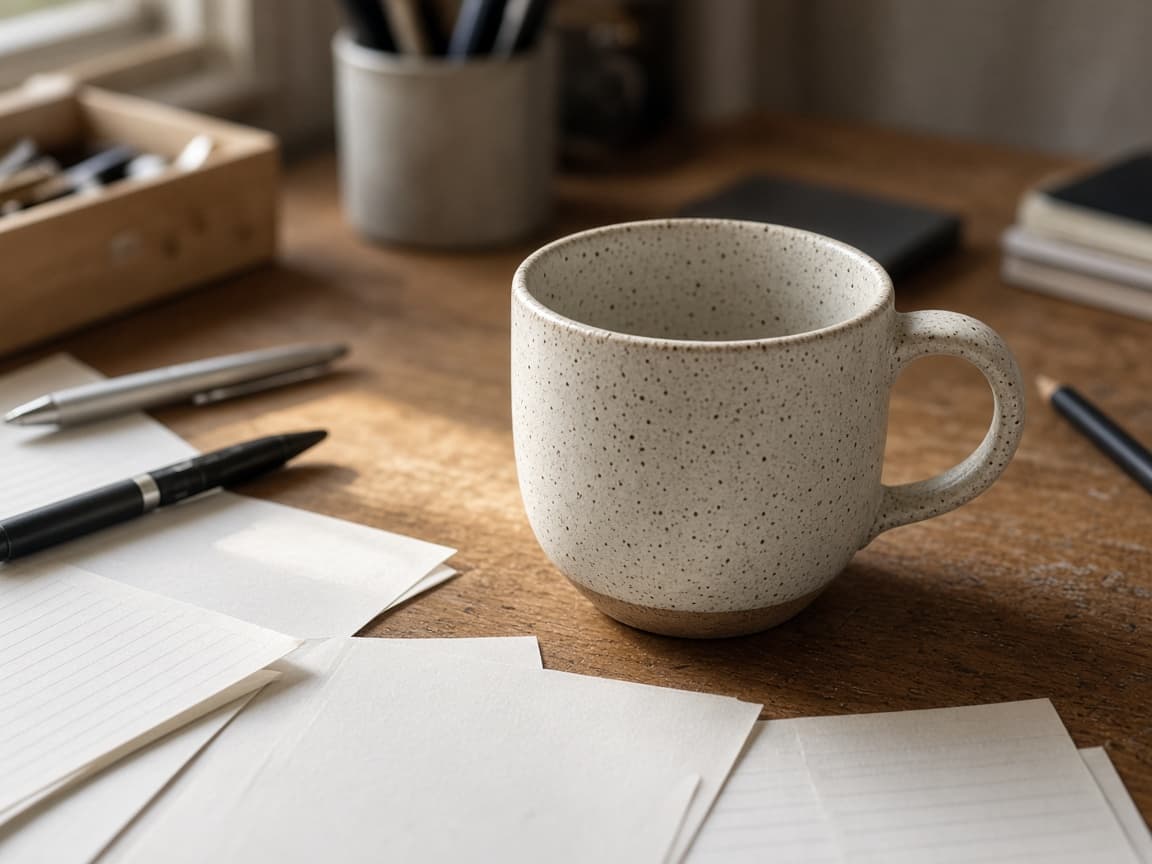
Before
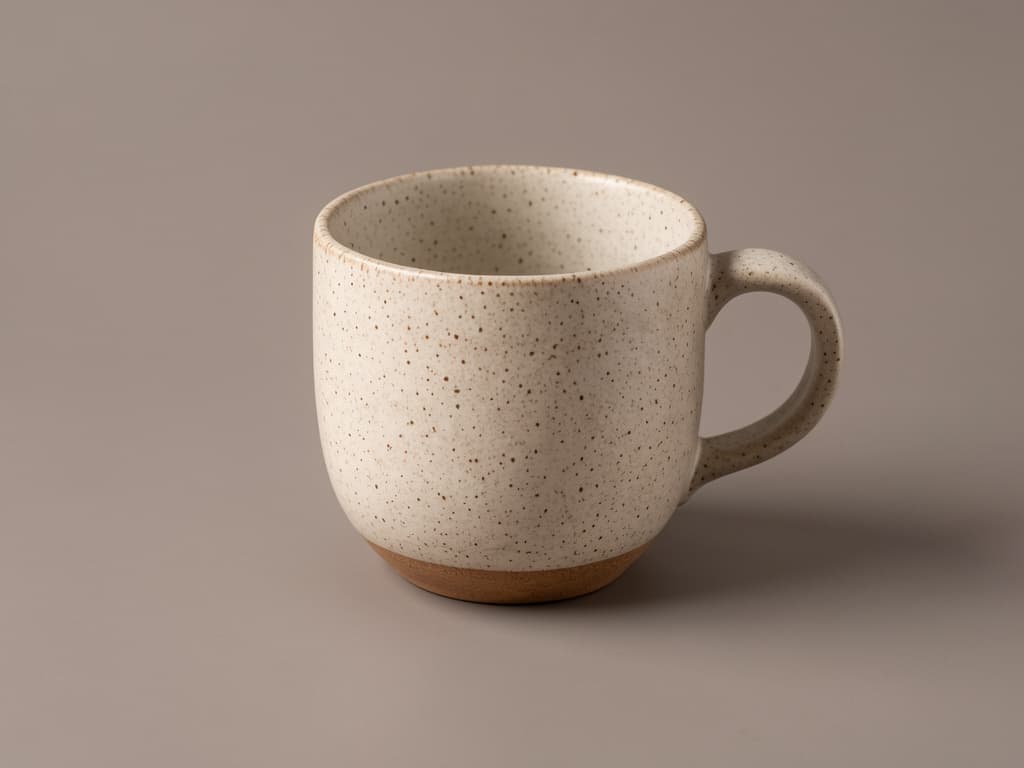
After
Edit instruction: “Keep the ceramic mug the main subject. Place it on a seamless warm-gray studio backdrop with soft even catalog light and a soft contact shadow. Remove the oak desk and notebook.”
Changed: Oak desk and notebook replaced with a plain warm-gray studio field.
Kept: Mug shape, handle, and glaze color from the original photo.
Limits: Prompt-based image-to-image editing; for a transparent PNG cutout use Remove Background AI. Complex prop edges can leave artifacts.
An AI product photo editor starts from a picture of the item you already sell and changes the setting around it. You describe a white sweep, a marble surface, or a quieter lifestyle scene. The bottle, shoe, or lamp in the file stays the subject. It is for store owners and small brands who need catalog stills without booking another studio day.
Remorphy does not connect to Amazon, Shopify, or any other marketplace. You download a JPEG and upload it yourself, then check that channel’s current image rules. The edit is one photo plus a prompt. It is not a transparent PNG cutout and it does not invent a logo that was never on the packaging.
1
Use your phone or existing listing image. Center the product and leave a little margin—the model extends or replaces the surroundings from your words.
2
Ask for white seamless paper, marble surface, or brand-colored gradient. Mention shadow strength and whether props should disappear.
3
Save the result, then upload it to your store or marketplace yourself. Remorphy is not integrated with Amazon, Shopify, or other platforms—verify each channel’s current image requirements before you publish. Paid plans enter a priority queue when many jobs run at once.
Prompt for a pure white or light-gray field, keep the SKU centered, and export a clean packshot for listings you upload yourself—without a new studio day.
Reuse the same lighting language across a collection so your ecommerce catalog looks coherent even when photos were shot on different phones.
Aim for plain backgrounds and clear product focus, then confirm the file against your marketplace’s latest image guidelines. Remorphy does not auto-certify compliance.
Place a real product into a soft kitchen, desk, or shelf scene while keeping label text readable for PDP heroes.
Swap summer props for holiday tones while the physical product stays the same.
Test two backgrounds for the same SKU before you spend on a studio day.
Keep the whole item visible, including handles and lids. A little empty space lets the model replace the table without cropping the product.
Window light or a lamp from the side beats a hard flash. Strong color casts make white backgrounds look pink or blue.
Name the object and ask to keep shape, color, and label placement. Then name the backdrop and the shadow. Short instructions drift less than a paragraph of mood words.
Ingredient lines and size marks can soften. If the label must stay readable, start from a sharper photo and ask only for the background.
Pure white is a prompt, not a measured color contract. Glossy glass, thin cables, and paired shoes can shift. Blank packaging stays blank. If a result changes the product’s silhouette, run again with a shorter prompt that only mentions backdrop and light.
There is no layer mask, no separate shadow pass, and no marketplace compliance check. A retoucher is still the right next step when jewelry sparkle or legal label text has to be exact.
A visitor can try one signed-out Fast edit after a human check. A new account then receives 5 credits once you create an account. Those free paths run Fast only, downloads are watermarked after your first 2 images, and they allow one generation at a time. They do not refill into a monthly pool.
A clothing or beauty line usually needs more than that. Paid plans start at $19 a month for 20 products (100 credits), download without the watermark, unlock Balanced and High Quality, and join the priority queue. A run that fails or returns no image refunds its credit.
Pick the path that matches how exact the listing has to be. A prompt is fastest when the product is already in the photo and the change is the room around it.
| Approach | Best at | Weak fit |
|---|---|---|
| Prompt edit on this page | Backdrop and light from the SKU photo you have | Measured color and legal label type |
| A studio reshoot | Matched lighting across a whole line | One hero that you need tonight |
| A retoucher with layers | Masks, type, and reversible files | A quick background test |
Pure white background, subtle ground shadow, product unchanged, catalog ready.
Place on light marble with soft daylight from the left, no clutter.
Background smooth teal-to-navy gradient, product sharp, no text.
Blurred modern kitchen behind the appliance, keep product in focus.
Remove the hang tag and sticker glare, keep packaging colors accurate.
Start from the photo you already use for SKU photography. Describe white seamless paper, marble, or a lifestyle room—the model edits that file instead of inventing a fake product.
New accounts start with 5 standard generations. Monthly plans on Remorphy pricing add hundreds of edits when you batch a whole collection.
Subscribers jump ahead in the queue during busy periods—useful when a drop must go live tonight.
You describe the desired scene; the model repaints context around your product. Extreme angles may need another pass or a tighter crop. For a transparent PNG cutout, use Remove Background AI instead of this page; it is a separate download mode.
A prompted backdrop follows your wording, so check edges on reflective packaging. For a measured RGB 255 white main image, use White main image on Remove Background AI. Always verify against your marketplace’s current rules.
No. Remorphy is not integrated with those platforms. Upload your edited images to your store yourself, and check each channel’s latest image requirements before publishing.
Turn on Lock product pixels and it cannot: the product is cut out of your photo, the model generates only the scene around it, and your original product pixels go back on top. If the model moves the product, Remorphy retries once and returns the credit if it still does not fit.
JPEG or PNG from your camera roll works. Higher resolution gives the model more detail to keep labels readable.
One anonymous generation after a human check, then sign-in for 5 credits. Heavy catalog work typically needs a paid monthly balance.
Each run uses one photo. A table of mixed SKUs should be split into separate uploads if each item needs its own still.
Not the first ones. Your first 2 catalog tests download without a watermark, signed in or not. After that, free downloads carry a small Remorphy watermark; a paid plan or the one-time pack removes it.
Free files stay 7 days and paid files stay 30 days. The history row remains and is marked Expired after the file is deleted.
Back to AI Product Photos — Turn One Photo Into a Full Listing Set