Ad banners from square posts
Turn an Instagram square into a wide web hero without cropping the subject.
Ask what should continue beyond the current border—no manual canvas resize.
Ask for additional surroundings beyond a tight composition. Newly added areas are inferred, not recovered original detail.
Work on scratches, fading and color casts while checking faces against the original. Choose restyling instead when you want a new artistic look.
Describe a specific change to your photo when a preset task does not fit.
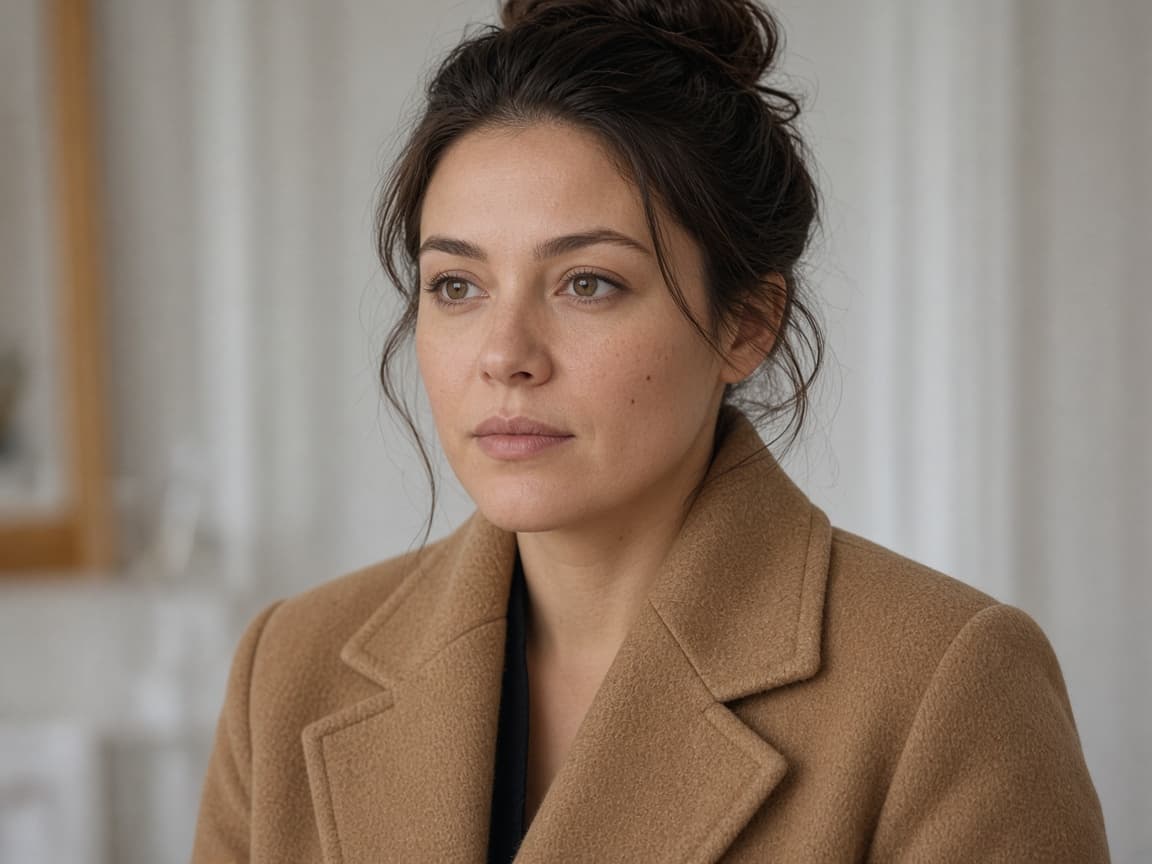
Before

After
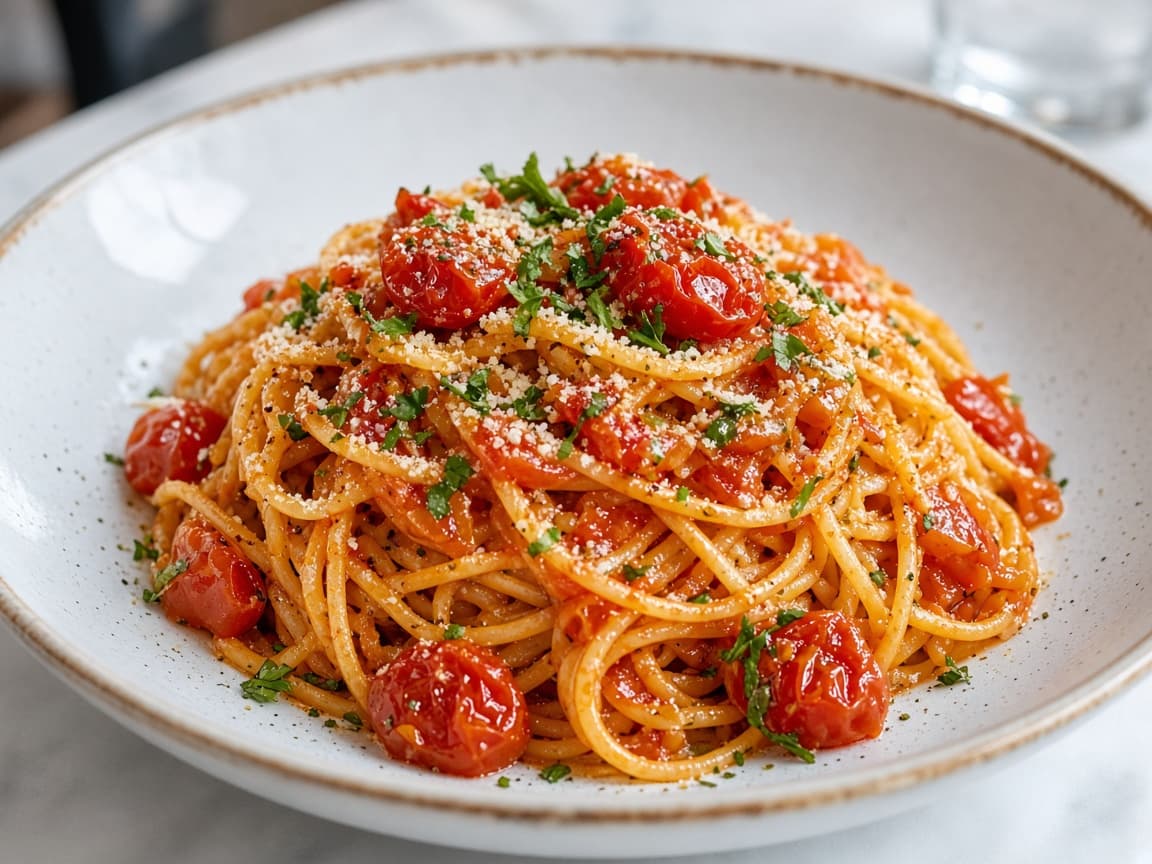
Before
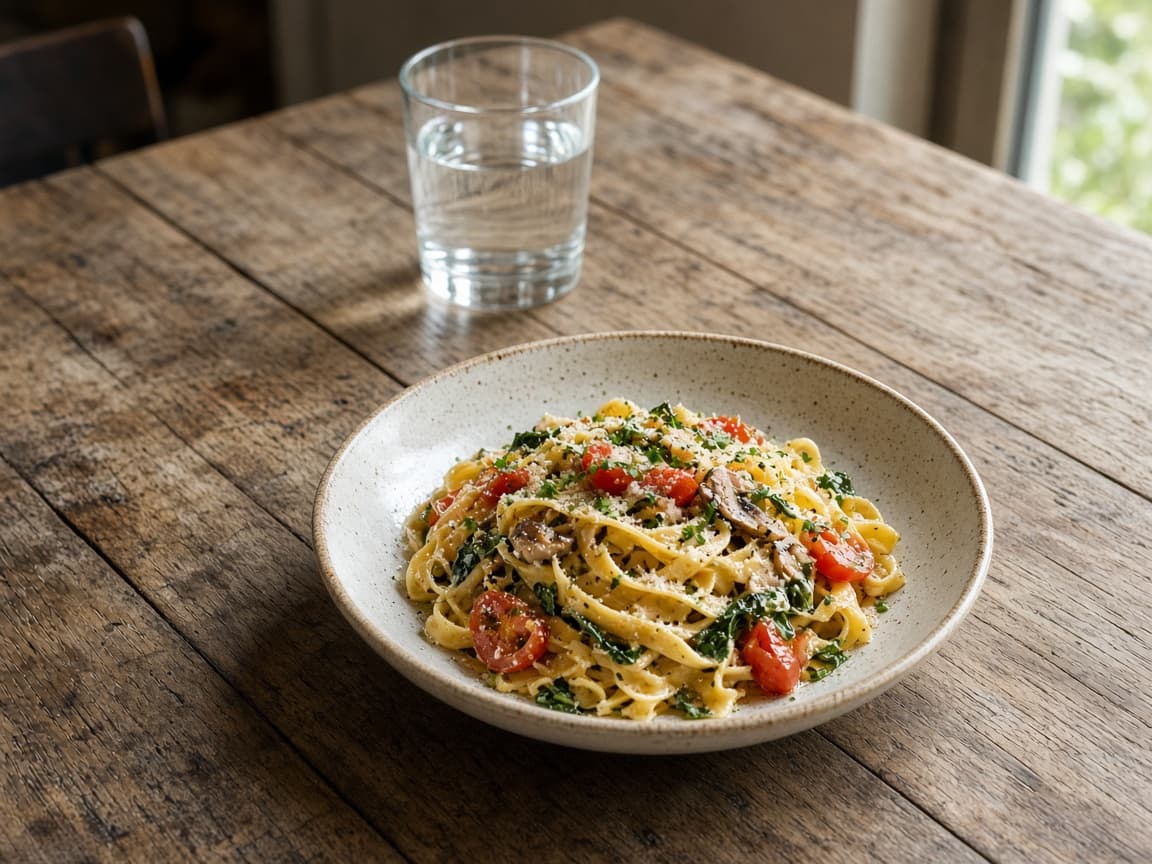
After
An AI image expander grows the frame beyond the current edges. The center of the photo should stay put while sky, wall, or floor continues outward. Use it when a crop is too tight for a banner, a story frame, or a product margin.
Pick the ratio before you run. Original keeps the upload shape. The other choices are 1:1, 16:9, 9:16, 4:3, and 3:4. Extending is still one credit per try, so matching the destination size first saves a second run.
1
Choose 16:9 or 9:16 in the editor so the model knows which sides need new content.
2
Tell the model what belongs beyond the frame—more sky, forest, or studio floor.
3
Look for color jumps at the old border. Regenerate with 'seamless continuation' if needed.
Turn an Instagram square into a wide web hero without cropping the subject.
Add breathing room for title text on the sides.
Gain margin for bleed when the original crop was too tight.
“Continue the same sky and ground, keep the center subject unchanged” is the useful sentence.
Crowds at the edge are invented bodies. Ask for empty continuation if the original had no one there.
Tile, text, and window grids often break at the seam. A plain wall extends more cleanly.
The new pixels are guessed. Architecture, hands at the border, and lettering often fail first. If the middle of the subject changes, shorten the prompt to edge extension only.
This does not give you a layered file with the original locked. It is a new flattened image.
One ratio test can be one signed-out Fast edit after a human check. An account adds 5 credits once you create an account. Free downloads are watermarked after your first 2 images, and free runs use Fast.
Trying several aspect ratios spends one credit each. Paid plans start at $19 a month for 20 products (100 credits), download without the watermark, unlock Balanced and High Quality, and join the priority queue. A run that fails or returns no image refunds its credit.
Cropping throws pixels away. Expanding invents them. Reshooting is the only way to have real detail outside the original frame.
| Method | Pixels | Risk |
|---|---|---|
| This expander | New edges around a kept center | Invented detail at the seam |
| A tighter crop | Only what you already shot | Less scene, no invention |
| Shoot wider | Real surroundings | You need the subject again |
Extend upward with soft clouds matching the existing sunset colors.
Continue the concert stage left and right, keep singer centered.
Extend floor and ceiling for 9:16, keep subject mid-frame.
Continue the forest path outward, same mist and pine trunks.
Extend gray seamless floor, keep shadow under product.
The model generates new pixels instead of squashing your subject.
Name what must stay fixed while edges grow.
Optional anime or illustration wording in the prompt for stylized campaign expansions.
It should keep the center intact. If drift happens, shorten the prompt to edge extension only.
Match your destination platform before generating to avoid a second credit spend.
It may try if you ask for crowds. Specify empty continuation for clean backgrounds.
One free Klein generation after a human check, then account credits for more expansions.
Use 9:16 when the destination is a vertical story frame. Keep original if you only need a little margin and will crop later.
It may try, and the person will not be a real photograph of someone. Ask for empty space if you do not want a guessed figure.
Not the first ones. Your first 2 expanded images download without a watermark, signed in or not. After that, free downloads carry a small Remorphy watermark; a paid plan or the one-time pack removes it.
Back to AI Product Photos — Turn One Photo Into a Full Listing Set