Vacation keepsakes
Drop photobombers from an otherwise perfect moment.
Name what should disappear; the model repaints that area to match surroundings.
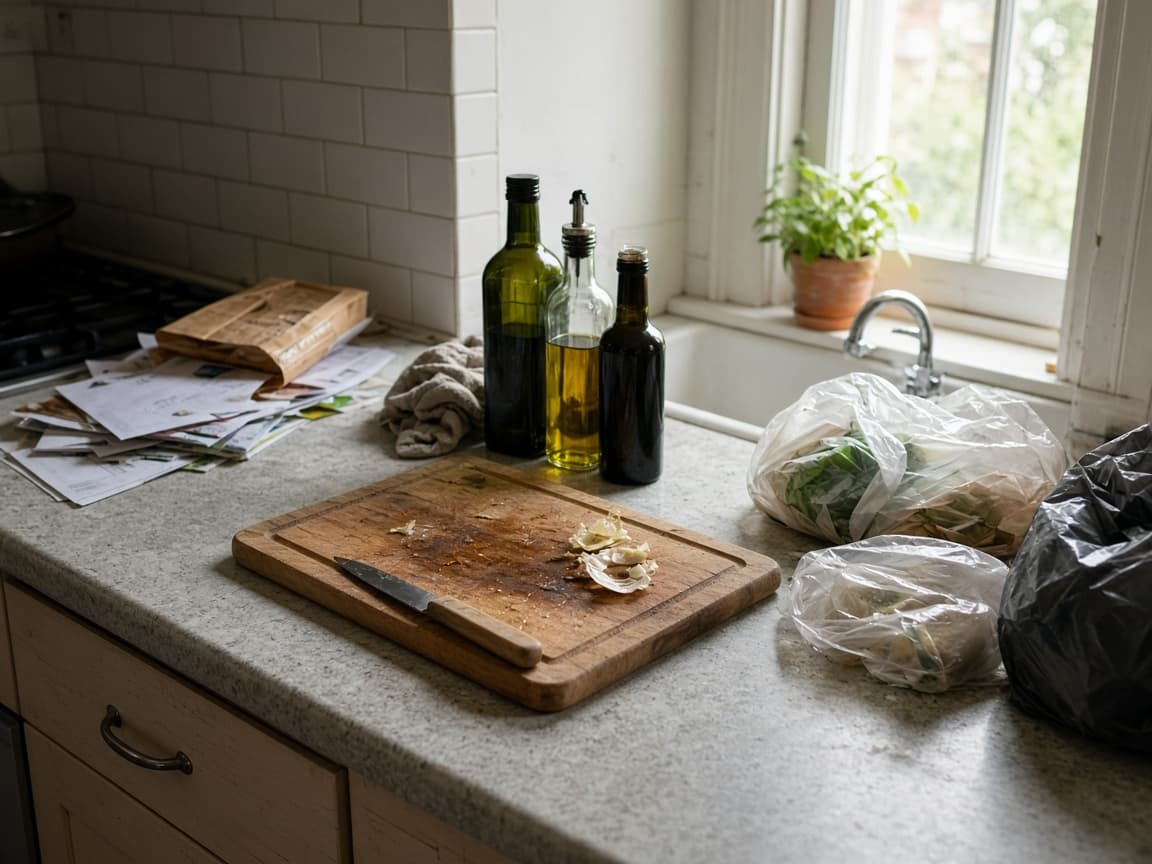
Before
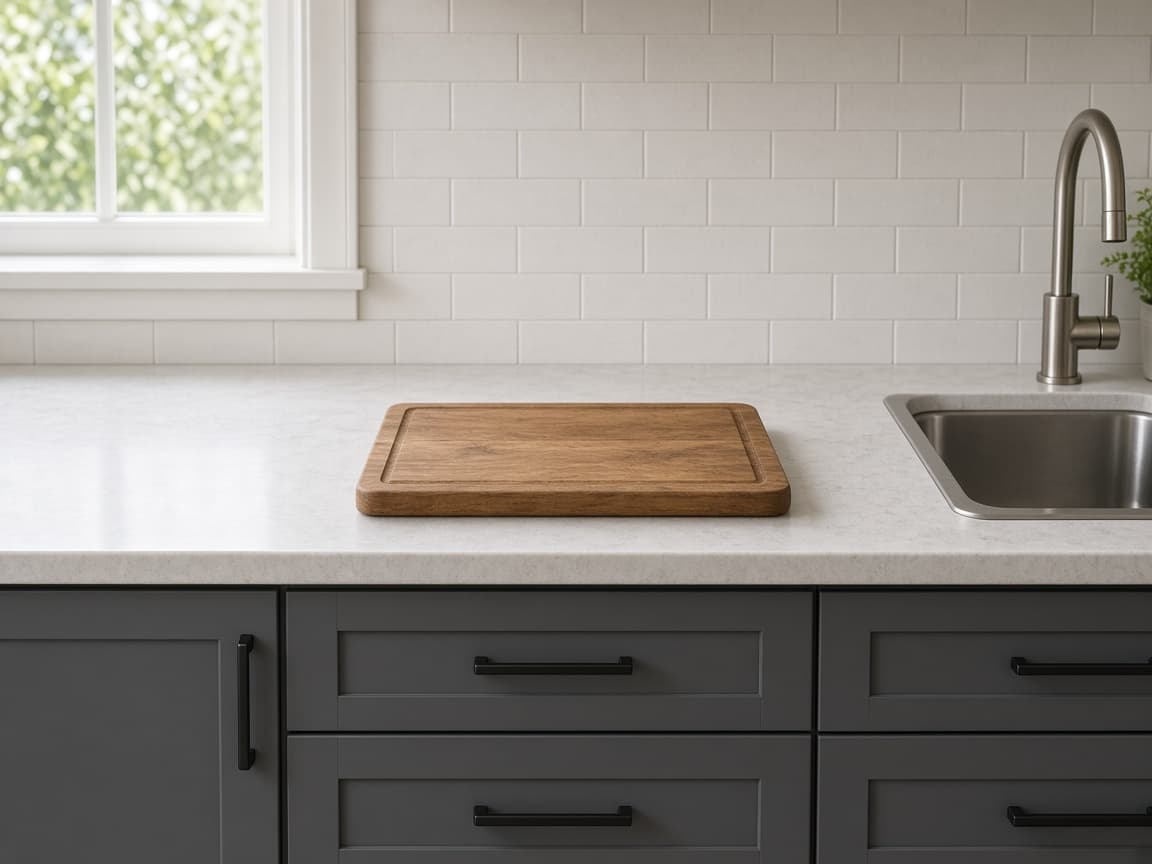
After
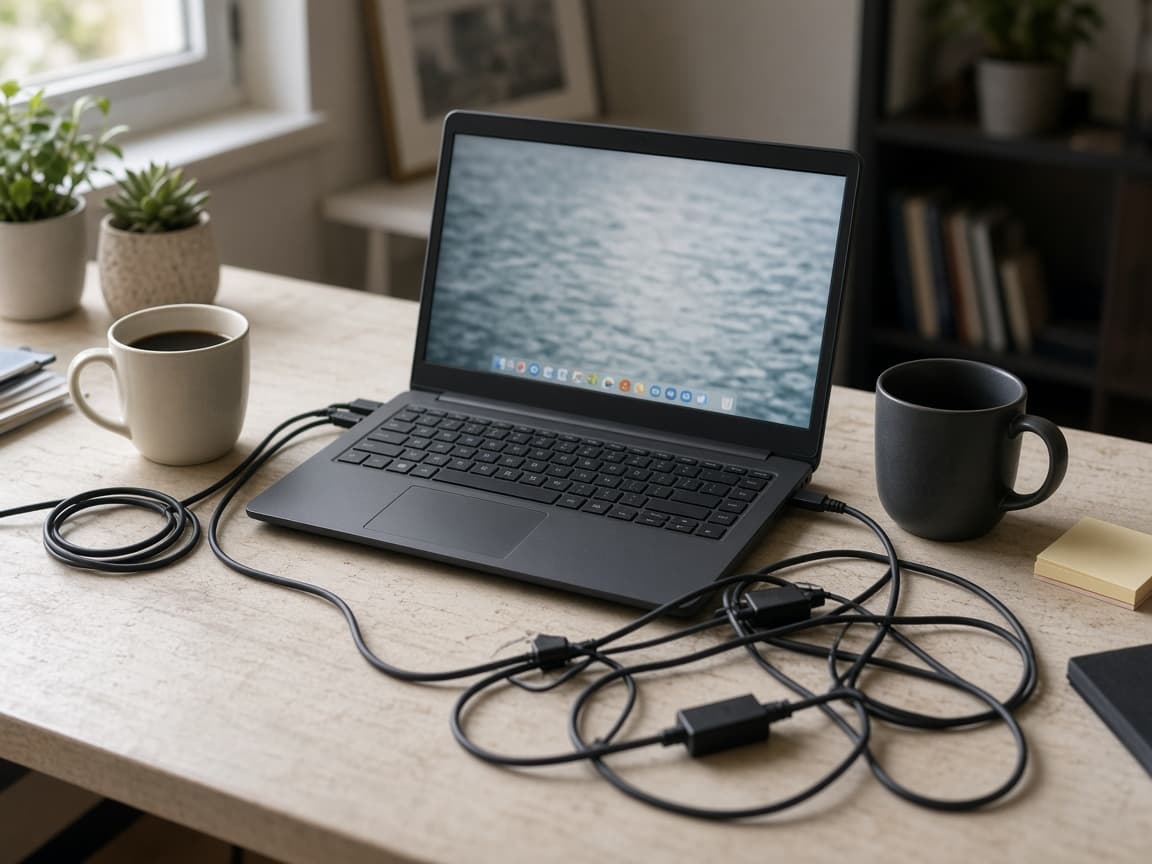
Before
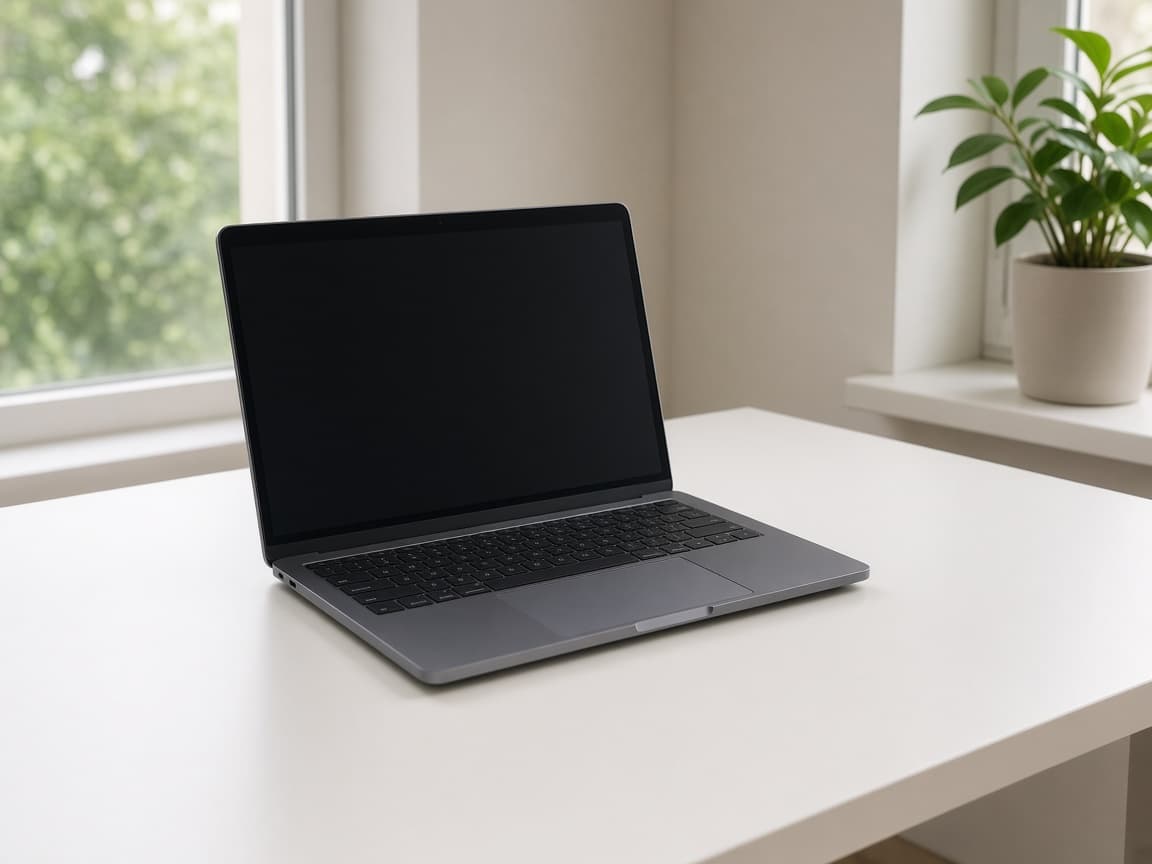
After
1
Include context around the object so the model knows what texture to continue.
2
Say "remove the red car" or "delete the power lines" instead of vague "clean it up."
3
Look for repeating patterns on sidewalks or grass. Regenerate with tighter wording if the patch looks wrong.
Passerby
Remove the person walking behind me, keep pavement texture continuous.
Power lines
Remove overhead power lines, keep sky gradient natural.
Trash bin
Remove the green trash bin on the left, extend the brick wall.
Timestamp
Remove the date stamp in the corner, match film grain.
Logo on shirt
Remove the small logo on the shirt, keep fabric folds realistic.
Drop photobombers from an otherwise perfect moment.
Clear scaffolding or signage for a portfolio frame.
Remove competing items from a tabletop scene.
Tidy yards by removing bins or cars when a reshoot is not scheduled.
You describe the removal in text. There is no manual lasso interface in Remorphy.
Failed jobs refund credits automatically; cancel after the model accepts the job does not.
Start from the photo you already took—no RAW requirement.
Large removals are harder. Split into two prompts or upload a tighter crop if the fill looks repetitive.
Only if your prompt says so. Be explicit about who stays.
Occasionally. Regenerate or ask the model to match grain and lighting more closely.
One anonymous Klein generation after a human check, then 15 credits once you create an account.