Blog headers from phone snaps
Rescue dull weather without re-editing in Lightroom for every post.
Describe the polish you want: clearer detail, balanced contrast, less haze.
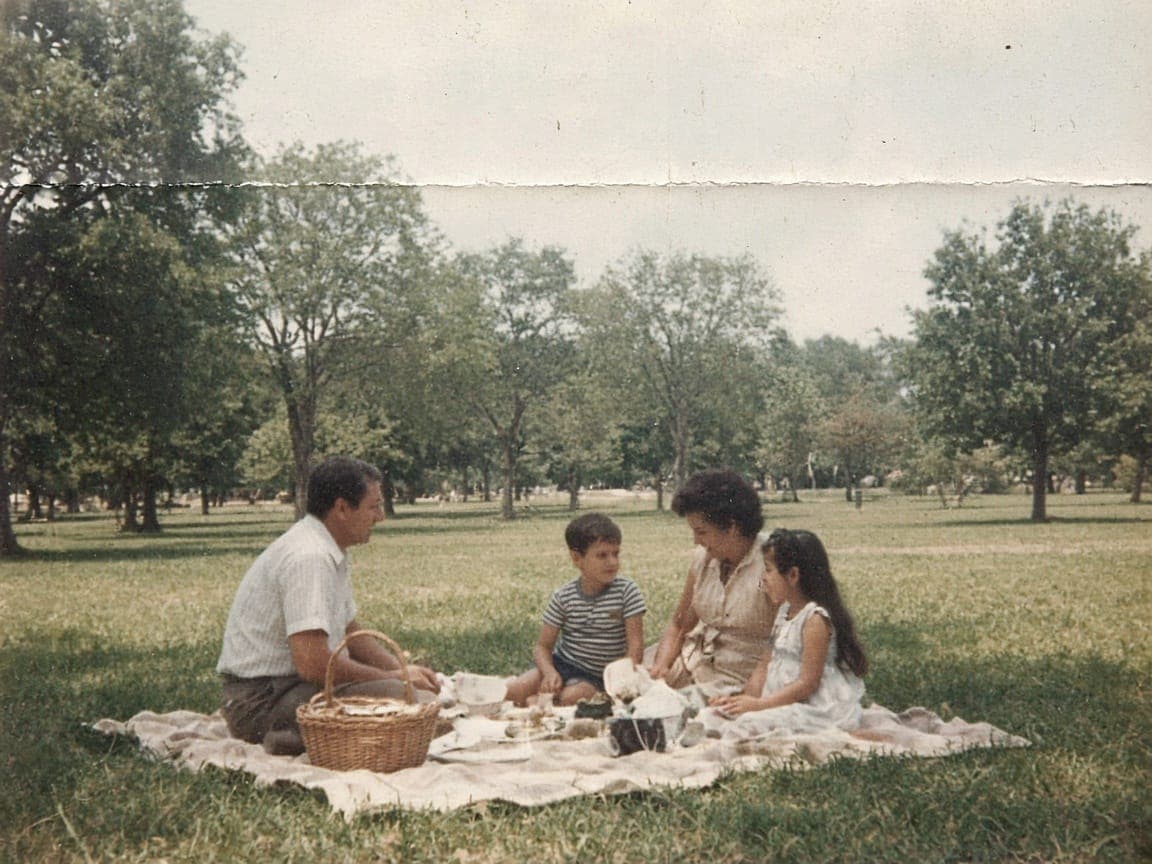
Before

After
1
Night photos and foggy landscapes are common starting points.
2
Request reduced haze, balanced contrast, and natural color. Remorphy does not market fake 4× resolution upscaling.
3
If faces look waxy, regenerate with 'keep skin texture' added to the prompt.
Dehaze landscape
Reduce atmospheric haze, deepen sky, keep horizon straight.
Food pop
Increase local contrast on food, warm tones, no oversaturation.
Indoor yellow fix
Correct yellow indoor lighting to neutral white balance.
Soft portrait clarity
Gentle clarity on eyes, keep skin pores, reduce noise.
Shadow lift
Lift shadow detail in trees, preserve highlight clouds.
Rescue dull weather without re-editing in Lightroom for every post.
Make dim interior shots readable before open house weekend.
Tame noise and raise midtone separation when flash was not allowed.
We describe clarity and tone work, not proprietary super-resolution engines.
Run restoration for damage, then enhance for punch—or combine asks in one careful prompt.
Enhancements use the same per-model credit rules as any other edit.
It can look sharper through contrast and detail rendering, but it is not sold as a megapixel upscaler.
Heavy blur rarely recovers. Mild softness sometimes improves.
Upload JPEG or PNG exports; RAW uploads depend on browser support but JPEG is safest.
One Klein-model try without an account after a human check, then credits from sign-up.